 AIREITER
Suno Speech beta can turn a script into a narrated track with an original score, but it is not a precision text-to-speech engine. Use it for short, expressive pieces where music belongs in the result; use dedicated TTS when every word, pause, and pronunciation must be repeatable.
Decide whether Suno Speech fits the job
Suno Speech fits short scored narration better than exact voiceover production. The October 2026 beta is strongest when a slightly unpredictable performance is acceptable and weakest when a project has strict wording, timing, or speaker-consistency requirements.
| Project | Use Suno Speech? | Reason |
|---|---|---|
| Bedtime story with soft piano | Yes | Speech creates narration and an original soundtrack in one generation. |
| Meditation or dramatic poem | Yes, after review | Expressive pacing suits the format, but pauses and accents can drift. |
| Short character monologue | Test it | Delivery can be useful, though exact pronunciation is not guaranteed. |
| Product tutorial with timecodes | No | A dedicated TTS tool gives more repeatable timing and wording. |
| Audiobook chapter | No | Suno has not published Speech duration, continuity, or pronunciation specifications. |
| A song using your own verified voice | Use Voices | Voices is Suno's separate feature for making songs with a reusable voice profile. |
Suno announced Speech on October 1, 2026 after a limited test, then opened the beta to everyone. The official release notes list it on web, iOS, and Android, while the announcement gives no Speech-specific credit price, plan quota, maximum duration, supported-language list, file specification, or API.
What Suno Speech beta generates
Suno Speech beta generates spoken voice and original background music as one cohesive track. A user supplies an idea, poem, or script and describes both the desired voice and musical style, according to Suno's launch post.
Speech is a named Create mode built for spoken output. Suno's examples include bedtime stories over soft piano, hype speeches over stadium drums, and scored voice notes.
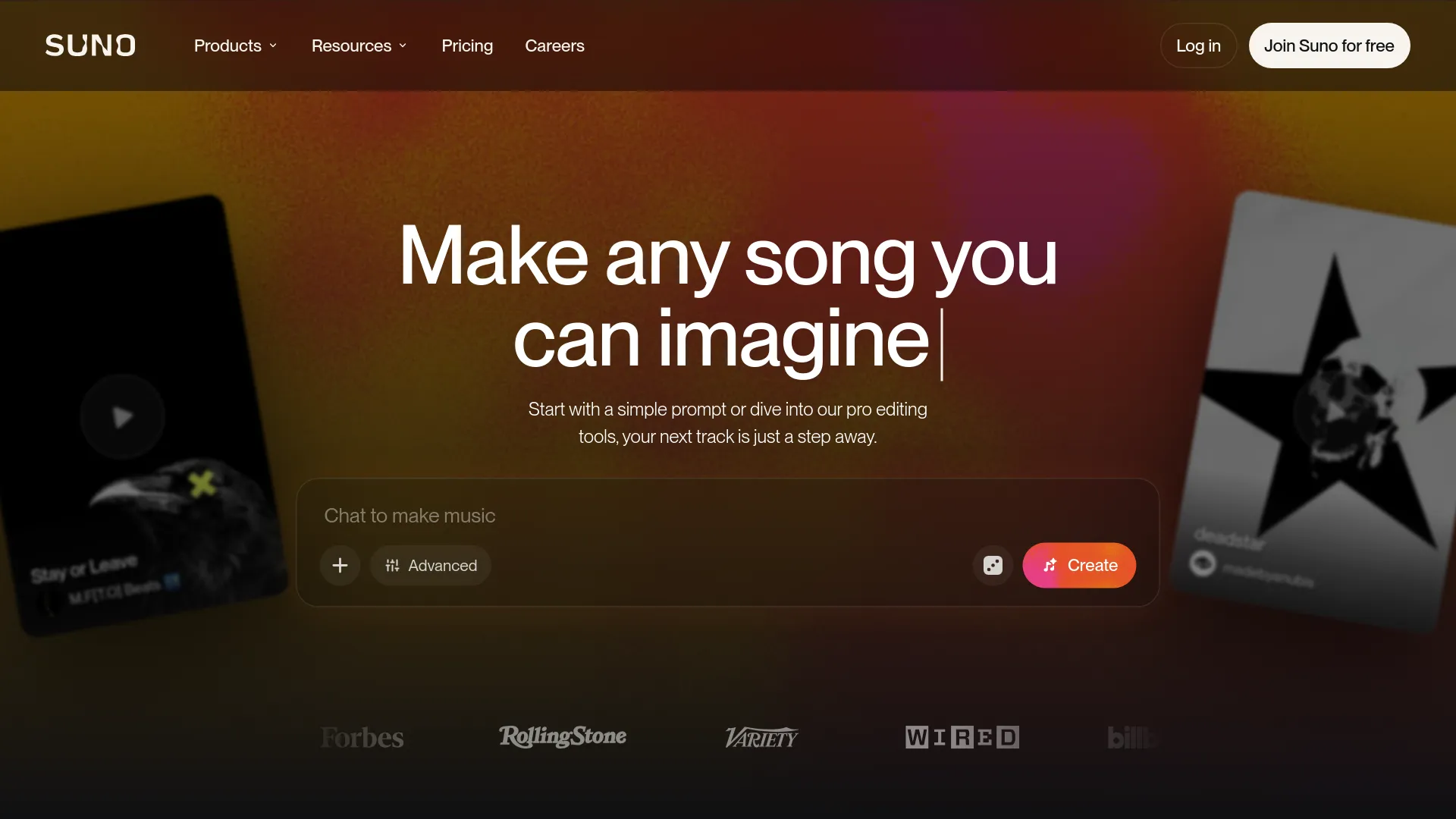
The beta label is substantive. Suno says requested British accents may wander toward Australian accents and back, while dramatic pauses can become excessive. Those official warnings make Speech unsuitable for unattended publishing even when the first result sounds convincing.
One early r/SunoAI discussion focused on flaws audible in Suno's own demonstration rather than an independent production test. User u/TheWeaverofDreams wrote:
“For a demo, this is worryingly bad.”
That reaction is anecdotal but consistent with the accent and pacing instability Suno documents.
Create a spoken track in Suno
The workflow below follows the current web and mobile Create experience and may change during beta.
- Open Create in Suno on web, iOS, or Android and select Speech. Update the mobile app if Speech does not appear.
- Paste a short script or enter an idea. For controlled wording, use the finished script rather than asking Suno to write it.
- Describe the speaker in concrete terms: age range, vocal texture, emotion, accent, pace, and delivery. Avoid naming a real person whose voice you do not have permission to use.
- Describe the soundtrack separately: instrumentation, mood, intensity, and how far it should sit behind the voice.
- Generate more than one take. Speech remains a beta, so a second take is often more useful than adding a long stack of corrective instructions.
- Listen against the source text before publishing. Check omitted or changed words, names, numbers, accent shifts, long pauses, voice-to-music balance, and the ending.
Use prose that sounds like speech
Speech-like input reduces the cues that can pull delivery toward singing. Write short sentences, use punctuation for breathing, separate thoughts with paragraph breaks, and remove end rhymes or repeated refrains unless a rhythmic performance is intentional.
A compact starting prompt is:
Script:
[Paste the exact spoken text in short paragraphs.]

Voice:
Warm adult narrator, intimate and conversational, steady pace,
clear pronunciation, restrained emotion.

Soundtrack:
Sparse felt piano and low ambient texture, no lead melody,
voice forward in the mix, gentle ending.
The voice and soundtrack fields should describe what to produce, not only what to avoid. A request such as “calm documentary narration, slow pace, sparse piano underneath” gives the model a clearer target than repeating “do not sing.”
Get clean speech or reduce the soundtrack
Suno Speech can attempt clean speech, but Suno's launch post primarily defines the product as speech plus original music. The SunoAI news archive reports a working beta setup: disable background music, move Variety fully left, and add No background music. to the tone instruction.
Treat that combination as a workaround, not a specification. The same source initially saw music appear despite the background-music control being off, and Suno has not documented a guarantee of isolated voice output. If a clean voice stem is mandatory, a dedicated TTS product is the safer choice.
For minimal rather than absent music, ask for a sparse bed and a voice-forward mix. This preserves the feature's main advantage while reducing the chance that an active arrangement masks consonants or competes with pauses.
Speech, Voices, or dedicated TTS?
Suno Speech, Suno Voices, and dedicated TTS solve different problems. Choose based on the required output, not because all three involve a generated voice.
| Option | Primary job | Input identity | Best fit | Main constraint |
|---|---|---|---|---|
| Suno Speech | Generate spoken performance with an original score | Prompted voice description | Stories, poems, meditations, novelty narration | Beta pronunciation, accent, and pacing variability |
| Suno Voices | Put your own reusable voice into generated songs | Verified recording or upload | Personalized singing and song creation | Separate workflow, age and regional restrictions |
| Dedicated TTS | Render text as controlled speech | Stock or authorized custom voice | Tutorials, accessibility, long-form narration, timed voiceover | Music usually requires a separate production step |
The Suno Voices setup guide requires a 15-second to 4-minute source recording, lets the user select the best two minutes, and verifies identity with a prompted spoken phrase. Voices is restricted to users aged 18 or older and may be unavailable in some locations. Those controls do not establish that a saved Voice can be selected inside Speech; Suno's current documentation presents the two as separate capabilities.
Suno Speech beta FAQ
Is Suno Speech beta available now?
Yes. Suno announced the public beta on October 1, 2026 and says Speech is available to everyone on web and mobile after a limited test.
Is Suno Speech free?
Suno says the beta is open to everyone, but its launch materials do not publish a Speech-specific credit cost or separate free-plan quota. Check the Create screen before a batch project because availability does not necessarily mean unlimited generation.
Can Suno Speech create voice without music?
It can attempt clean speech through the background-music control, with one community test also recommending minimum Variety and No background music. in the tone instruction. Suno has not promised consistently isolated voice output, so do not build a production workflow around that behavior without testing it first.
Can I use my own voice in Suno Speech?
Suno documents personal voice profiles under the separate Voices feature, which verifies a recording before using it in generated songs. Current Speech documentation does not confirm that a saved Voice profile can be used as the narrator.
Does Suno Speech have an API?
Suno's October 1 announcement and release notes do not announce a Speech API. The feature is documented through the web and mobile Create experiences.
Can I use Suno Speech commercially?
The Speech announcement does not state separate commercial-use terms. Review the current Suno plan terms for the account and generated output before publication, especially because Suno's free and paid output rights have differed.
For a first test, start with 100 to 150 words, restrained music, and two generations. Keep Suno Speech when expressive scoring matters more than exact delivery; switch to TTS as soon as correction, timing, or clean voice isolation becomes the main job.