 AIREITER






Seedream 5.0 Pro Layerize - AI Image to Layers Splitter & API
Seedream 5.0 Pro Layerize turns a finished image into a rebuilt background plus independently editable transparent-PNG layers, each with a machine-generated name, description and bounding box - split an image into layers for non-destructive design, handoff and remixing.
True layer decomposition
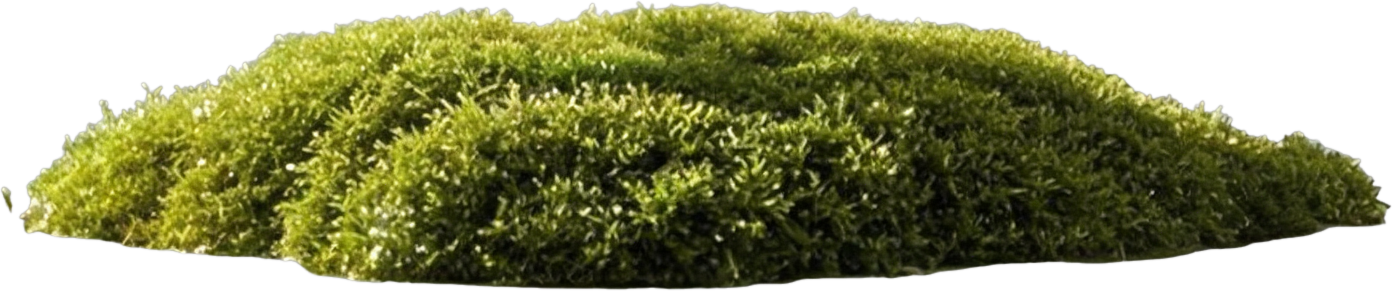
Instead of masking or cropping, the model separates a flat image into 2 to 17 stacked layers. The background is rebuilt behind every extracted element, so each layer stays fully usable on its own.
Editable transparent PNGs
Every layer is returned as a transparent PNG aligned to the base canvas. Drop them straight into Figma, Photoshop or any design tool and keep editing non-destructively.
Layer metadata included
Each layer ships with a z-index, a bounding box in absolute and normalized coordinates, plus an AI-written name and description, ready for programmatic pipelines.
Prompt-guided separation
Leave the prompt empty to split the major elements automatically, or describe which elements to isolate. Normalized bbox tags are supported for precise coordinate targeting.
What to Do with Seedream 5.0 Pro Layerize
Design handoff and remixing
Turn flat marketing visuals, posters and thumbnails back into layered files so designers can swap text, move products or restyle backgrounds without regenerating.
E-commerce product shots
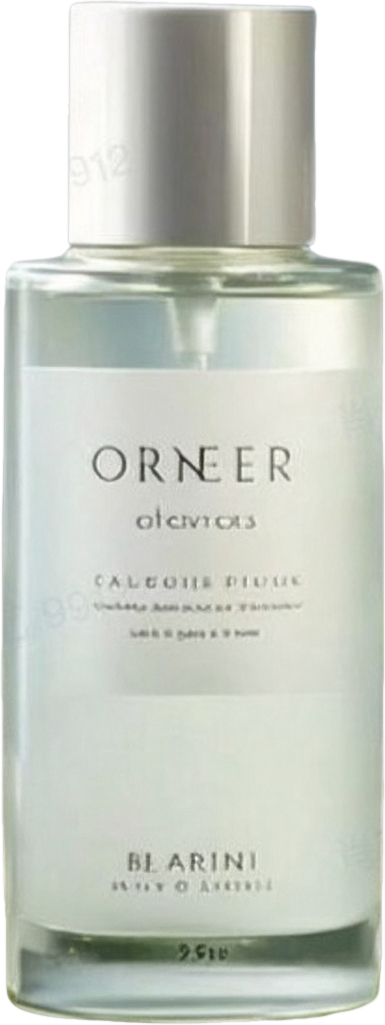
Lift the product off a generated scene, keep the rebuilt background, and reuse both across listings, ads and seasonal campaigns.
Text and typography fixes
Title and caption text usually lands on its own layer, so typos or language swaps become a simple layer replacement instead of a re-render.
Motion and interactive content
Feed the separated layers into After Effects, Lottie or parallax web sections to animate elements that were baked into a single image.
Supported Layerize Controls
The playground and API expose the controls verified through real decomposition tasks on AIReiter.
Source image
One required input image between 512x512 and 6000x6000 total pixels, aspect ratio between 1/16 and 16, up to 30 MB. Public URL or upload.
Prompt (optional)
Describe which elements to separate, or the language for layer names and descriptions. Empty prompt lets the model pick the major elements automatically.
Image size tier
auto adapts to the input while preserving each element aspect ratio; auto_1K, auto_1.5K and auto_2K pin the output resolution tier of the base image and all layers.
Layer output
Returns the base image plus up to 16 layers ordered by z-index, each with bounding box, name and description metadata.
Seedream 5.0 Pro Layerize Pricing
1K tier
5 credits per generated layer when the base image is produced at the auto_1K tier.
Auto / 1.5K / 2K tiers
9 credits per generated layer for auto, auto_1.5K and auto_2K output tiers.
Post-paid settlement
Nothing is charged at submission. Once the task succeeds, the actual layer count (2 to 17) is billed. A minimum balance of 60 credits is required to start a request.
Worst-case cap
A request never bills more than 17 layers, so the maximum cost is 153 credits at the high tier and 85 credits at the 1K tier.
Split an Image into Layers
Use the same controls in the browser playground or through the API.
Upload the image
Provide the finished image you want to decompose, as an upload or a public URL.
Guide the split (optional)
Add a prompt to name layers in your language or to target specific elements; leave it empty for automatic separation.
Pick the size tier
Keep auto for input-adaptive output, or pin auto_1K / auto_1.5K / auto_2K.
Toggle, inspect, download
Preview the stacked result, toggle layers on and off, read each layer description, then download single layers or all of them.
Use Seedream 5.0 Pro Layerize through the AIReiter API
Submit one normalized task and query the same external task ID until the decomposition completes.
Model ID
Submit tasks with model seedream_v5_pro_layerize via POST /api/openapi/submit.
Parameters
image_url (required), prompt (optional), image_size (auto / auto_1K / auto_1.5K / auto_2K), enhance_prompt_mode (standard / fast, API only).
Layered output
The task result returns the layer list in z-index order; each entry carries url plus metadata with z_index, bounding_box, name and description.
Post-paid billing
credits_used is settled per generated layer after completion. Keep at least 60 credits of balance to submit.
Related AI Image Models on AIReiter
Seedream 5.0 Pro
The same family flagship for text-to-image and image editing at up to 4K. Choose it when you want to generate or edit images rather than split them into layers.
GPT-Image 2
Strong instruction following and text rendering for generation and editing tasks. Choose it for multi-reference composition and image-to-image workflows.
Nano Banana Pro
Fast, cost-effective image generation and editing with reference image support. Choose it for quick reference-guided results.
Seedream 5.0 Pro Layerize FAQ
Answers about layer decomposition, output format, pricing and API usage.
/ 01What is Seedream 5.0 Pro Layerize?
It is an AI image to layers tool that splits a finished image into a rebuilt background plus up to 16 independently editable transparent-PNG layers, each with a z-index, bounding box, name and description.
/ 02How many layers do I get?
Each request returns 2 to 17 layers including the base image, depending on how many separable elements the model finds.
/ 03How is it priced?
Per generated layer: 5 credits per layer at the 1K tier, 9 credits per layer at auto / 1.5K / 2K tiers. Billing settles after the result is ready, and nothing is charged at submission.
/ 04Why do I need 60 credits to start?
The final cost depends on the layer count, which is unknown at submission. A 60-credit minimum balance keeps post-paid settlement safe; you are only charged for what is actually generated.
/ 05What input images are supported?
JPG, PNG, WebP and similar formats between 512x512 and 6000x6000 total pixels, aspect ratio between 1/16 and 16, up to 30 MB.
/ 06Can I control which elements become layers?
Yes. Describe the elements in the prompt, or use normalized bbox tags for precise targeting. An empty prompt separates the major elements automatically.
/ 07What metadata comes with each layer?
z-index stacking order, bounding box in absolute pixels and normalized coordinates, plus an AI-generated name and description. The base image omits box, name and description.
/ 08Is there an API?
Yes. Submit with model seedream_v5_pro_layerize through the normalized AIReiter OpenAPI and poll the task until it completes; the response contains every layer URL plus metadata.