 AIREITER
A polished calculator is still wrong if its totals do not reconcile. GPT-6 Intelligent UI is most useful for questions with inputs you want to change, but its generated controls need the same scrutiny as any other model output.
Start with a task you can audit
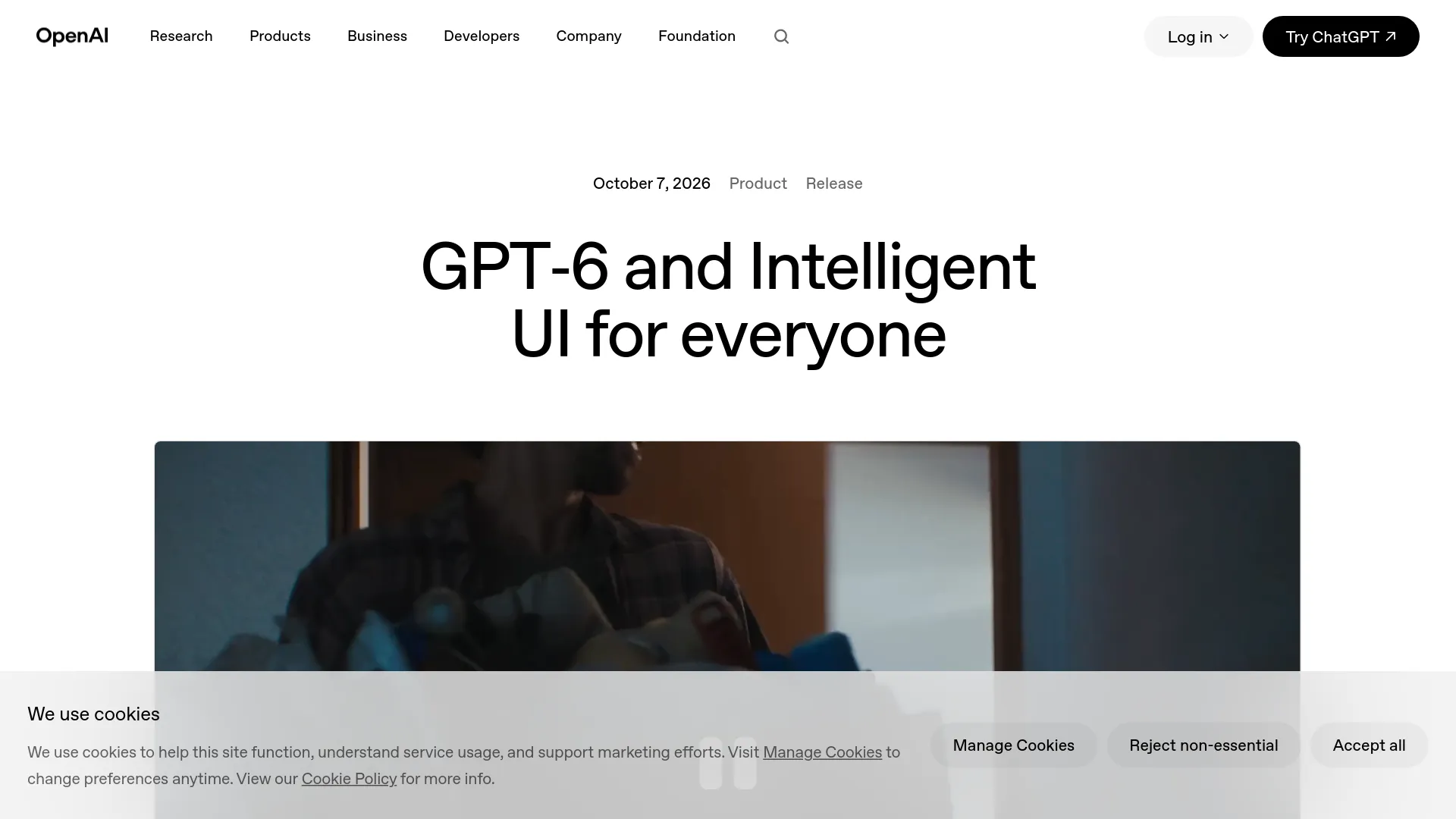
GPT-6 Intelligent UI lets ChatGPT combine prose with native charts, buttons, forms, maps, diagrams, calculators, and other interactive components. The best first task is small enough that you already know what a correct result looks like, not a complex dashboard whose errors are hard to spot.
OpenAI says GPT-6 chooses whether text or interaction fits the question, using a library of native, streamable components and a compiler that processes the interface during generation. Components can appear while the model is still working on the rest of the answer. The company also says design judgment and the range of interfaces still need improvement, so visual polish should not be treated as a reliability signal (OpenAI, October 7, 2026).
Use this first prompt
Begin with fixed source data and visible arithmetic:
Build an interactive monthly budget from the figures below. Add controls only for rent, groceries, transport, and savings. Always show income minus every category beside the remaining balance. Flag a negative balance. Do not invent categories or change my source figures. Data: income $4,000; rent $1,500; groceries $500; transport $300; savings $600.
This request defines the inputs, the invariant, and the failure condition. A useful interface should initially show $1,100 remaining because $4,000 - $1,500 - $500 - $300 - $600 = $1,100. Change savings to $1,700 and the remaining balance should become $0; change it to $1,701 and the interface should flag a negative balance.
The exercise validates the interface, not GPT-6 as a model. OpenAI's launch demonstrations are curated examples, and the company did not publish a calculation-accuracy or control-reliability benchmark for Intelligent UI (official announcement).
Where GPT-6 Intelligent UI actually works
GPT-6 Intelligent UI is a ChatGPT feature rolling out through the regular Chat experience. It is not available in every GPT-6 mode, and a paid subscription does not guarantee that every account or workspace sees it immediately.
| Surface or setting | Intelligent UI status | Important condition |
|---|---|---|
| ChatGPT web | Supported | Account rollout and plan access still apply |
| Updated supported mobile apps | Supported | Install the latest available app version |
| Older macOS or Windows apps | Not supported | Use the web app instead |
| GPT-6 Instant through Extra High | Supported where the effort level is included | These levels use GPT-6 Sol on eligible paid plans |
| GPT-6 Pro effort / Astra | Not supported | “Pro” reasoning is different from a Pro subscription |
| ChatGPT Work and Codex | Not part of this Intelligent UI launch | Their models and allowances are separate |
| OpenAI model API | No public Intelligent UI renderer announced | Model access does not expose ChatGPT's native component system |
OpenAI announced a global paid-plan rollout on October 7, 2026 for Plus, Pro, Business, and Enterprise, followed by Free and Go beginning October 8. The launch page assigns GPT-6 Sol to the paid Chat experience and GPT-6 Luna to Free and Go; Enterprise access also depends on administrator settings (OpenAI availability notes).
The Help Center was still being updated during rollout and contained inconsistent Free/Go model wording when retrieved. Treat the date as the start of a staged deployment, not a promise that every account changes at once. OpenAI's troubleshooting guidance says a missing GPT-6 entry can reflect rollout status or managed-workspace permissions (GPT-6 Help Center).
Why GPT-6 Pro does not show Intelligent UI
The naming is easy to misread. A Pro subscription can use Intelligent UI at supported GPT-6 Sol effort levels, but the Pro effort level is powered by GPT-6 Astra and does not support Intelligent UI. Plus includes Medium and High; Pro, Business, and Enterprise also include Extra High, subject to current allowances and permissions (OpenAI Help Center).
Four prompt patterns that produce useful controls
Useful GPT-6 Intelligent UI prompts specify the decision, editable inputs, fixed facts, and acceptance test. “Make this interactive” leaves too much of the interface and its validation rules implicit.
- Calculator: “Create a loan comparison with editable principal, term, and APR. Show the formula, monthly payment, total interest, and total paid. Reject a zero or negative term.” Verify one case independently with a trusted calculator.
- Comparison: “Compare these three laptops using only the specifications I provide. Add sorting for price, weight, and battery estimate. Keep missing values labeled unknown.” Confirm every displayed value traces to the supplied table.
- Timeline: “Turn this event brief into a timeline with adjustable start dates. Preserve dependencies and warn when a moved task overlaps its prerequisite.” Move the earliest task and check every dependent date.
- Explorable diagram: “Explain a seven-speed bicycle with selectable drivetrain, brakes, wheels, frame, and cockpit. Keep labels tied to the explanation and include a plain-text component list.” Select every region and check that labels and descriptions agree.
OpenAI's own examples include a bill splitter, retirement calculator, road-trip map, recipe planner, and bicycle diagram. These examples show the intended range, but they do not establish that arbitrary generated tools are correct (OpenAI launch demos).
Audit every generated interface before trusting it
A generated interface should be tested as a small program. Check its relationships and edge cases before using it for money, travel, health, work approvals, or any irreversible decision.
- Write down the invariant. A budget must reconcile; percentages must total 100%; a timeline must preserve dependencies.
- Test a known case. Use inputs whose answer you can calculate independently.
- Test boundaries. Try zero, a negative value, an empty field, a very large value, and a decimal where each is relevant.
- Trace source data. Ask the interface to show where each specification, date, or rate came from. “Unknown” is better than a filled gap.
- Change one input at a time. Unrelated outputs should remain stable. If changing rent also changes income, the state logic is suspect.
- Request a plain-text cross-check. Ask GPT-6 to list inputs, formula, and output outside the controls, then compare both representations.
- Regenerate once. A materially different calculation or structure under the same constraints signals that the result needs independent verification.
Generated UI can make an error look more authoritative because the result has controls and layout. OpenAI evaluated interfaces for clarity, usefulness, and completeness, but the public launch page provides no benchmark for arithmetic correctness, accessibility, mobile usability, or task completion (OpenAI's methodology description).
When the interface gets in the way
Visual output can be reduced from Settings → Layout and visuals on the web. OpenAI says disabling the setting reduces visual elements but does not guarantee an entirely classic or text-only interface; presentation changes made in one conversation also do not change other conversations (OpenAI Help Center).
That limitation matches an early community concern. One real user wrote, “I’m totally OK with just text,” in a thread asking for the older presentation to remain available (u/CatEntire8041 on Reddit). Another user reported that the iOS presentation made an answer harder to copy cleanly than plain text; this is one user report, not evidence of a universal iOS defect (Reddit discussion).
If Intelligent UI is missing, check these items in order:
- Confirm that the model menu shows GPT-6, not merely an older explicitly selected model.
- Use ChatGPT on the web or update the mobile app.
- Choose Instant, Medium, High, or Extra High instead of Pro/Astra.
- On Business or Enterprise, ask the administrator whether GPT-6 model access is enabled.
- Wait for the staged rollout if the account and client are otherwise eligible.
Do not troubleshoot Work or Codex as though they were the Chat tab. OpenAI explicitly says the models powering Work and Codex were unchanged by this Intelligent UI release (OpenAI availability section).
Choose text, Intelligent UI, or a real app
GPT-6 Intelligent UI is the right choice for temporary exploration, not every task that can be drawn. Use the lightest format that preserves accuracy and makes the next action easier.
| Need | Best format | Reason |
|---|---|---|
| One factual answer or short explanation | Plain text | Controls add no decision value |
| Change a few inputs and inspect relationships | Intelligent UI | The interface reduces repeated prompting |
| Compare supplied options with sortable fields | Intelligent UI | Interaction exposes trade-offs without hiding source data |
| Repeated team workflow, stored records, or approvals | Dedicated app | Persistence, permissions, tests, and audit history matter |
| Financial, medical, legal, or safety-critical calculation | Validated specialist tool | A generated interface is not independent verification |
| Component rendering inside your own product | Your application UI plus the model API | OpenAI has not announced public access to ChatGPT's Intelligent UI renderer |
The firm recommendation is to use GPT-6 Intelligent UI for reversible, inspectable tasks where you can state an invariant. Use text when interaction does not change the decision, and move to tested software when the result must persist or carry operational risk.
GPT-6 Intelligent UI FAQ
Is GPT-6 Intelligent UI free?
OpenAI says Free and Go access begins rolling out on October 8, 2026, with normal plan and tool limits. Intelligent UI has no separate quota, but that does not remove other ChatGPT allowances (OpenAI announcement).
Why do I not see GPT-6 Intelligent UI?
The rollout may not have reached the account, a workspace administrator may have disabled model access, the app may be outdated, or Pro/Astra may be selected. The web version with a supported GPT-6 Sol effort level is the cleanest troubleshooting path.
Can I turn Intelligent UI off?
On the web, disable Layout and visuals in Settings to reduce visual elements. OpenAI does not promise a completely text-only result, so explicitly requesting plain text is still useful.
Does Intelligent UI work with GPT-6 Pro?
No. Intelligent UI works at supported Instant-through-Extra High levels; GPT-6 Pro uses Astra and does not support the feature, according to the current Help Center.
Can developers generate the same UI through the API?
No public API for ChatGPT's native Intelligent UI component renderer was announced with this release. Developers can use GPT-6 model APIs and build their own validated interface, but model API availability should not be described as access to the ChatGPT UI system.