 AIREITER
On November 10, 2026, Cursor rebuilt Projects from a solo orchestrator into a multiplayer team workspace where your coordinator agent can message a teammate's coordinator, flag overlapping code changes, and hand off unfinished pull requests. Running it safely requires Cursor 3.26.13 or later on a Teams account and clear rules over shared context files so one agent's unapproved assumption does not overwrite the plan for other engineers in the repository.
Single-Coordinator vs Team Multiplayer: What Changed on November 10
Cursor Multiplayer Projects upgrades the original September 10, 2026 single-user Projects beta into a multi-user workspace where each teammate directs an isolated 1-on-1 coordinator chat while sharing one Task Board and one Project Agent Store (/cursor/stores/self). According to the official Cursor Projects documentation, the November 10 update separates personal execution lanes from shared team state across eight core dimensions:
| Architectural Dimension | Single-Coordinator Projects (Sept 10, 2026) | Team Multiplayer Projects (Nov 10, 2026 Beta) |
|---|---|---|
| Human Participants | 1 developer per Project | Multiple teammates within the same Cursor Team |
| Coordinator Agents | 1 coordinator per Project (plans and delegates; does not write code itself) | 1 dedicated coordinator per teammate (each member directs their own 1-on-1 chat) |
| Worker Agent Fleet | Spawned and supervised by the solo owner's coordinator | Spawned per teammate; visible across the team on the shared Task Board |
| Shared Team State | None across accounts | 2 shared resources: Task Board + Project Agent Store (/cursor/stores/self) |
| Private User State | Local to the solo Project and account | Personal user store (/cursor/stores/user), personal 1-on-1 chat history, and private connectors |
| Cross-Teammate Handoffs | Manual copy-paste between developers outside Cursor | Direct coordinator-to-coordinator messaging via forked Chat with {name}'s agent side chats |
| Billing Attribution | Billed entirely to the Project owner | Each member's chat and spawned agents run and bill under that individual teammate's identity |
| Minimum Client Version | Cursor 3.21.9+ (Enterprise baseline) | Cursor 3.26.13+ required for multiplayer sharing |
Eligibility, Invites, and the 2-Phase Workspace Setup
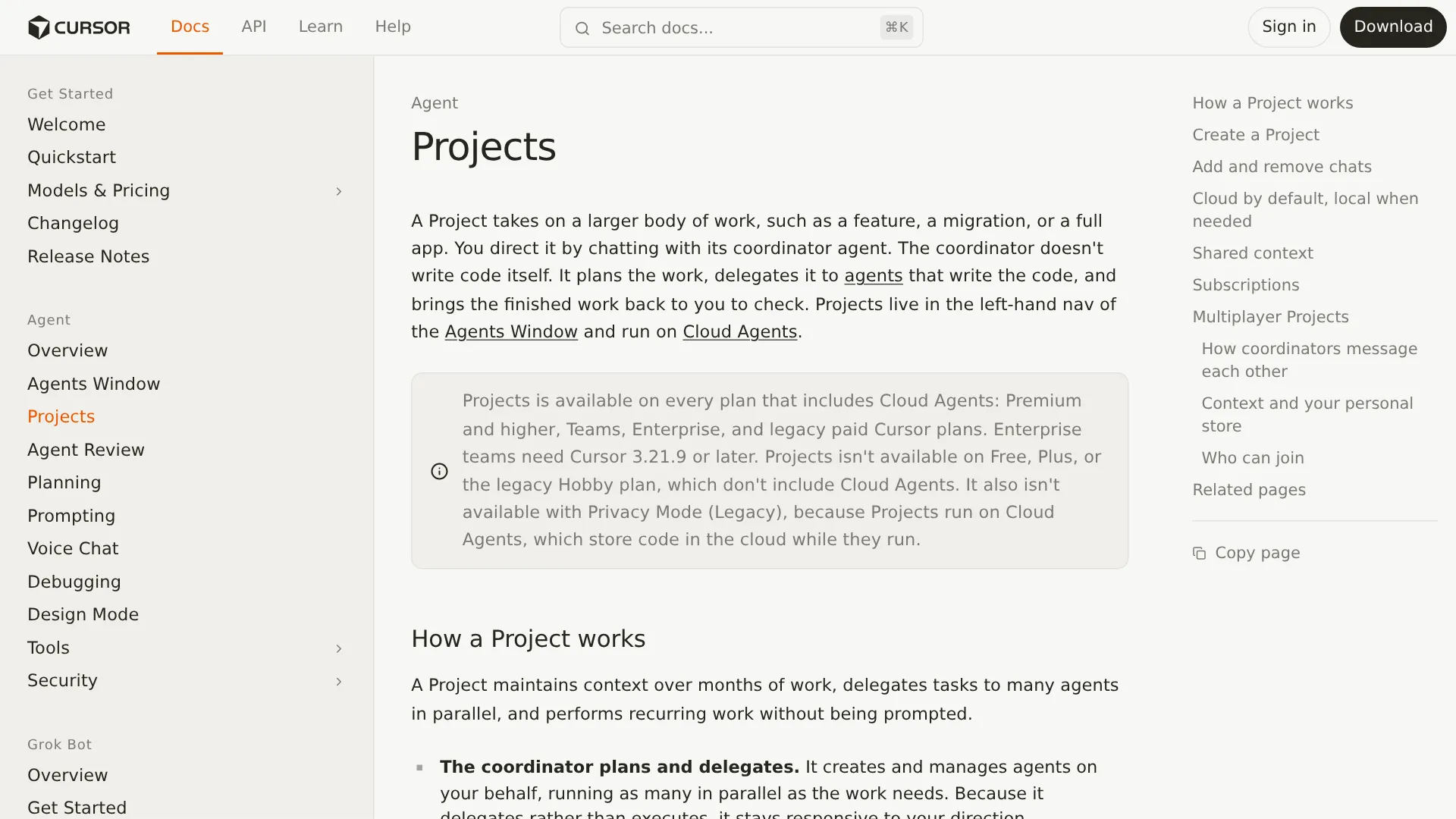
According to the Cursor Projects documentation, sharing a multiplayer Project requires a Cursor Teams or Enterprise account, client version 3.26.13 or later, and individual repository access for each invited participant. Multiplayer sharing is unavailable on Free, Plus, and Legacy Hobby plans, and you cannot invite teammates if Privacy Mode (Legacy) is enabled, if the Project runs on self-hosted machines, or if the Project is archived.
Phase 1: Create the Base Project (4 Steps)
Before inviting collaborators, the Project owner initializes the workspace inside Cursor's Agents Window:
- Open Projects in the left-hand navigation: Open the Agents Window, locate the Projects section in the sidebar, and select New Project.
- Name the Project: Pick an icon and enter a bounded, outcome-specific name (leaving it blank defaults to
New Project). Rather than creating one monolithic Project per repository, split Projects by deliverable, such as one for a schema migration, one for a multi-PR feature, and one for recurring CI maintenance. - Select Workspace and Coordinator Model: Under Workspace, pick the target GitHub repository (if GitHub is not linked, click Connect GitHub). Under Model, select the model that will act as your coordinator.
- Click Create Project: Cursor provisions a cloud computer for the Project and opens a 1-on-1 thread with your coordinator agent.
If you already started scoping work in an eligible top-level Cloud Agent chat, drag that chat from the sidebar onto the Project row—or open its sidebar menu and select Add to Project—so the coordinator ingests the prior transcript. If that option is used on a local chat, Cursor converts it to Remote Control before adding it.
Phase 2: Invite Teammates in 3 Steps
Once the Project is active and connected to a repository, the owner or any existing Project member can invite teammates in three documented steps:
- Open the Invite menu: Select Invite at the top of the Project (after the first invitation, this control becomes a row of faces).
- Invite teammates or copy the share link: Search for teammates by name or email under Invite teammates to this project and send the invitation, or select Copy link to share the Project URL in Slack or Linear.
- Teammate accepts and gets a dedicated chat: The invitee clicks Accept Invite on the Project's invitation card and receives their own Project chat, their own coordinator agent, and read/write access to the shared Project context.
Membership and Link Controls
Access boundaries are enforced at both the Cursor team level and the Git repository level:
- Same-team and repo requirement: Personal-account users and developers from external Cursor teams cannot join. Invited teammates must also hold independent access to the Project's repository.
- Revoking leaked links: Only existing Project members can copy the invitation link. If a link is shared too broadly, the Project owner can open the invitation menu and select Reset Share Link to invalidate all previous copies.
- Leaving or removing members: Any participant can select Leave Project from the sidebar menu (and rejoin later through a valid invitation or link), while the Project owner can remove a participant by selecting Remove in the invitation menu.
Shared Context (/cursor/stores/self) vs Personal Store (/cursor/stores/user)
As specified in the Cursor Projects Context and Personal Store documentation, Cursor Multiplayer Projects separates private developer configuration from team-wide knowledge by mounting two distinct filesystem paths inside each agent's environment: /cursor/stores/self for shared Project context and /cursor/stores/user for your personal user store. Per the official store rules, when a teammate joins a shared Project, their coordinator may offer to copy relevant working preferences from /cursor/stores/user into the Project's rules, and only entries explicitly approved by the user are copied.
| Store Layer | Filesystem Path | Read / Write Access | What Is Stored Here | Lifecycle Across Projects |
|---|---|---|---|---|
| Project Agent Store (shown as Context in UI) | /cursor/stores/self | Read and written by every member's agents in the Project | Requirements docs, architecture diagrams, technical specs, UI mockups, codebase testing instructions, and team-wide decisions | Scoped to this specific Project; synchronizes across Cloud Agents and local machines |
| Personal User Store | /cursor/stores/user | Read and written only by that individual user's agents | Personal working preferences and user skills | Follows the individual user between Projects without becoming visible to teammates |
How Coordinator Agents Message Each Other Through Untrusted Side Chats
When one coordinator needs information from a teammate's work, the Cursor Projects multiplayer specification allows it to message that teammate's coordinator directly by forking a side chat named Chat with {name}'s agent from the recipient's normal chat. Cursor restricts what the forked side chat can execute so an incoming query cannot interrupt the recipient's active thread or exfiltrate secrets.
In Cursor's November 10, 2026 multiplayer announcement, product manager Aryaman Khandelwal outlined two primary cross-agent coordination scenarios:
- UI and feature overlap: An engineer adding customer reviews to a product page and a designer redesigning that same page have their coordinators detect the overlap early, folding the review component into the new layout rather than refactoring later.
- Schema and reader sequencing: One developer modifies a database schema while a teammate builds a feature that reads from that database; their agents agree on the order of operations upfront to avoid an integration conflict at merge time.
As documented under How coordinators message each other in the official Cursor Projects docs, that exchange follows four strict rules:
- Outbound query: Teammate A's coordinator identifies a dependency on Teammate B's work and messages Teammate B's coordinator directly.
- Forked side-chat creation: The incoming message creates a side chat forked from Teammate B's normal chat, named
Chat with {Teammate A}'s agent. - Untrusted evaluation: Incoming coordinator messages are labeled as agent input, the recipient is told which teammate's agent sent the message, and the receiving agent treats the message as untrusted material to evaluate rather than a direct request from its own user.
- Answer using main-chat knowledge and next-turn note: The side chat answers using knowledge available to the recipient's main chat and returns the response to the sending coordinator. Teammate B's main chat is not immediately interrupted and instead receives a note about the exchange on its next turn.
The Cursor Projects documentation defines the exact permission boundary for every forked Chat with {name}'s agent side chat:
Side-Chat Action (Chat with {name}'s agent) | Documented Status | Operational Impact for Teams |
|---|---|---|
| Answer using knowledge available to the recipient's main chat | Allowed | Lets the receiving agent answer architectural and status questions from existing chat knowledge |
| Read the shared Task Board | Allowed (Read-Only) | Can inspect task assignments, active work, and linked PRs |
| Human user reading, stopping, or archiving the side chat | Allowed | You can inspect what your agent answered, stop an active exchange, or archive the thread |
| Human user sending messages into the side chat | Blocked | Side chats cannot receive messages from the user (Side chats only answer) |
| Sharing secrets, credentials, or tokens | Blocked | Side chats are prohibited from disclosing credentials or tokens |
| Sharing the user's personal files or connector data | Requires asking first | The receiving agent must ask before sharing its user's personal files or connector data |
| Modifying the shared Task Board | Blocked | Side chats can read the task board but cannot modify it |
| Asking the user questions or requesting access | Blocked | Prevents incoming teammate agent pings from prompting or requesting permissions from the recipient |
| Connecting source control or managing routines | Blocked | Blocks cross-agent modifications to source-control links or automated routines |
Planning-to-Delivery Flow vs Beta Reality: Where Shared Decisions Break
Cursor's official examples highlight internal on-call rotations where an incoming engineer's coordinator inherits active incidents, Linear boards, and Slack threads, but solo Projects beta reports reveal four operational failure modes across the 4-stage project lifecycle that require team guardrails:
| Lifecycle Stage | Cursor's Ideal Multiplayer Flow | Failure Modes Observed in Solo Beta Reports | Recommended Team Guardrail |
|---|---|---|---|
| 1. Planning & Context Sync | Decisions made in one chat populate /cursor/stores/self so teammate agents share context. | Coordinators overwrite mutable Project Notes repeatedly, compressing approved rationale into "done" labels or recording unconfirmed agent defaults as decisions. | Split /cursor/stores/self into a mutable plan.md and an append-only decisions.md in Git (see schema below). |
| 2. Parallel Delegation & Execution | Each teammate's coordinator delegates tasks to cloud workers (or local agents for local testing). | Long-lived cloud Projects use stale repo checkouts unless told to pull; cloud coordinators only read cloud MCP configs; cloud worker fan-out consumes usage quotas rapidly. | Instruct coordinators to git pull before delegating; configure MCPs in cloud settings; use local worktrees via agent worker start. |
| 3. Cross-Agent Coordination | Coordinators message each other to sequence schema changes and UI updates before coding. | Agents share context files rather than hard file locks, so two worker fleets editing the same directory can still collide at merge time. | Scope task ownership by directory or file path on the Task Board before spawning workers. |
| 4. PR Review & On-Call Handoff | Subscriptions watch PRs, CI runs, and Slack channels to fix failures and hand off active work. | Multiple subscribed agents (coordinator, original worker, fix agent) respond to the same PR review comments or overwrite status files. | Apply the 1-human / 1-agent PR ownership rule below and avoid overlapping PR subscriptions. |
Mutable Project Notes and the "Shared Mistakes" Problem
In a 3-day solo field test of the Cursor Projects beta published on the Cursor Community Forum (covering 5 sessions, roughly 14 hours, 20 agents, 32 tasks, 49 agent turns, and 5 pull requests with 4 merged), developer Lutz Leonhardt inspected the synchronized context folder and orchestrator transcripts. Although delegation and delivery succeeded—fixing all 18 findings from a Codex review bot—the project memory layer showed two failure modes that become an even larger risk when extrapolated to a shared multiplayer store:
- 111 note rewrites vs 1 explicit read: Across the 3-day test, the coordinator rewrote the Project Notes file 111 times via full-file replacements, but explicitly read the file only once. Milestone 1 disappeared from the notes before archiving started on day two, and an explicit approval for podcast LLM analysis was compressed into
"done"after two rewrites—causing the coordinator to block on the same approval again the next day. - Unapproved defaults recorded as decisions: After the coordinator listed 5 keywords and 3 open questions, the developer asked about an API key and asked whether Milestone 2 could begin. The coordinator treated the unconfirmed defaults as
"accepted for the start"and launched an agent that implemented an always-on cron adapter—contradicting the coordinator's earlier advice. In another exchange, the coordinator denied receiving a worker handoff it had already executed and wrote that false history into the context folder as a workflow rule.
While Leonhardt's report tested solo Projects, moving to multiplayer means every teammate's agents read and write /cursor/stores/self—so a polluted note or unverified agent default can influence any teammate agent that later reads the shared store. As developer @avisinghdotdev noted on X after the multiplayer rollout:
"Tbh I don't like the idea of an agent speaking with my teammate's agent, especially if they have separate sets of rules and skills. One slop can degrade the quality." — @avisinghdotdev
Recommended Guardrail for Multiplayer Projects: Do not let coordinators use a single mutable Markdown file in /cursor/stores/self as both scratchpad and decision record. Configure your Project rules to separate state into two files:
- A mutable
plan.mdfor task status and active branch pointers. - A repository-committed
decisions.mdgoverned by an append-only agent rule (backed by Git diff review or branch protection where strict enforcement matters), recordingdate,decided_by(human:@handlevsagent:proposed),status(proposed,accepted,superseded),applies_to(file path glob), and a one-linerationale.
Stale Checkouts, Cloud MCP Mismatches, and Local Worktree Handoffs
The second set of beta issues stems from Cursor's cloud-by-default execution architecture. Based on verified user reports in the Day 7 Cursor Projects receipt and r/cursor threads, four operational traps affect teams adopting Projects:
- Stale Git checkouts on long-lived Projects: A long-lived cloud Project does not automatically pull merged changes from
main(Day 7 Report R1; Cursor staff confirmed this is expected behavior and advised asking the coordinator to pull). In multiplayer, always instruct your coordinator to rungit pullbefore delegating new tasks. - Cloud-only MCP server loading: Because the coordinator runs as a Cloud Agent, it only reads Model Context Protocol (MCP) servers configured in your Cursor cloud settings (Day 7 Report R6). MCP servers configured only in your local desktop editor do not load in the Project coordinator.
- The "No self-hosted workers available" toggle trap: To run local testing from a cloud Project, you enable Remote Control (local self-hosted workers) under
Settings > Agentsand runagent loginfollowed byagent worker startin the repository root. However, enabling Remote Control can also turn on Self-hosted Machines and activate Require Self-hosted Machines and Personal Machines in the team dashboard—which blocks Cloud Agents and Projects from running in Cursor's cloud. Team administrators should disable that Require toggle to preserve hybrid cloud/local execution. - Cloud token consumption: Running 10 to 20 parallel cloud subagents consumes plan usage quickly. As
r/cursoruser u/Shirc reported on Reddit:
"Projects have potential but right now they’re a bit of a mess and will absolutely chew through tokens." — u/Shirc in r/cursor
To control token burn in that same r/cursor thread, developer u/dryu12 recommends setting Composer as your coordinator model and writing explicit rules about which models receive which delegated tasks. If your team also runs external CI review bots or custom agent scripts outside Cursor's built-in billing, routing those API calls through AIReiter lets you pair low-cost models like DeepSeek V4.1 Flash with reviewers like Claude Opus 5.5 on a single pay-as-you-go balance.
PR Review Collisions: Why Every Pull Request Needs One Owner
Per the Cursor Projects subscriptions documentation, once at least 1 subscription exists (watching a Slack channel, PR activity, CI runs on a branch, or a schedule such as every day at 8:00 AM), a Listening pill appears above the chat input.
In Leonhardt's 3-day solo test, PR review handling was already ambiguous because the coordinator, the original implementing worker, and newly created fix agents could all react to review events. On one PR, the coordinator asked the author twice about fixes the original agent was already making; on another, 3 agents rewrote the same status file and left the wrong author recorded.
When multiple teammates run coordinators in the same repository, subscribing several coordinators to broad repository PR events raises the risk of duplicate fix commits and wasted cloud turns. As developer @LabubuNoBB noted on X:
"The hard part was never getting agents to talk. It's deciding who owns what when two of them want the same file." — @LabubuNoBB
Recommended PR Ownership Rule: Assign one human owner and one designated agent per PR on the shared Task Board, including responsibility for all review comments on that branch, and scope each teammate's coordinator subscriptions to their own PRs rather than repository-wide wildcards.
Team Rollout Decision Matrix: When to Share a Project vs Keep Separate Chats
Before moving a team workflow into a shared Cursor Project, match your task structure against the constraints verified in the 3.26.13+ beta:
| Engineering Scenario | Recommended Mode | Coordinator & Worker Setup | Preflight Guardrail |
|---|---|---|---|
| Cross-functional feature with schema + UI dependencies (2–5 engineers and designers touching coupled endpoints) | Multiplayer Cursor Project | 1 coordinator per teammate; shared Task Board + /cursor/stores/self specs | Scope directory ownership per teammate on the Task Board and track accepted choices in an append-only decisions.md in Git. |
| Team on-call rotation & incident handoffs | Multiplayer Cursor Project | Incoming engineer joins Project; outgoing coordinator transfers active tasks to incoming coordinator | Subscribe only the active on-call engineer's coordinator to the Slack bug channel and instruct the coordinator to git pull on shift handover. |
| Large repetitive migration (e.g., 400+ files across dozens of PRs) | Single-Coordinator Project (1 lead engineer) or Multiplayer sharded by directory | Validate the migration pattern on a small initial batch (Flavio Copes suggests starting with the first 5 components and keeping PRs under 300 lines) before fanning out parallel cloud workers | Apply the 1-human / 1-agent PR ownership rule so multiple coordinators do not spawn duplicate fix agents on review comments. |
| Strict code-residency repos (Privacy Mode Legacy or self-hosted worker pools) | Local Cursor Agents / Worktrees (Multiplayer unavailable) | Local IDE agents or self-hosted solo runners | Keep work in local chats; shared Projects require Cloud Agents and store active code in Cursor's cloud while running. |
| Single-file hotfix, payment webhook, or auth logic | Standard 1-on-1 Cursor Chat | Direct local agent chat with manual human diff review | Skip Projects; coordinator delegation and cloud spin-up add latency and token usage without multi-PR coordination value. |