 AIREITER
Together Link is a reversible launcher that routes supported agents to Together-hosted models on macOS and Linux; model quality and reliability remain your responsibility.
What Together Link changes
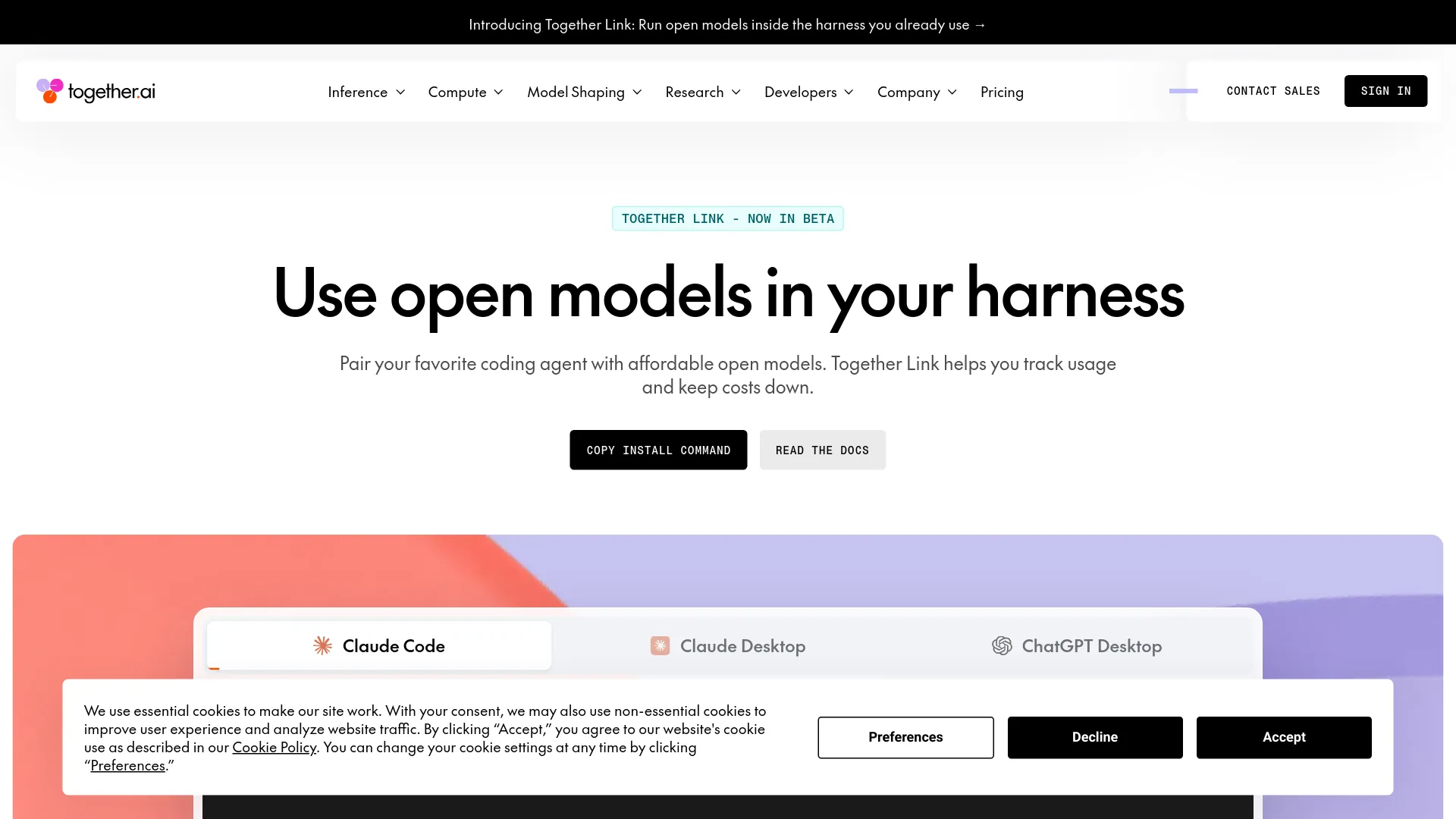
Together Link is a Together AI integration layer that launches supported terminal and desktop agents against Together-hosted models while preserving their normal configuration.
The beta offers one-command installation, reversible configuration, automatic routing, and usage visibility, but no independent coding benchmarks or uptime guarantee.
The compatibility boundary: agents, platforms, and models
The current support surface is broad enough for experimentation, but narrower than a general-purpose model gateway.
| Area | Documented support | Practical constraint |
|---|---|---|
| Terminal agents | Claude Code, Codex, OpenCode, Pi Code | OpenCode requires OpenCode 2; Pi Code requires 0.80.8 or newer |
| Desktop agents | Claude Desktop, including Cowork, and ChatGPT Desktop | Desktop clients use reversible Together Link profiles |
| Operating systems | macOS and Linux | Windows support is not listed in the official beta documentation |
| Named models | Kimi K3, GLM 5.3, GLM 5.3 Flash, and DeepSeek V4.1 Flash | The initial catalog is curated rather than unlimited |
| Context length | 1 million tokens for the four named models in the release notes | A large context window does not establish coding quality or latency |
The official Together Link documentation is the authority for version requirements and supported environments.
Setup is designed to be reversible
The installation path is short; inspect the installer source before running it.
- Install the launcher:
curl -fsSL https://link.together.ai/install | bash- Start the interactive launcher:
togetherlink- Use an agent wrapper such as
tclaude,tcodex,topencode, ortpi, or pin a model for a session with the documented--mainoption:
togetherlink --main moonshotai/Kimi-K3 claudeTogether Link uses a Together API key and leaves ordinary agent configuration untouched; desktop clients use reversible profiles, making it possible to test the route without abandoning an existing setup.
The official release notes document headless commands including tclaude -p, tcodex exec, topencode run, and tpi -p; they do not provide a CI-specific reliability or security guarantee.
Routing and billing: what is known
Together’s product page presents the launcher as free and MIT-licensed; model calls are billed through the Together account at the applicable serverless rates. The official launch material claims that open-model routing can reduce spending by more than 50% against an Opus 5.5 baseline, but it does not provide a reproducible workload or independent bill, so treat that percentage as a vendor claim rather than a forecast for your project.
The beta gives users several ways to inspect usage:
| Cost surface | What it shows |
|---|---|
| Session receipt and usage tools | Estimated cost on exit, Claude Code status-line spend, and spending across sessions |
| Agent model selection | Automatic routing or a manually pinned model |
The official release notes say that, in Claude Code or Claude Desktop configurations with an Anthropic API key, the router can send difficult requests to Claude Opus. The notes do not establish how often that fallback occurs or what a mixed-provider session will cost. If predictable billing matters, pin a model and record a representative workload before moving a team over.
Which use case is a good fit?
Together Link is easiest to justify when the decision is about testing or controlling inference, not when a team needs a new agent product.
| Situation | Fit | Why |
|---|---|---|
| You want to try open models in Claude Code or Codex | Good beta use | The existing harness remains familiar and the route is reversible |
| You need a single model across scripted terminal jobs | Plausible, but test first | Headless wrappers are documented; reliability and rate limits are not |
| You need Windows support | Poor fit today | The beta documentation lists macOS and Linux |
| You need a large, stable model catalog | Limited fit | The release names a small curated set of models |
| You need production-grade guarantees | Wait or run a controlled pilot | The product is beta and publishes no service-level evidence |
What to verify before using it for production work
Test these operational points with a small, non-sensitive project:
- Task quality: Compare the selected model with the model your agent currently uses on the same bug-fix and refactoring tasks.
- Routing behavior: Check whether automatic selection is predictable enough for your workflow; pin a model when it is not.
- Cost behavior: Use the session receipt and
togetherlink usageoutput, then compare the result with your own token budget. - Failure handling: Test what happens when a Together model is unavailable, rate-limited, or returns an error.
- Data controls: Confirm Together’s current retention and privacy terms for the code and prompts you plan to send.
- Rollback: Keep the native agent path available and verify that your original credentials, extensions, MCP servers, and session history still behave as expected.
Together Link FAQ
Is Together Link free?
The launcher is presented as free and open source, but model inference is billed through Together AI using your API key. Free installation does not mean free coding-agent usage.
Does Together Link work on Windows?
The current beta documentation lists macOS and Linux. Windows support is not documented, so Windows users should not assume compatibility.
Which coding agents does Together Link support?
The documented environments are Claude Code, Codex, OpenCode, Pi Code, Claude Desktop including Cowork, and ChatGPT Desktop.
Can I choose one model instead of using Auto?
Yes. The release documentation shows a --main option for pinning a model, and supported agents may also expose their own model-selection command.
Does Together Link replace my existing configuration?
The official description says the normal configuration remains untouched. Desktop applications use reversible profiles, but you should still verify the rollback path on your own machine.
Is Together Link ready for production?
It is a beta. Use a controlled pilot if you need to evaluate it, and keep the native agent path for critical work until repository-level tests show that routing quality, billing, and failure recovery are acceptable.