 AIREITER
Perplexity Teammates AI agents are persistent coworkers, not one-off chat answers — but on day one they are a Max-only web research preview with real credit and permission questions to settle first.
What Perplexity launched on November 5, 2026 is a delegation layer: you hand a Teammate ownership of a workstream, it runs Perplexity Computer sessions, reuses your Projects, skills and memory, coordinates with other Teammates, and can message coworkers in Slack. Cofounder Johnny Ho says Teammates for deep research, data analysis, QA, ticket triage and code review have saved internal teams hundreds of hours of menial work (@randomjohnnyh). That promise only holds if you scope tools tightly and budget credits like an infrastructure bill, because early Computer users report burning 10,000 credits in under an hour on single tasks.
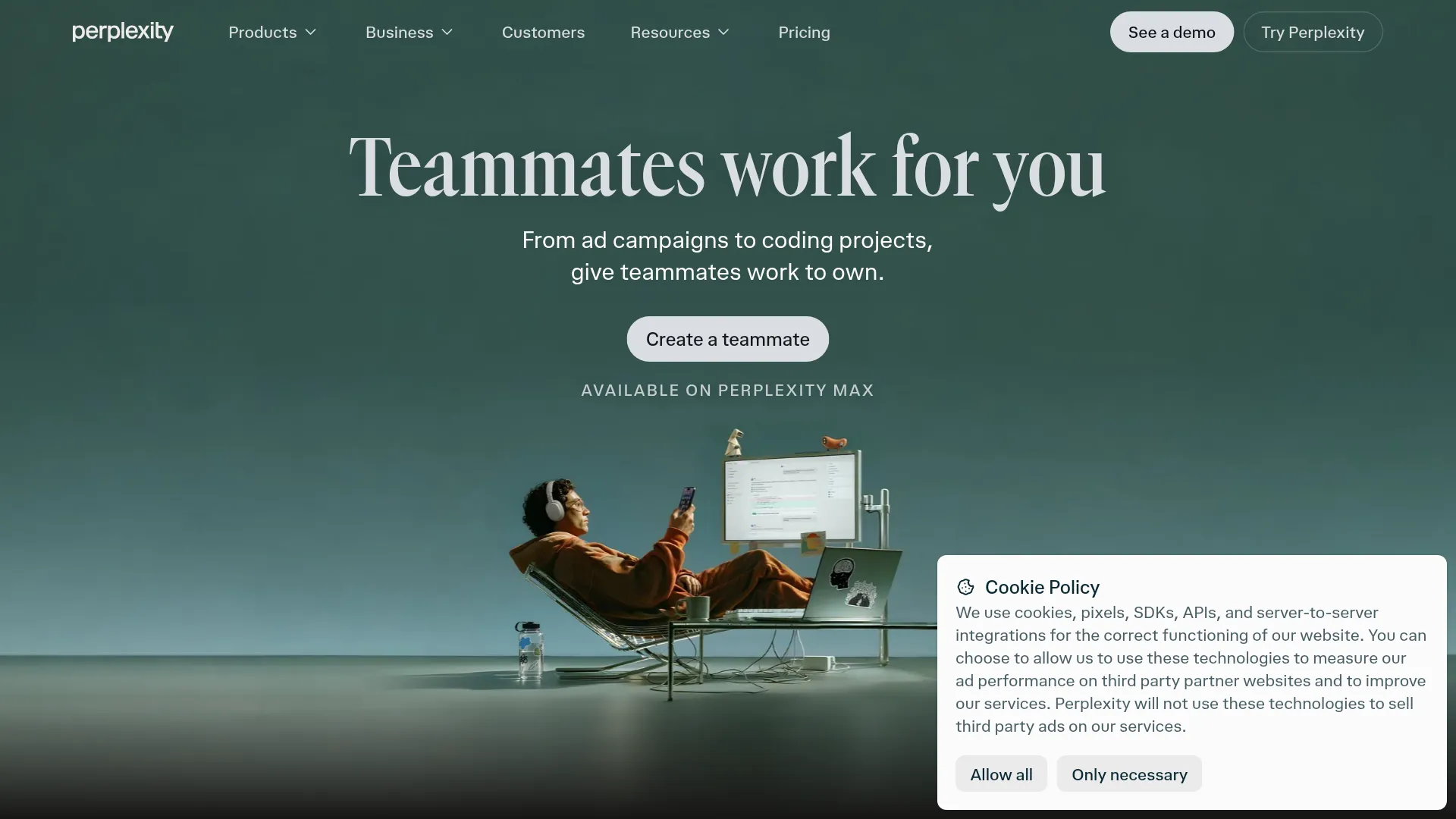
What Perplexity Teammates AI agents actually are
Perplexity Teammates AI agents are persistent, goal-driven agents built on top of Perplexity Computer for ongoing work. They plan and coordinate projects, switch gears as priorities change, and present results for review, per the Teammates product page.
Three properties separate Teammates from a normal Computer run:
- Continuity: a Teammate keeps project goals, task history, shared files and feedback across runs instead of starting cold.
- Coordination: one Teammate can run multiple Computer sessions and hand work to other Teammates, for example one finding website bugs while another prepares fixes, per the product page.
- Proactivity: Teammates monitor conditions and act without a fresh prompt, such as noticing a regular customer stopped transacting, checking order and support history, then drafting an offer while flagging blockers.
Teammates launched as a research preview for Perplexity Max subscribers on the web, with iOS support listed as coming later and broader access promised in the coming weeks, per the product page. Max is Perplexity's roughly $200-per-month tier.
What a Teammate automates without a new prompt
A Teammate automates repeatable work by combining five existing Perplexity pieces: Computer sessions for browsing, research and tool use, skills for repeatable methods, Projects for shared files and context, memory for retained preferences, and automations for recurring execution. A sales Teammate, for example, pulls existing account research from a Project, follows a writing skill for outreach, and runs a weekly pipeline review.
The four workflow families in the product documentation show the intended scope:
| Workstream | What the Teammate does on its own | Human checkpoint |
|---|---|---|
| Marketing | Monitors campaign and competitor promotions, reviews performance notes, drafts replacement ads and corrective actions | Approve copy and any ad spend or publish action |
| Sales | Finds opportunities in inquiries, analyzes past purchases, surfaces unfinished conversations, prepares outreach and quotes | Validate quotes and resolve support flags before contact |
| Support | Reviews prior-day complaints, summarizes trends, flags CEO-level cases, drafts replies, follows up with internal owners | Approve outbound replies and escalation rules |
| Operations | Tracks deadlines, checklists, vendors and paperwork, follows up on missing items, acts when a deadline is about 72 hours out | Confirm deadlines source and authorized remediation |
Perplexity's documented example is an operations Teammate learning that an agency needs two weeks' notice, then building that lead time into future schedules. Useful memory, but retained assumptions keep compounding unless reviewed.
How Slack turns a channel into a shared desk
Perplexity says a Teammate can join a Slack channel so colleagues assign work or ask for status, message coworkers directly, and coordinate with other Teammates without waiting for another prompt, per the Teammates product page.
The documented Computer interaction model follows Perplexity Computer in Slack: you tag @Computer in a DM, group message or shared channel, authenticate Slack once, and describe the task in plain language. Computer may ask follow-up questions about goal, context and output, then keeps working in the background. DMs suit private drafts; shared channels suit visible work where others add context.
Teammates extend that flow with proactive watching. Perplexity CEO Aravind Srinivas says Teammates watch ongoing work in a channel and act when something changes (@AravSrinivas), rather than only responding when tagged. One Teammate can also pass context to another inside the same workspace, so a research thread can become a draft, a dashboard or a website without re-explaining the project.
Slack workspaces may require administrator approval before the app runs, and Computer tasks depend on connected tools being configured, per Perplexity Computer in Slack. Perplexity's Academy example of a Salesforce win/loss analysis assumes the CRM connector and permissions already exist.
How setup and permissions work, as documented
Perplexity documents Teammate setup as a short configuration flow, not a code deployment, per the product page:
- Sign in on the web and select Teammates in the left navigation.
- Name the Teammate after the workstream it owns.
- Connect only the tools that workstream needs, such as Slack, GitHub or Gmail.
- Scope GitHub access to named repositories where applicable.
- Describe where work originates plus what to deliver and when to act.
- Attach it to one Project with only the sources it needs.
- Give it a first task.
Three safety properties are stated on the product page:
- Each Teammate runs in a separate environment with separated browser sessions.
- Teammates inherit Computer's existing tool and Project permissions.
- Saved credentials are encrypted and entered securely.
Users can review completed work, take over the desktop mid-run, and redirect the Teammate during execution, per the product page.
What I could not find on that page is the part early users ask about most: per-Teammate tool allowlists on day one, which actions need explicit approval versus auto-execution, audit logs, retention, and escalation policy for ticketing or CRM writes. One agent-focused user put the gap directly:
Proactive teammates that message coworkers in Slack is where agent UX gets real. The hard part is scoping which tools and memory each teammate inherits before it pings a human. Do Max users get per-teammate tool allowlists on day one?
That question from @paulopierrondi is why setup should be treated as a permission exercise: keep personal memory and connector accounts separate where Projects already enforces individual scoping, and keep outbound messages under manual review until Perplexity documents finer controls.
The Max-only math: credits, burn risk, and guardrails
Because each Teammate runs Computer sessions, it inherits Computer's credit dynamics, which punish trial-and-error budgets. VentureBeat reports Computer orchestrates about 20 models with each session isolated in a Firecracker microVM. A text briefing costs about $0.15 in compute, while video and long multi-agent runs cost substantially more. Enterprise Max uses per-user credits with top-ups and admin spend controls. I could not find a published Teammate-specific credit allocation or top-up rate, so you cannot calculate a reliable monthly Teammate budget from public information alone.
Reddit reports from Computer users show why caps matter before delegating a workstream:
I decided to test the perplexity computer today to build something. In less than an hour I burned 10,000 credits. — u/OpeningUnhappy6884
Related user reports, all anecdotal rather than representative benchmarks:
- Roughly $100 in under an hour without a usable build (thread).
- About 31,000 credits on a 280,000-line codebase review including failed GitHub pushes (thread).
- 9,000 credits across three failed tasks where workers compounded errors (thread).
- Complaints that bonus credits burn before monthly credits (thread).
Apply four manual operating rules before giving a Teammate a standing job, since per-task caps and approval modes are not documented as Max UI controls:
- Set a manual per-task credit ceiling and require approval to continue past it.
- Forbid auto-send, auto-publish, auto-merge and vendor-spend actions until three consecutive runs land cleanly.
- Require diffs and outbound drafts to be inspectable before they reach GitHub, email or calendars.
- Keep one kill path you have tested: if you cannot stop a stuck subagent without killing the whole task, the job is too broad for autonomous mode.
FAQ
Are Perplexity Teammates available to Pro subscribers?
No, at launch Teammates are a research preview for Max subscribers on the web, with iOS support planned later. I could not find a Pro rollout date on the product page.
How are Teammates different from Perplexity Computer?
Computer is the multi-step execution engine; a Teammate is the persistent owner above it that reuses Projects, skills, memory and automations across runs.
Can a Teammate send Slack messages or emails on its own?
Perplexity says Teammates can message coworkers in Slack. Confirm admin approval, human approval for sends, and allowed channels before enabling proactive follow-ups.
What tools and permissions does each Teammate get?
Each Teammate inherits Computer tool and Project permissions in a separate environment with encrypted credentials, so connect only what one workstream needs and scope repositories explicitly.
Which jobs fit Teammates best right now?
Standing reviews with clear inputs and reviewable outputs fit best: campaign monitoring, pipeline follow-up, complaint triage, deadline tracking and recurring briefs.
The trade-off to accept before you hand over a workstream
Use a Teammate when the job repeats weekly, inputs live in connected tools, and outputs survive human review: monitoring, triage, follow-up and first drafts. Use a one-off Computer run when the task is novel, the correct approach is unclear, or failure is expensive, because delegation then adds coordination cost without a reliable supervisor. The unresolved risk is supervision load — a persistent agent that grades its own work still needs someone to check the grader, cap the spend, and own every message it sends.