 AIREITER
Type "fine-line fox" into a free AI tattoo generator and you'll have a design in about ten seconds. Type it into the next one and you'll hit a paywall after a single image. Both call themselves the best free AI tattoo generator, so the useful question isn't whether these tools work. Most do. It's which ones are actually free, and which quietly cap you at one design. I opened all six of the most popular tools, checked every free tier hands-on, and generated reference designs with the image models several of them run on. Every limit below was verified on July 21, 2026.
The four designs below came from Nano Banana Pro, one of the models these tools run on top of, at one short prompt per style with no touch-ups:
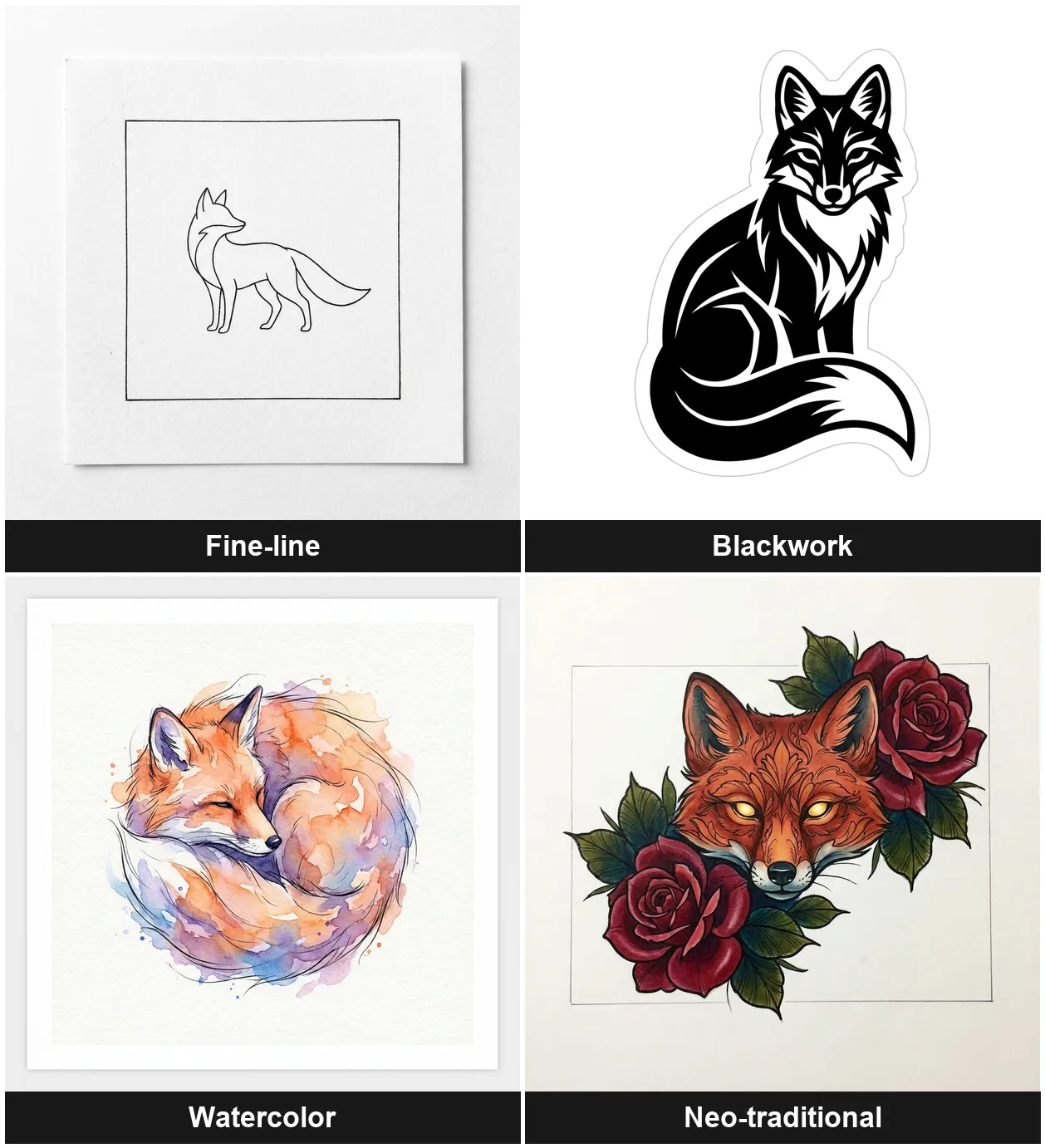
When the base models are already this good, free tools stop competing on quality. They compete on limits and extras, and that's where they split.
The free AI tattoo generators worth trying
Every tool here has a working free entry point. What separates them is the fine print: account, caps, and whether you can feed it a photo.
| Tool | Genuinely free? | Sign-up | From a photo | On-body preview | Best for |
|---|---|---|---|---|---|
| Adobe Firefly | Free credits | Adobe account | Yes | No | Highest quality, commercial-safe |
| Canva | Limited free images | Account | Yes | No (workaround) | Beginners, editing in one place |
| Perchance | Yes, unlimited | None | No | No | Fast, no-account brainstorming |
| BlackInk AI | 3 credits | Account | No | 1 free use | Placement preview, tattoo-specific UI |
| Ink Studio AI | 1 design | Account | Paid only | Paid (3D) | On-body 3D, if you'll pay |
| Picsart | Free tier | Account | Yes | No (workaround) | Reference images, style variety |
The "genuinely free" column is the one that matters. It ranges from Perchance's unlimited generations to Ink Studio's single design before a paywall. (Tat Ink and Remaker rank here too; they work much like these six, so I focused on the tools with the clearest differences.)
What each tool is best for
Adobe Firefly
Firefly is the quality pick. Describe the tattoo or upload a reference image, and it generates from Adobe's own model, trained on licensed and public-domain content. Adobe markets the output as commercially safe, which matters if you'll sell or brand the design.
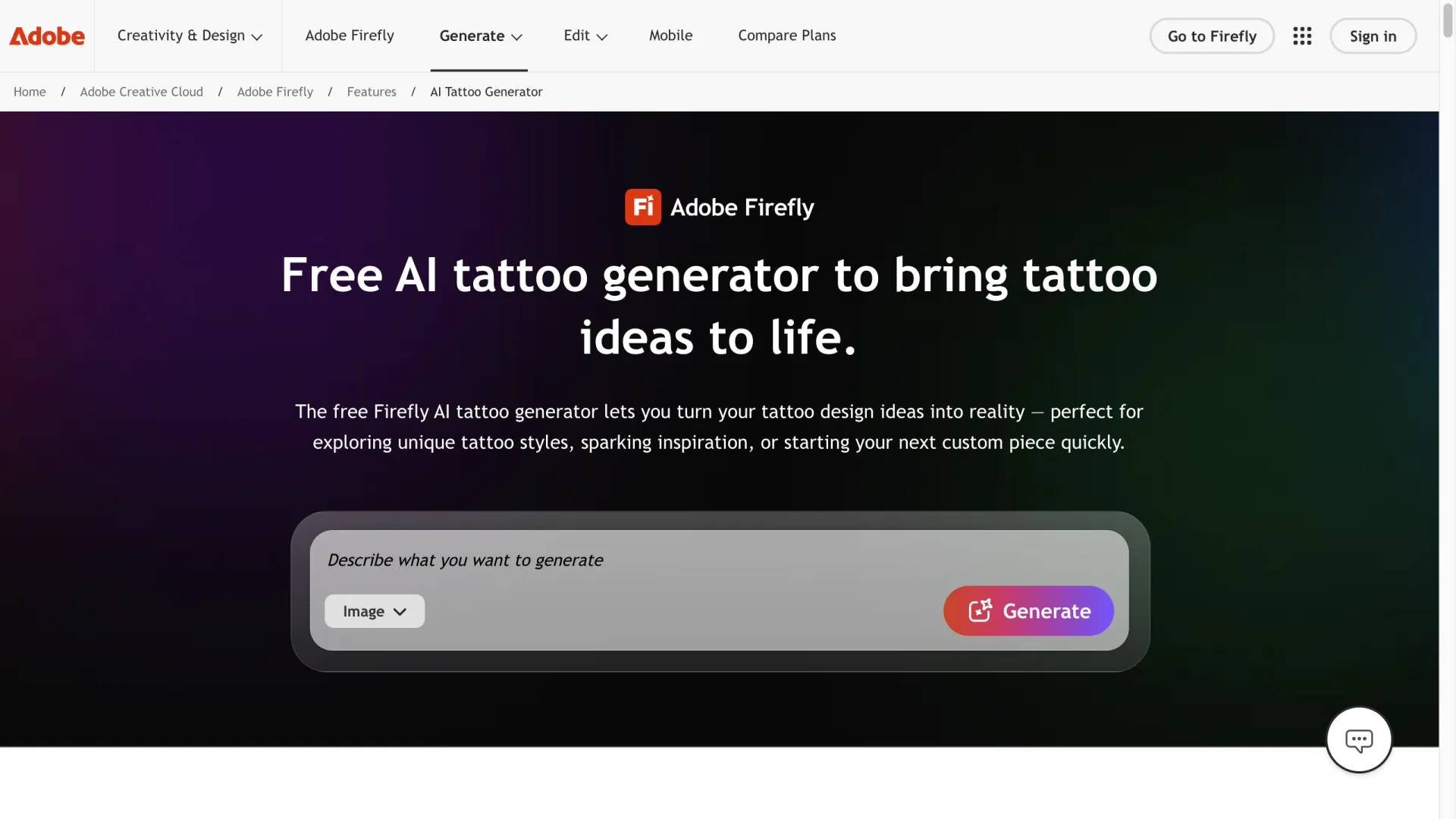
The catch is credits: generations draw from a monthly allowance, and heavy use pushes you to paid plans ($9.99/month for 2,000 credits up to $49.99 for 10,000). For occasional designs, the free allowance is plenty.
Canva
Canva wins on convenience. Its Magic Media generator lives inside the full Canva editor, so you generate, remove the background, resize, and export without leaving the page. Prompt or reference image both work.
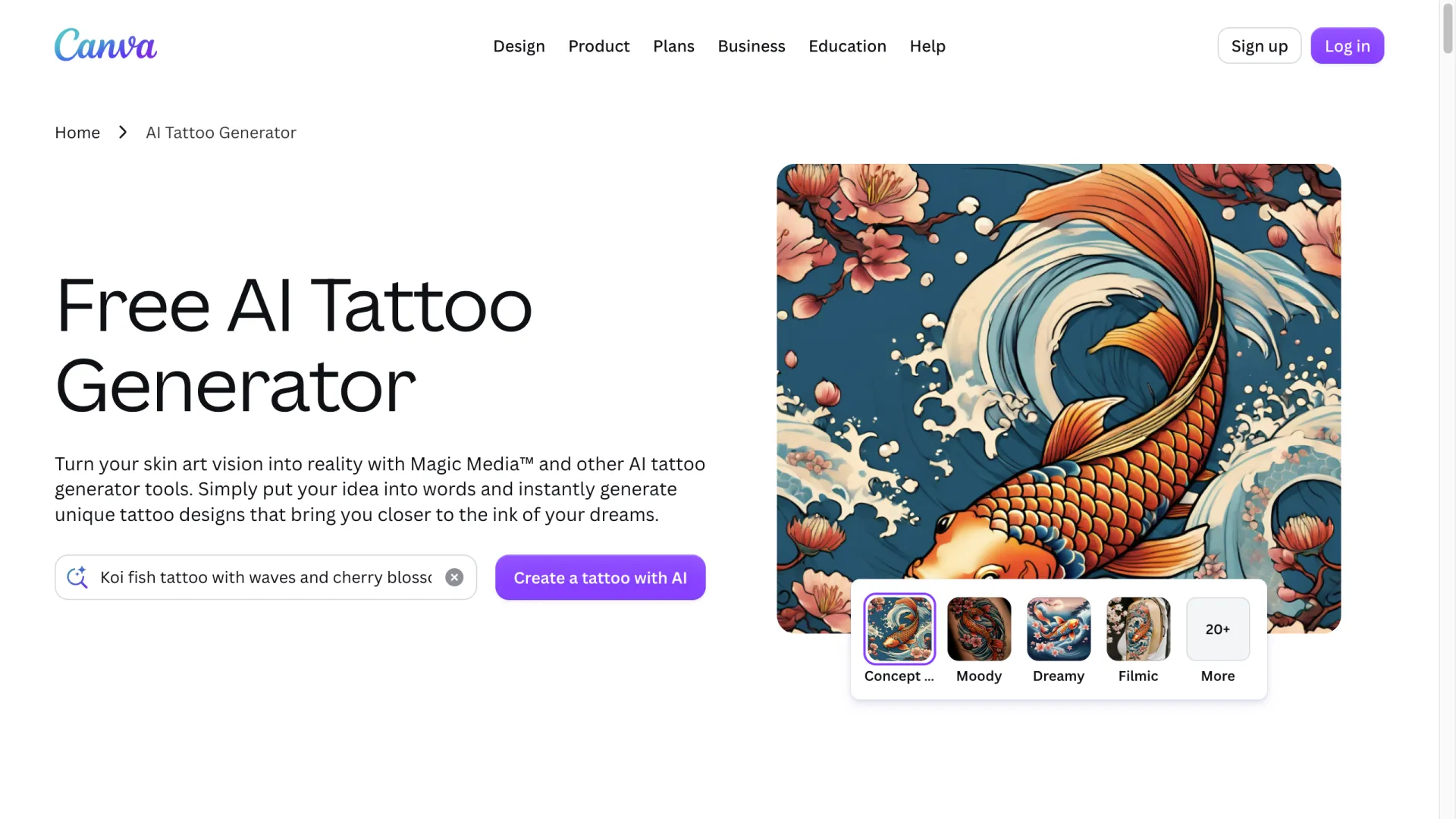
A free account gives you a limited number of AI images; Magic Edit and Magic Expand are Pro-only. There's no on-body preview, but you can fake one by dropping a background-removed design onto a photo of yourself.
Perchance
Perchance is for friction-free brainstorming: no account, no credit card, no per-day cap. There's no reference upload or body preview, so use it as an idea firehose, not a finishing tool.
BlackInk AI
BlackInk AI is built for tattoos, and the interface shows it: you pick a style, set a body part or placement, and hit VISUALIZE to preview placement.
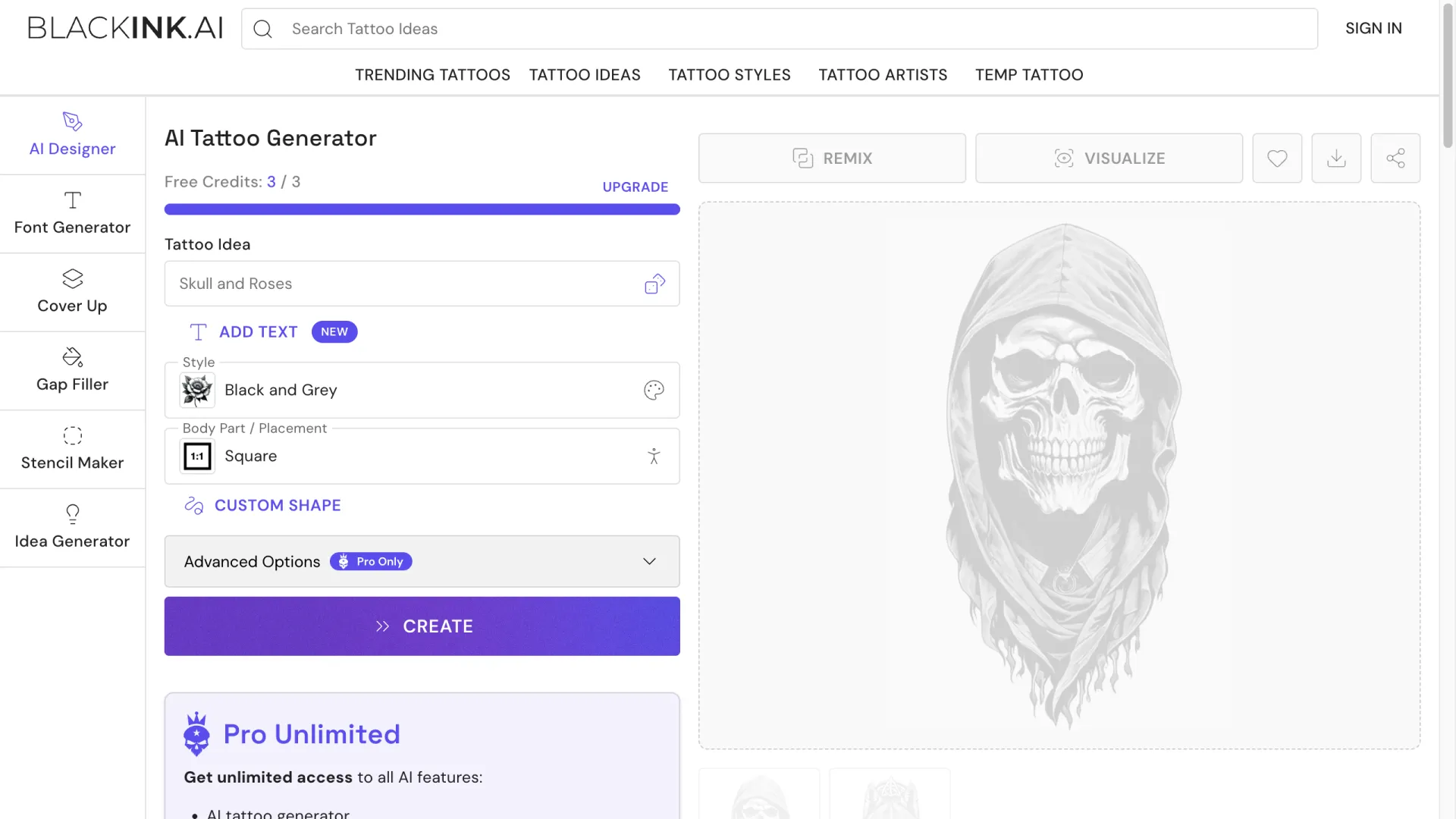
Free accounts get 3 credits and one placement preview. Fine controls and 4x super-resolution sit behind Pro Unlimited ($15/month down to $72/year). Free designs can be deleted after 30 days, so download the ones you like.
Ink Studio AI
Ink Studio AI badges itself "The #1 AI Tattoo Generator" and packs the most extras: an Image-to-Tattoo converter, Style Transfer, and a "Try Tattoo (3D)" on-body preview.
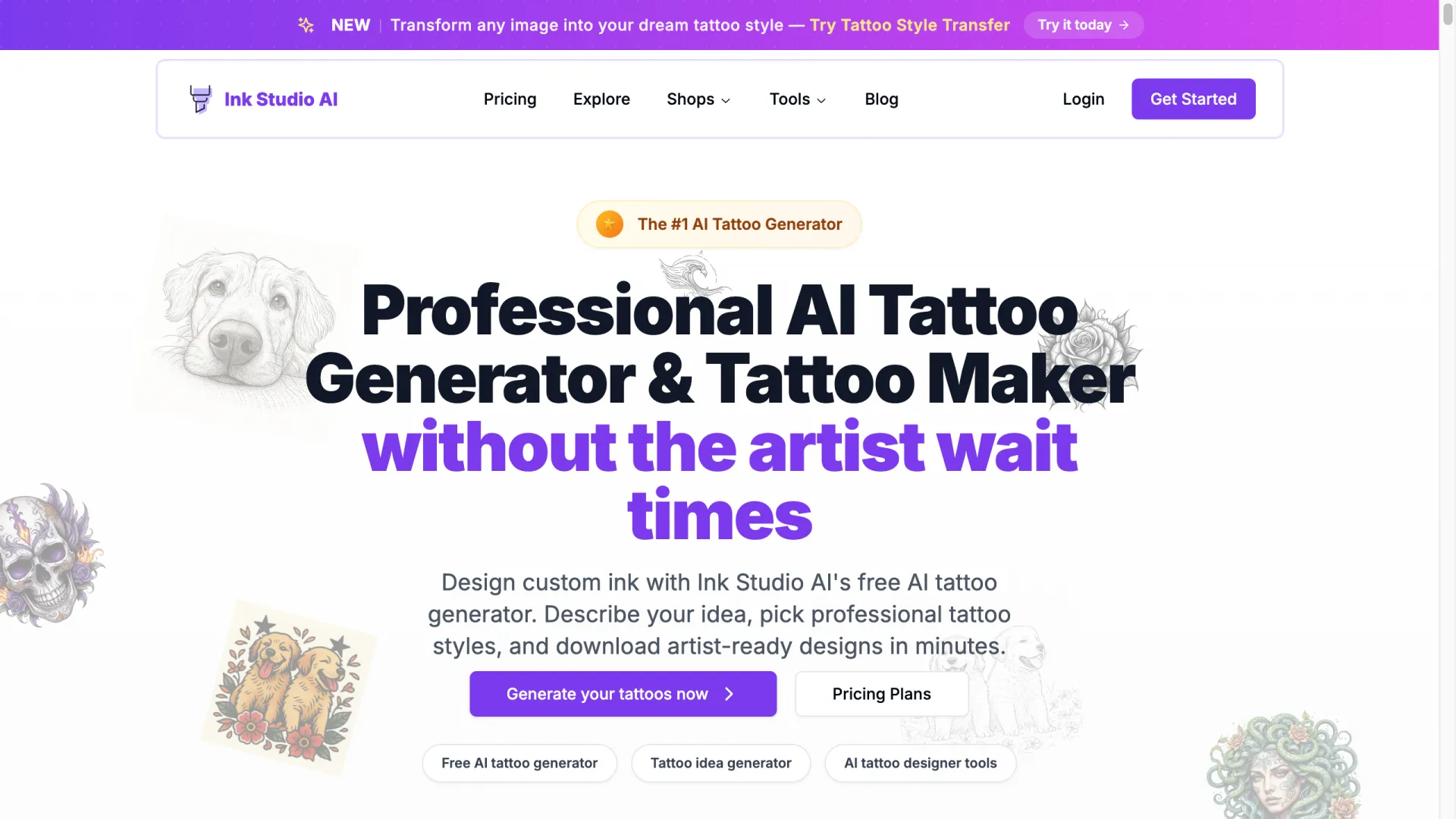
Here "free" means exactly one design. Everything after that, including the image tools and unlimited generations, sits behind a paid pass.
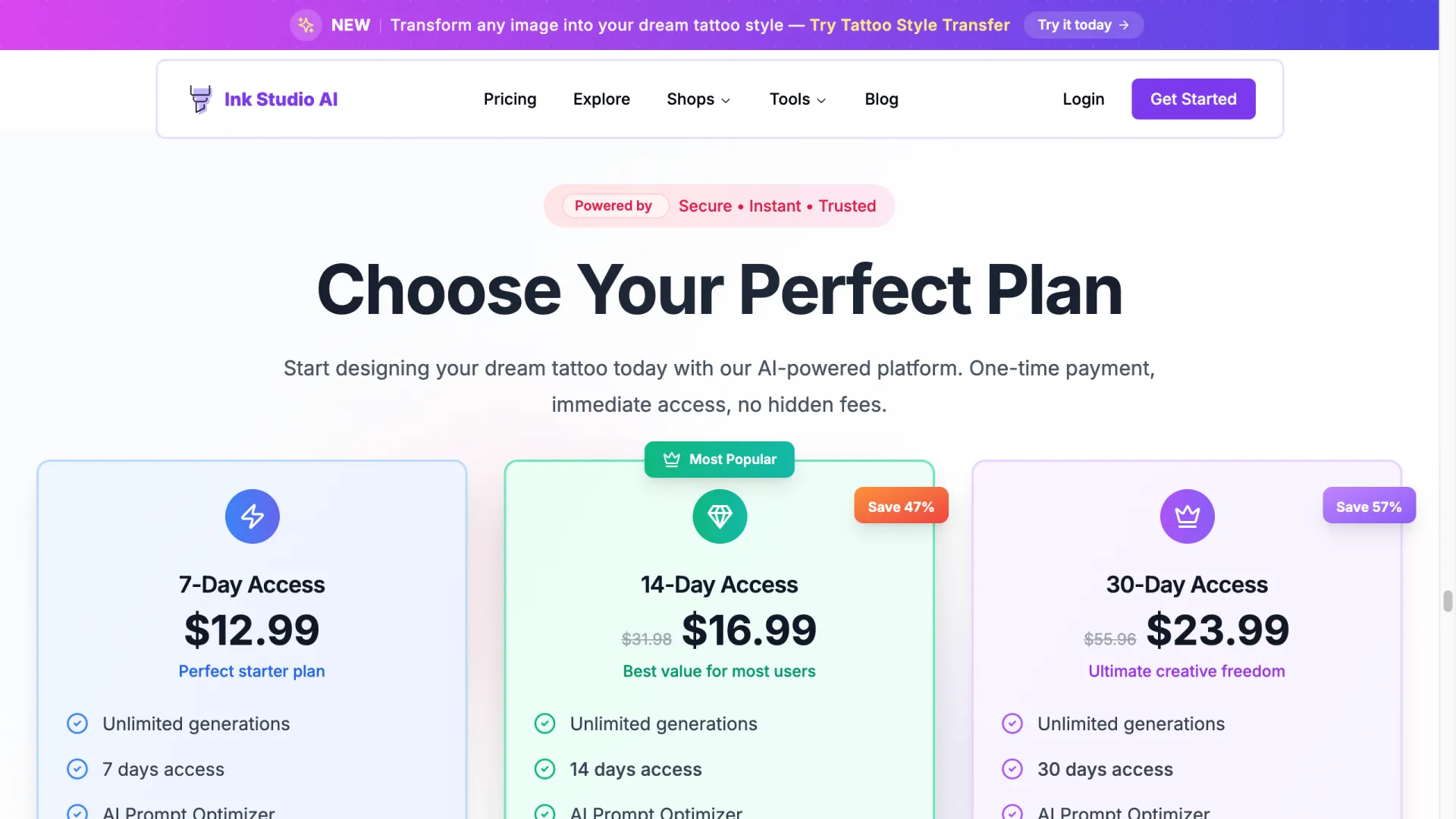
The passes are one-time windows, not subscriptions: $12.99 for 7 days, $16.99 for 14, $23.99 for 30. Worth it if the 3D preview is what you need on a deadline. As an ongoing free tool, it isn't one.
Picsart
Picsart gives you range: 31+ image models, a dedicated Tattoo Art style, and reference-image upload to steer results.
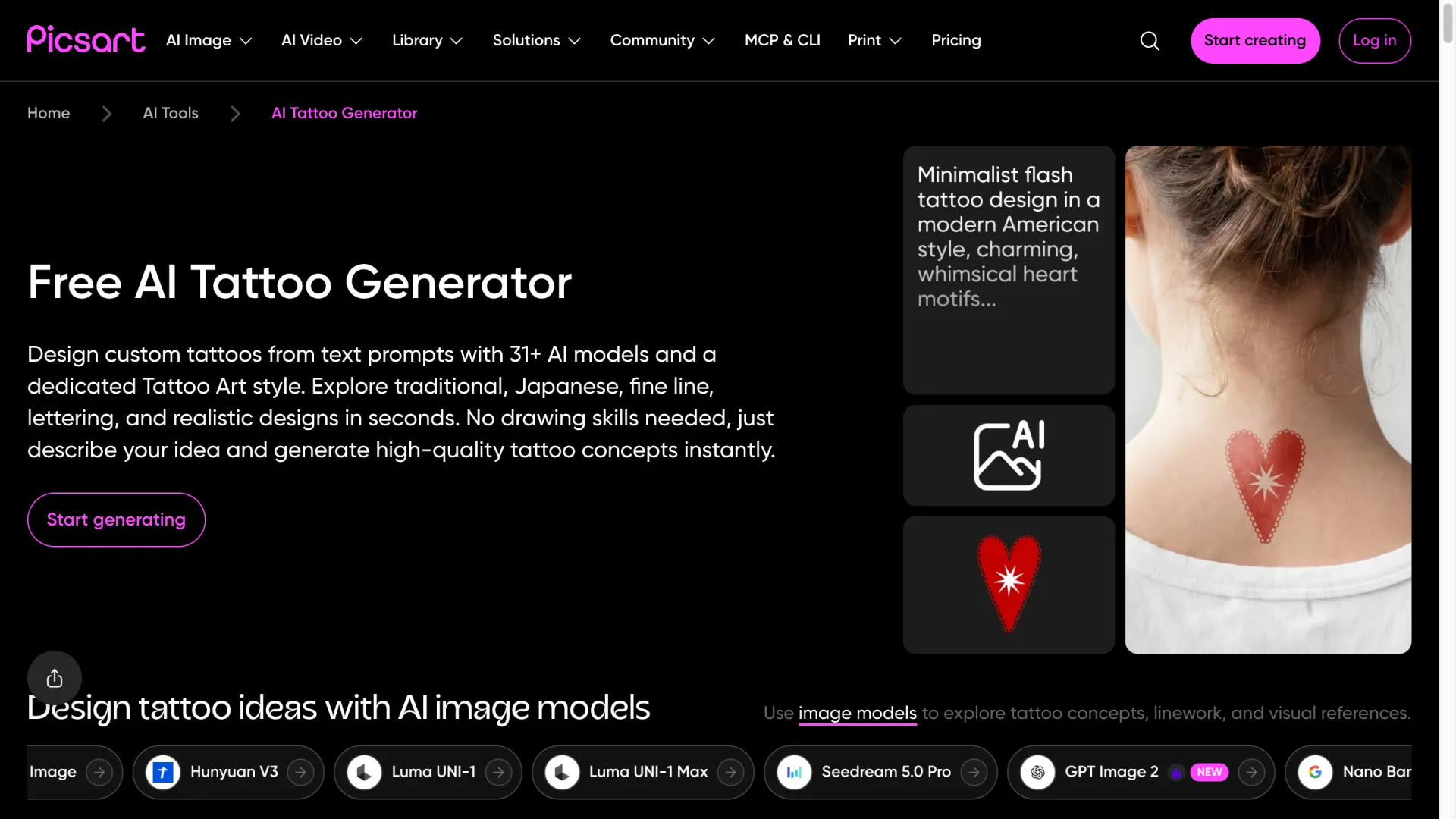
Note the model list in that screenshot: Seedream 5.0 Pro, GPT Image 2, Nano Banana. Those are third-party models running under the hood, which matters for the free-limit question below.
"Free" comes with fine print
"Free" does a lot of work across these sites. Check three things before you commit:
- The real cap. Unlimited (Perchance), a monthly credit pool (Firefly, Canva), a few credits (BlackInk's 3), or one design (Ink Studio)? This decides whether the tool is free *for you*.
- What's paywalled. The generator is often free while high-resolution downloads, reference input, and on-body previews aren't.
- License and expiry. Some free designs vanish (BlackInk deletes after 30 days). Firefly is clearest on commercial use; verify the rest before selling anything.
What the styles actually look like
The grid up top is one prompt per style, and the models handle very different looks: fine-line, blackwork, watercolor, neo-traditional.
Getting a clean one takes a few tries, though. Ask for a single fox and a model might return three on a sheet, tile it into a pattern, or bake in stray text like "FOX." Those four are the keepers from several attempts each, so budget for throwaways. (If you want lettering, check the spelling: image models still garble words.)
The base model also shifts the look. Same prompt, two models:
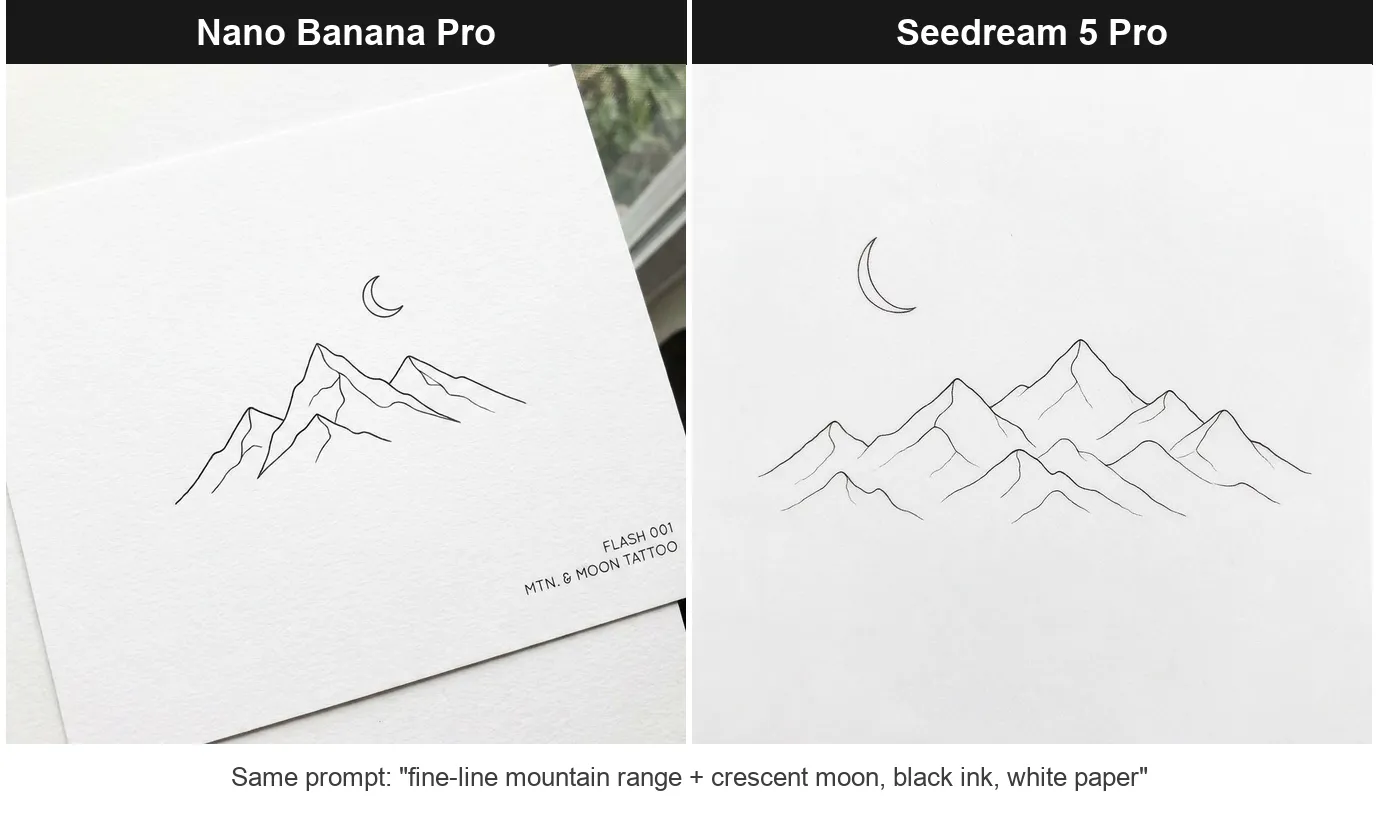
Nano Banana Pro drew crisp near-vector lines; Seedream came out softer, more pencil sketch than stencil. Neither is wrong, but if a free tool's output feels off, the model behind it is usually why.
From a photo, and "on your body"
From a photo. Firefly, Canva, and Picsart take a reference image and reimagine it as a design. BlackInk works from prompts and presets instead. Ink Studio's Image-to-Tattoo converter is paid.
On your body. Manage expectations. Most tools output a flat design on a white sheet, not the tattoo on *your* skin. Only BlackInk (placement preview) and Ink Studio (paid 3D) simulate a body view; for a real mockup on your own arm, use an AR try-on app or drop the design onto a photo of yourself.
Hit the free limit? Generate by the API call
The free caps are a pricing choice, not a model limit. Several of these tools are front-ends for the same image models (Picsart even names them: Seedream, Nano Banana, GPT Image). So if you keep hitting daily limits, you can call the model directly instead.
The samples here were made that way: about 6 to 7 cents each through the Nano Banana Pro model on AIReiter, no daily cap, full resolution. Ten designs run under a dollar. The trade-off is a plain prompt box instead of a tattoo UI with presets and placement previews, so it suits volume more than a single piece.
How to pick
- Best quality, fast: Firefly or Canva.
- No account, no limits: Perchance.
- From a reference photo: Firefly, Canva, or Picsart.
- On-body placement: BlackInk (free) or Ink Studio's 3D (paid).
- Lots of concepts, no daily cap: call the models by API.
FAQ
Is there a truly free AI tattoo generator with no sign-up?
Yes: Perchance. No account, no credit card, no cap. It's bare-bones and text-only, with no photo upload or placement preview.
Can AI generate a tattoo from a photo?
Yes. Firefly, Canva, and Picsart accept a reference image. Simple, high-contrast sources convert far more cleanly than busy photos.
Can I preview the tattoo on my body?
Mostly no. Most free tools output a flat design, not an on-skin render. BlackInk and Ink Studio's paid 3D are the exceptions; otherwise use an AR try-on app.
Do free AI tattoo generators add watermarks?
None of the six advertised one on free output, but several cap resolution (BlackInk's 4x download is Pro-only). Check the file before taking it to an artist.
Can I take an AI tattoo design to a real artist?
Yes, and artists usually prefer a reference over a finished stencil. Line weight, proportions, and how it wraps on the body still need a human. For commercial use, Firefly is the most explicit about licensing.
What's the best free AI tattoo generator overall?
Firefly for quality, Perchance for unlimited free. Pick by your real constraint (cost, from-photo, placement), not by whichever tool claims "#1."
---
Related reading: