
You nail the image, then you spot it: a translucent star in the bottom-right corner, sitting on your work like a price tag nobody peeled off.

In a client deck or a product listing, that one mark drags polished work down to looks-like-a-free-tool. And it's on every image you generate.
Two ways out. Making new images? Generate them clean so the star never appears. Stuck with images that already have it? Strip it and get the original pixels back. Fastest route first.
Fix 1: generate images with no watermark at all
The best watermark is the one that never lands.
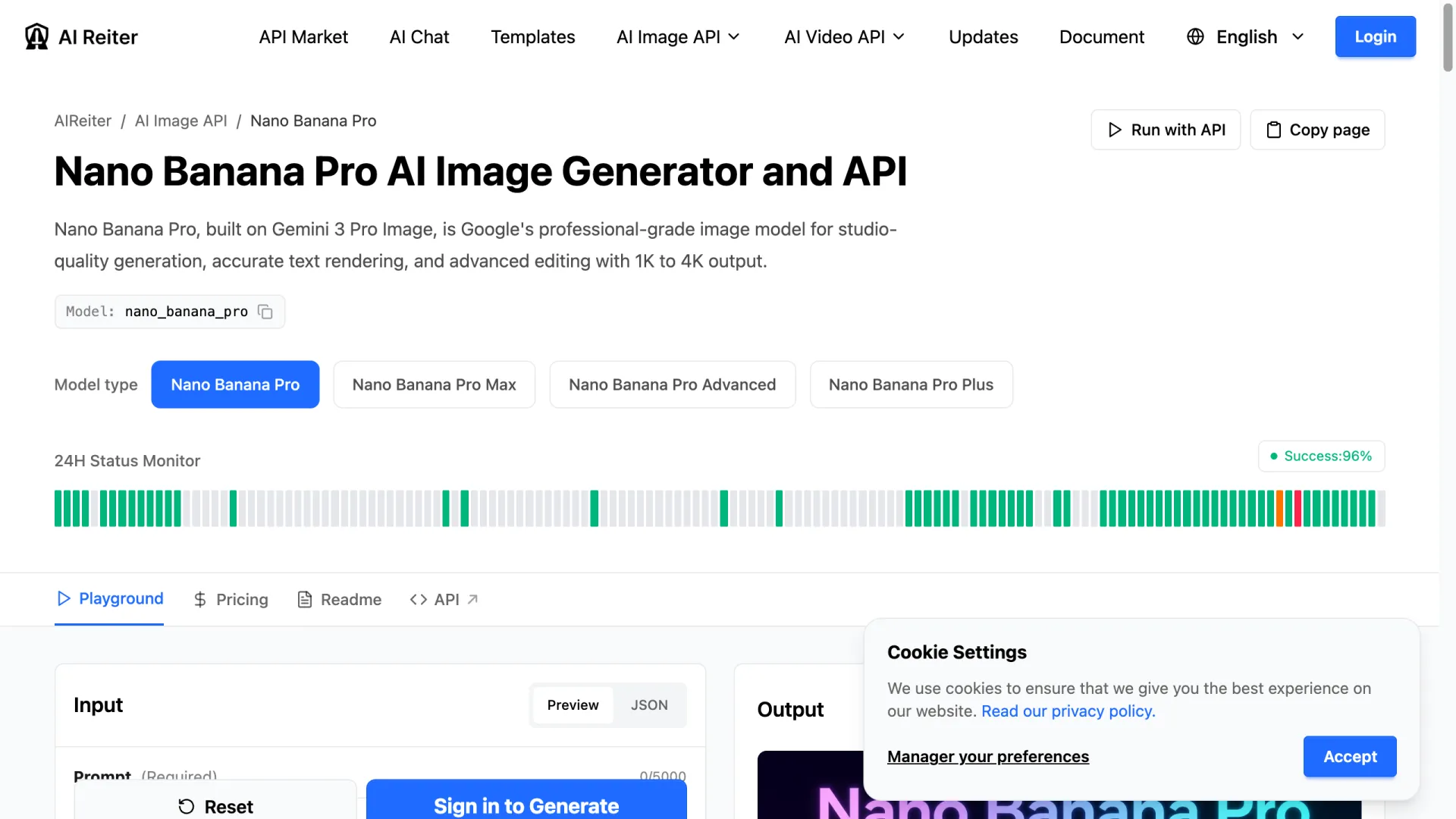
That star comes from Google's web apps—the Gemini app and AI Studio paint it on *after* the image is made. Call the model straight through an API endpoint like Nano Banana Pro and there's nothing to remove, because nothing gets stamped on.
I tested it instead of taking it on faith—generated this through AIReiter's Nano Banana Pro endpoint (Google's Gemini 3 Pro Image model), then zoomed into every corner:

Spotless. No star, no "ai" tag, full resolution, ready to drop into a deck.
The trade-off is simple: the consumer app is free but brands every export; API access costs a little and hands you commercial-ready files. That image ran 6 credits—at 500 credits for $5 (checked July 2026), about $0.06 an image. For any batch you'll publish, generating clean once beats scrubbing every frame. Don't want to code? The same models run in the browser image generator.
Fix 2: already have watermarked images? Strip the star
Can't regenerate? A good gemini watermark remover gets you back to clean pixels. Three methods, not equal:
Reverse alpha blending — use this. The star is layered on with a fixed formula, so the math runs backward and rebuilds the exact original pixels. No AI guessing, no smudge. The open-source GeminiWatermarkTool by allenk and the browser port by GargantuaX do this locally—your images never leave your machine.
AI inpainting. Online erasers that paint over the corner. Fast, zero setup, but they invent pixels, so fine detail can soften. Fine for a quick post, risky at large sizes.
Manual crop. Reliable and brutal—cut the corner off. Save it for last.
| Method | Quality | Privacy | Main catch |
|---|---|---|---|
| Reverse alpha blend | Lossless on supported sizes | Local, no upload | Breaks if Google changes the star |
| AI inpainting | Can soften detail | Usually uploads to a server | Unpredictable near fine detail |
| Manual crop | Perfect pixels, lost framing | Local | Destroys composition |
Picking one takes ten seconds—check that it runs locally, and that it names the watermark version it's built for. Google tweaks the overlay, and a remover built for last month's version quietly fails on this month's.
Why the star is there in the first place
Under the hood: the model returns clean pixels. The web layer then fetches a separate watermark image and lays it over the corner right before download. A sticker slapped on at the last step, not paint mixed in.
Developers watching the network traffic confirmed it. @Gorden_Sun on X put it bluntly: direct API calls come back with no watermark, while the same model in AI Studio ships the star.
That's the whole trick. The star sits on the surface at a known spot and size—which is why reverse-blending peels it off so precisely, and why skipping the web app skips the watermark entirely.
One thing no remover erases: SynthID
The star is cosmetic branding, safe to clean off your own image. But Google also bakes in SynthID—an invisible marker in the pixels that flags the image as AI-generated. Removers leave it alone by design, so a clean-looking image can still be identified as AI. That's intended, and worth leaving be: platforms and the EU AI Act increasingly expect AI media to be labeled.
FAQ
Is there a free Gemini watermark remover?
Yes—open-source tools like GeminiWatermarkTool and GargantuaX's browser remover are free, MIT-licensed, and clean images locally. They handle the visible star.
Does the Gemini watermark remover work on videos?
Some do. The overlay works similarly on Veo and Google Flow clips; a few tools handle video through a browser page or CLI, just slower and more finicky.
Is there a Gemini watermark remover Chrome extension?
Yes. Several reverse-alpha-blend tools ship as a Chrome extension or userscript, so you can clean an image without leaving the tab.
Can I remove the Gemini watermark with Python (Pillow)?
For the visible star, yes—if you know the logo's position and alpha, you can invert the blend in Pillow or NumPy. It won't touch SynthID.
Does removing the watermark also remove SynthID?
No. These tools work on the corner overlay only; SynthID stays intact.
Why do some Gemini images have no watermark at all?
They came from the API, not the web app. The star is added by the interface after generation, so direct API output arrives clean.