 AIREITER
Your 16GB laptop throws an out-of-memory error mid-generation. Or the tokens crawl out far slower than the hardware should manage. That is usually the moment people start hunting for Ollama alternatives. Ollama isn't broken, but the best replacement depends on which wall you hit, so here is the shortlist first, then how to match one to your problem.
Ollama alternatives at a glance
Nine tools worth switching to, plus the hosted-API route if you would rather not own a GPU. Scan the "Best for" column, find your problem, then jump to that section below.
| Tool | Type | Platforms | Mobile | OpenAI-compatible | License | Free | Best for |
|---|---|---|---|---|---|---|---|
| llama.cpp | Engine | Win/Mac/Linux | Dev only | Yes | MIT | Yes | Max control & raw speed |
| vLLM | Server | Linux (NVIDIA) | No | Yes | Apache-2.0 | Yes | Production throughput |
| LM Studio | Desktop app | Win/Mac/Linux | No | Yes | Proprietary (free) | Yes | Fast, polished daily driver |
| Jan | Desktop app | Win/Mac/Linux | No | Yes | Apache-2.0 | Yes | Simple, fully open-source |
| Msty | Desktop app | Win/Mac/Linux | No | Yes | Proprietary | Free tier | Multi-model side-by-side |
| Open WebUI | Frontend | Self-hosted | PWA | Yes | BSD-3 | Yes | Multi-user + RAG |
| GPT4All | Desktop app | Win/Mac/Linux | No | Yes | MIT | Yes | Modest/CPU-only hardware |
| AnythingLLM | Desktop app | Win/Mac/Linux | Android | Yes | MIT | Yes | Document Q&A + agents |
| LocalAI | Server | Self-hosted (Docker) | No | Yes | MIT | Yes | Self-hosted OpenAI drop-in |
| Hosted API | Cloud | Any | Any client | Yes | — | Pay-as-you-go | No hardware to manage |
What Ollama does well — and the 3 walls people hit
Ollama wraps the local-model workflow into one command: pulling a ready-to-run, pre-quantized model from its library and serving it behind an OpenAI-compatible API. That one-click simplicity is why it got popular, and for casual local chat it still works fine.
The friction shows up in three predictable places, which line up with what local-LLM users repeatedly raise in the r/LocalLLaMA subreddit and in threads on X (community sentiment, not a benchmark):
- Speed. Because Ollama is a wrapper around the llama.cpp engine, users report it running slower than calling that engine directly, or slower than MLX on Apple Silicon, and it struggles on tight VRAM budgets like 6GB.
- Stability. Out-of-memory crashes under load, occasional GPU freezes, and installer hiccups are the most common complaints.
- Control and interface. It's CLI-first, exposes limited control over quantization and GPU layer offloading, and its chat and model-management experience trails the polished desktop apps below.
Each wall points to a different fix, so the sections below are grouped by the problem rather than by a ranking.
If you want raw speed and control: llama.cpp & vLLM
llama.cpp
llama.cpp is the C/C++ inference engine that Ollama itself wraps. Going direct removes that layer and hands you full control over quantization, context length, and how many layers to offload to the GPU. Whether that translates to a speed gain depends on your hardware and settings, but you stop paying the wrapper's overhead and defaults. The -hf flag pulls models straight from Hugging Face, and prebuilt binaries cover most OS and hardware combinations.
A 7B model at 4-bit quantization needs roughly 5-6GB of RAM or VRAM, so it runs on most modern machines. The trade-off is pace: releases are frequent and flags change often, so you maintain a bit more. It's the pick when you want to tune exactly how inference runs, the same mindset behind picking an open-source LLM for coding on capability rather than convenience.
vLLM
vLLM is a production serving engine built for high throughput using PagedAttention and continuous batching. Teams switching to it for concurrent, high-volume serving report meaningfully better GPU efficiency than a local wrapper delivers.
The catch is scope. It primarily targets Linux with NVIDIA GPUs (expect a discrete card with enough VRAM to hold the full model) and has no desktop GUI, so it's overkill for solo experimentation and ideal once you've outgrown prototyping. If your question is "is vLLM better than Ollama," the answer is yes for production and no for casual single-user use.
If you want a polished app instead of a CLI: LM Studio, Jan, Msty & Open WebUI
LM Studio
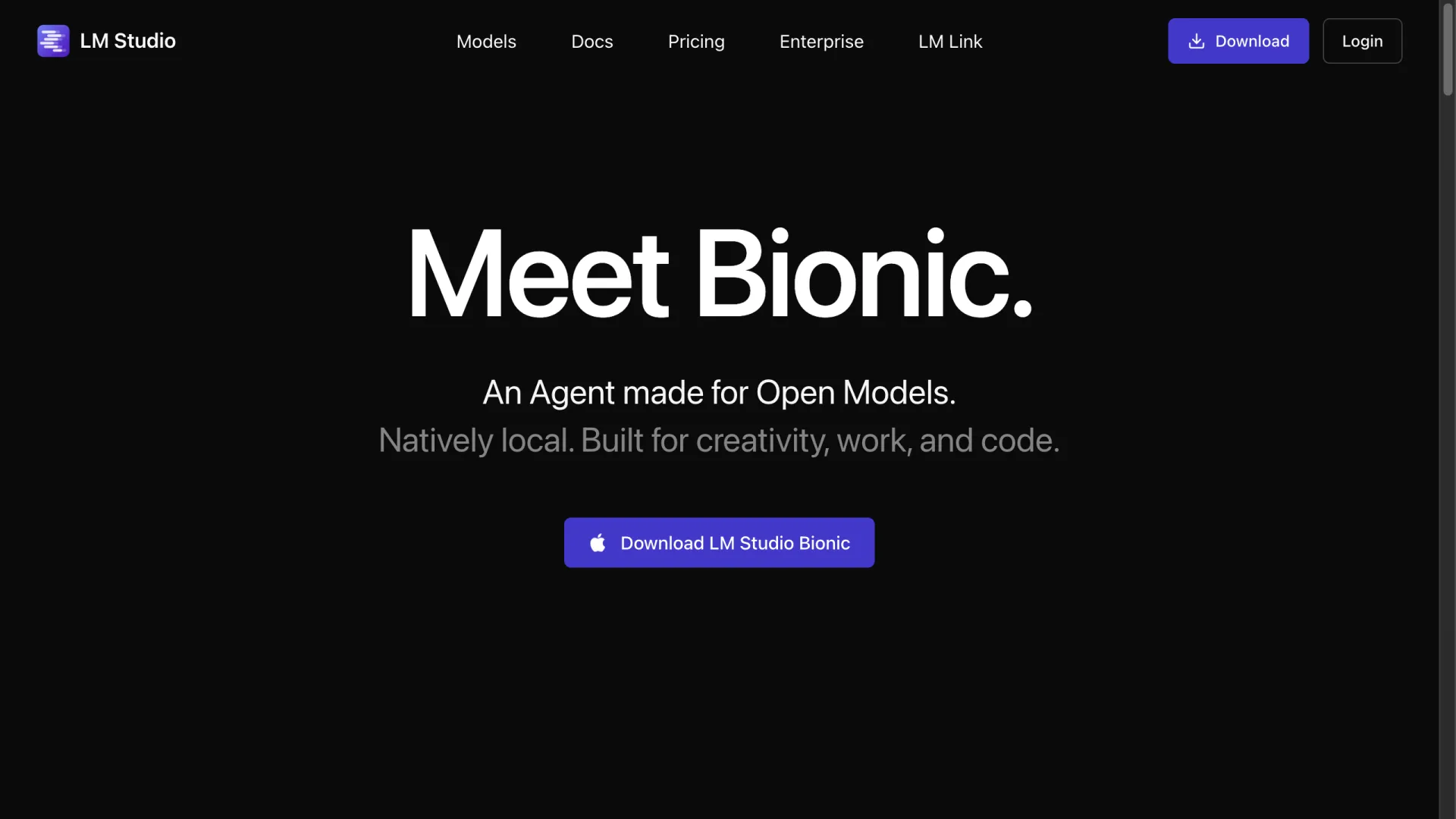
LM Studio is a common upgrade when Ollama's CLI wears thin. It runs on Windows, macOS, and Linux, is fastest on Apple Silicon (where it uses Apple's MLX alongside llama.cpp), and exposes an OpenAI-compatible server so your existing code keeps working. Its current homepage leads with "Bionic," an agent built for open models. The app is free to download and use; the core desktop app is proprietary.
Jan
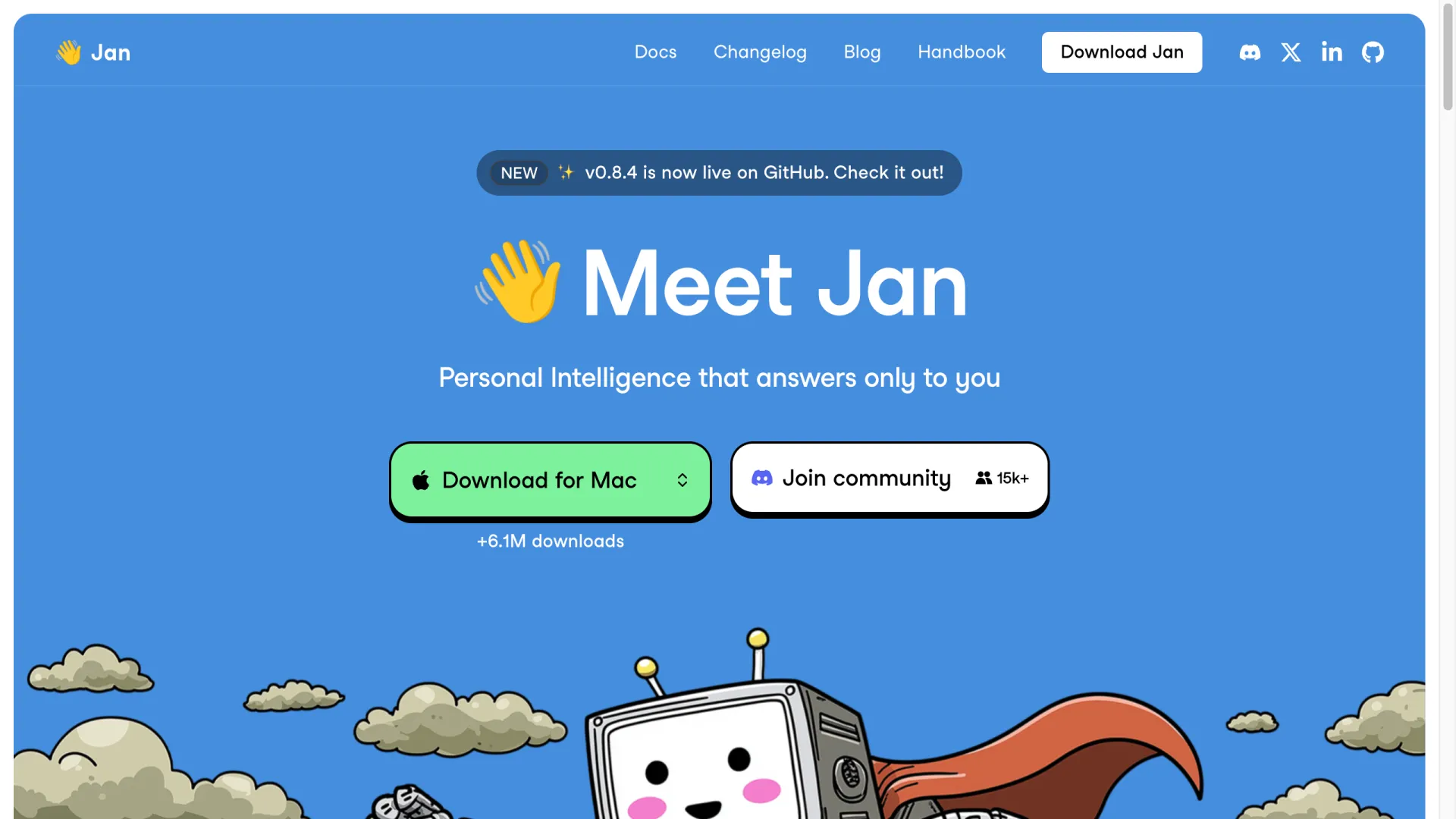
Jan is the friendliest starting point. It's fully open-source under Apache-2.0, near zero-config, and its homepage reported past 6.1M downloads as of July 2026. It exposes a local API and supports hybrid cloud models, but it's desktop-only, with no mobile app.
Msty
Msty is built around comparison. Its Split Chat sends one prompt to several models at once so you can judge answers side by side, Knowledge Stacks add document RAG, and Personas save reusable role prompts. The backend is based on Ollama and the app is proprietary. Pricing on msty.ai, checked July 23, 2026: a free tier at $0, Aurum at $149/user/year, and an Aurum Lifetime license at $349.
Open WebUI
Open WebUI is a ChatGPT-style frontend you self-host, adding multi-user permissions, built-in RAG, and mobile access as a PWA. It doesn't run models itself; it sits in front of an engine like Ollama or llama.cpp. That makes it the answer when the model is fine but you need a shared, multi-user interface.
If you need local document Q&A or a self-hosted API: GPT4All, AnythingLLM & LocalAI
GPT4All
GPT4All runs on CPU-only systems, which makes it the realistic choice for an older laptop with no discrete GPU (plan for 8GB+ RAM for small quantized models). It offers 1000+ models, added Windows ARM support, and includes LocalDocs for querying your own files locally.
AnythingLLM
AnythingLLM is the pick when document chat is the whole point. It bundles RAG and agents into one MIT-licensed app, connects to a local engine or a cloud API as the backend, and is the only tool here with an Android app (no iOS yet). If you want private document Q&A without wiring up Open WebUI plus a separate inference server, start here.
LocalAI
LocalAI is a self-hosted drop-in that speaks the OpenAI, Anthropic, and Ollama APIs from a single instance and handles text, image, and audio. It can act as an orchestration layer routing requests across multiple backends. It runs via Docker and expects more configuration than a desktop app in exchange for that flexibility.
If you'd rather not manage hardware at all: hosted APIs
Local models earn their keep on privacy, offline use, and no monthly bill. But buying a capable GPU and babysitting OOM crashes is a real cost too, and for many people a hosted API removes it.
The migration cost is lower than expected. Because Ollama already speaks the OpenAI format, and so do most tools above, switching is close to a zero-code change: point the same client at a different base URL and model name.
from openai import OpenAI
# Ollama:     base_url="http://localhost:11434/v1"
# LM Studio:  base_url="http://localhost:1234/v1"
# vLLM:       base_url="http://localhost:8000/v1"
# LocalAI:    base_url="http://localhost:8080/v1"
# Hosted API: base_url="https://provider.example/v1"
client = OpenAI(base_url="http://localhost:1234/v1", api_key="not-needed-locally")
resp = client.chat.completions.create(model="your-model", messages=[...])
Watch the edges, though: "OpenAI-compatible" isn't a strict standard, so function calling, JSON mode, and streaming behavior can differ between backends and are worth a quick test after switching.
That makes a gateway like AIReiter a practical option when local isn't worth the hassle. It serves Claude, GPT, DeepSeek and other models over the same OpenAI-compatible endpoint, billed by usage with no GPU to own; the API pricing math is worth a look before you commit to a graphics card. Local still wins when strict data residency is non-negotiable.
Is Ollama deprecated?
No. The confusion traces to a specific change: the Ollama BYOK provider built into VS Code is being retired in favor of an official extension, flagged in a Microsoft VS Code issue in June 2026. That's a change to one editor integration, not to the Ollama project, which remains actively developed.
How to choose your Ollama alternative
- Fastest native tuning → llama.cpp
- Polished desktop app → LM Studio or Jan
- Compare models side by side → Msty
- Shared multi-user interface → Open WebUI
- Local document Q&A → AnythingLLM (or GPT4All's LocalDocs)
- Modest or CPU-only hardware → GPT4All
- Production-scale serving → vLLM
- Skip hardware entirely → a hosted OpenAI-compatible API
FAQ
What's the best alternative to Ollama?
It depends on the wall you hit. For a polished daily driver, LM Studio; for raw control, llama.cpp; for production serving, vLLM; for document chat, AnythingLLM.
Is there a GUI alternative to Ollama?
Yes. LM Studio, Jan, Msty, and AnythingLLM all give you a full graphical app, and Open WebUI adds a ChatGPT-style web interface on top of your existing engine.
Is vLLM better than Ollama?
For production and high-concurrency serving, yes; vLLM is built for throughput. For casual local experimentation on a single machine, Ollama or a desktop app is simpler and enough.
Are Ollama alternatives free?
Most are. llama.cpp, vLLM, Jan, GPT4All, AnythingLLM, LocalAI, and Open WebUI are open-source and free; LM Studio is free to use; Msty has a free tier with paid plans from $149/year.
What are the best Ollama alternatives for Windows, Mac, and Linux?
LM Studio, Jan, GPT4All, Msty, and AnythingLLM run on all three. llama.cpp is cross-platform via prebuilt binaries. vLLM targets Linux with NVIDIA GPUs.