 AIREITER
The search phrase uses “3-5,” but Google’s model IDs are gemini-3.5-transcribe and gemini-3.5-transcribe-live. The API is real and inexpensive, yet the decision turns on whether you need clean prose, traceable wording, or live captions.
The Gemini 3.5 Transcribe API review verdict in one table
Gemini 3.5 Transcribe is worth prototyping for recorded files, dictation, and short live-caption experiences. It is not a safe default for an exact transcript or a long-running live record: Smart transcription edits speech, live sessions lack speaker labels and word timing, and the service remains in public preview.
| If you need… | Use… | Review judgment |
|---|---|---|
| A transcript from an uploaded meeting, call, or podcast | gemini-3.5-transcribe | Use; choose verbatim when wording matters |
| Clean dictation or readable meeting notes | Recorded model with Smart mode | Use with review if editing is acceptable |
| Captions while someone is speaking | gemini-3.5-transcribe-live | Prototype for short interactive sessions |
| Speaker labels and word-level timing | Recorded model with verbatim annotations | Use with limits; 30 minutes and 3+ speakers are experimental |
| A legal, medical, compliance, or archival source of truth | Verbatim pipeline with human review | Do not use as sole source |
This is an evidence-led API review rather than a controlled WER benchmark. The Gemini 3.5 Transcribe API setup and pricing guide covers the request flow; this review focuses on what the documented trade-offs mean after the first successful call.
The model family is really two API contracts
gemini-3.5-transcribe handles uploaded or prerecorded audio through the Interactions API, while gemini-3.5-transcribe-live handles streaming audio through the Live API.
Recorded transcription: gemini-3.5-transcribe
The recorded route is the more capable option for durable transcripts. Google documents automatic language detection across 85+ languages, custom vocabulary, Smart or verbatim output, speaker diarization, and word-level timestamps on the audio transcription documentation.
The ordinary audio limit is up to one hour. Enabling speaker diarization or word-level timestamps reduces that limit to 30 minutes, and Google marks attribution for three or more speakers as experimental even though the model reference lists up to eight speakers.
The route suits dictation, interviews, and short calls; longer meetings requiring attribution and alignment must be split and stitched by the application.
Live transcription: gemini-3.5-transcribe-live
The live route is designed for incremental captions, not for reproducing the recorded route over a WebSocket. Google’s Live transcription documentation documents interim and finalized transcript events, automatic language detection, custom vocabulary, Smart mode, and automatic, hybrid, or manual voice-activity detection.
A continuous live session lasts 10 minutes, live streaming has no speaker diarization or word-level timestamps, and audio must be raw 16-bit PCM, 16 kHz, mono, little-endian. These limits suit caption previews but make long-call recording dependent on reconnection, stitching, and provisional-text handling.
The feature trade-off that decides the review
Gemini 3.5 Transcribe’s differentiator is “intelligent” cleanup, but that feature changes the meaning of accuracy. Polished text can be more useful for dictation while being less suitable as a literal record.
Smart mode is editing, not a source record
Google’s Smart mode removes filler words, stutters, and false starts; resolves spoken corrections; and formats punctuation, numbers, lists, and paragraphs. “Let’s meet Tuesday, no, Wednesday” can emerge as “Wednesday” rather than preserving the false start.
That is useful for a draft email, voice note, or readable meeting notes. It is risky when hesitation, the original error, or the exact sequence of words carries meaning.
The official transcription guide makes the boundary explicit: Smart mode cannot be combined with speaker diarization or word-level timestamps. The API forces a choice between clean text and traceable annotations.
Keep a verbatim transcript as the source of truth, then create a Smart or downstream-cleaned copy for readers. Do not try to solve this incompatibility with a prompt; it is an output-contract constraint.
Timestamps and speaker labels improve traceability, but narrow the route
Recorded audio can return word_info annotations with word text, offsets, and speaker identifiers when configured in verbatim mode. Those annotations support subtitles, click-to-seek playback, speaker-duration calculations, and evidence review.
| Requirement | Recorded route | Live route |
|---|---|---|
| Speaker diarization | Supported; up to 8 documented, 3+ experimental | Not supported |
| Word-level timestamps | Supported | Not supported |
| Smart output with annotations | Not supported | Not supported with word annotations |
| Duration boundary | 1 hour ordinary; 30 minutes with diarization or word timestamps | 10 minutes per continuous session |
| Accuracy caveat | Google warns word timestamps may reduce accuracy | Interim text can change before finalization |
“Supports timestamps” is therefore an incomplete buying claim. The feature exists, but it reduces the file-duration ceiling and may trade away recognition accuracy. Test attribution rather than treating the documented maximum as a reliability promise for larger meetings.
Custom vocabulary and language detection
Both routes support automatic language detection and custom vocabulary. Google documents more than 85 languages and code-switching, and it recommends hints such as en-US when the application already knows the language.
Custom vocabulary accepts up to 1,000 terms, while Google’s practical guidance says results are typically best with up to 100. Use the list for product names, acronyms, proper nouns, and technical terms, not ordinary words.
“Supported” is not equal quality across accents, dialects, noisy rooms, and mid-sentence language switches. One early Reddit discussion specifically asked whether the live route could handle mixed languages, which is a useful test case rather than proof of a failure.
“I'd prefer if it delayed the video by a little bit and had the captions sync up with the spoken words.” — u/WaterObjective5107, Reddit
The comment captures a live-product issue that WER does not measure: a caption can be linguistically correct and still feel wrong if it is not synchronized with the video.
What the accuracy numbers actually support
Google’s published numbers are encouraging, but they describe several evaluation contexts rather than one universal Gemini 3.5 Transcribe score. They support a serious pilot, not a substitute for testing your microphones, accents, terminology, and speaker patterns.
| Evaluation context | Reported WER | What it tells you |
|---|---|---|
| Artificial Analysis, streaming | 4.0% | A cited streaming average, not a latency or diarization score |
| Artificial Analysis, non-streaming | 2.6% | A cited recorded-audio average under its test conditions |
| FLEURS, streaming | 5.50% | A multilingual streaming result across selected locales |
| FLEURS, non-streaming | 5.04% | A separate multilingual recorded-audio result |
These figures appear in Google’s launch announcement, which also claims a 70% improvement in time to final transcription versus Chirp 3. That is a Google claim, not an independent test of your workflow.
The gap between 2.6% and 5.50% is not a contradiction. The routes, datasets, language mix, and streaming conditions differ. Score the errors that cost money, including names, order IDs, dates, amounts, product terms, and speaker turns, instead of relying on aggregate WER alone.
Early community reports point to language switching, speaker attribution, timestamp behavior, and long-recording completion as test cases; one X tester described a 20-minute clip returning only five minutes. These are directional anecdotes, not controlled product facts. (X report)
Production friction the setup guide cannot answer
A successful upload or WebSocket connection proves transport, not production readiness. The risks appear after the demo: mutable live text, route-specific limits, credential handling, preview status, and the policy for keeping a trustworthy transcript.
Live captions need state management
Live responses have two jobs. interim_input_transcription is a changing hypothesis for the caption preview; input_transcription is the finalized segment that can be appended to durable transcript state.
Use this state model:
- Replace the visible caption with each interim update.
- Append only finalized text to the committed transcript.
- Renew or reconnect before the 10-minute session boundary.
- Stitch sessions with an explicit boundary marker and deduplication logic.
- Keep irreversible actions away from interim text.
Use ephemeral tokens in browser and mobile clients so a long-lived API key is not exposed in frontend code. A backend is needed to mint and constrain those tokens; audio can then flow directly from the client to the Live API if that architecture fits the application. Monitor connection errors, finalization delay, and duplicate segments.
Recorded workflows need a source-of-truth policy
Choose the output contract before choosing the mode. Use Smart mode for readable prose; use verbatim mode when exact words, speakers, or offsets matter.
Store the verbatim result and annotations, then generate a separate cleaned transcript for search, summaries, or customer-facing notes. This adds a processing step, but it is safer than trying to reconstruct deleted filler words or overwritten corrections.
Preview status changes the deployment decision
Google announced Gemini 3.5 Transcribe on August 26, 2026 as a public-preview model family. The Google model reference documents capabilities and limits, but preview status makes pricing, quotas, behavior, and availability items to re-check before a migration.
Start with a small, non-sensitive evaluation set and saved reference transcripts. Score critical-entity accuracy, speaker attribution, finalization delay, reconnect behavior, and reviewer correction rate separately; set written pass thresholds before testing and promote only when each threshold is met.
Price versus accepted transcript cost
Gemini 3.5 Transcribe is inexpensive on the displayed estimates, but billing is token-based rather than a guaranteed flat per-minute tariff. Google’s official pricing table lists approximately $0.003 per minute for recorded audio input plus $0.002 for text output, or about $0.005 per minute blended; Live is approximately $0.009 per minute blended.
| Route | Audio input estimate | Text output estimate | Blended planning estimate | 100 hours |
|---|---|---|---|---|
Recorded gemini-3.5-transcribe | $0.003/min | $0.002/min | $0.005/min | About $30 |
Live gemini-3.5-transcribe-live | About $0.005/min | About $0.004/min | $0.009/min | About $54 |
The first budget is roughly $30 for 100 recorded hours or $54 live, before retries, storage, audio conversion, human correction, and downstream summarization. Output length and added context can change the bill, so keep usage logs.
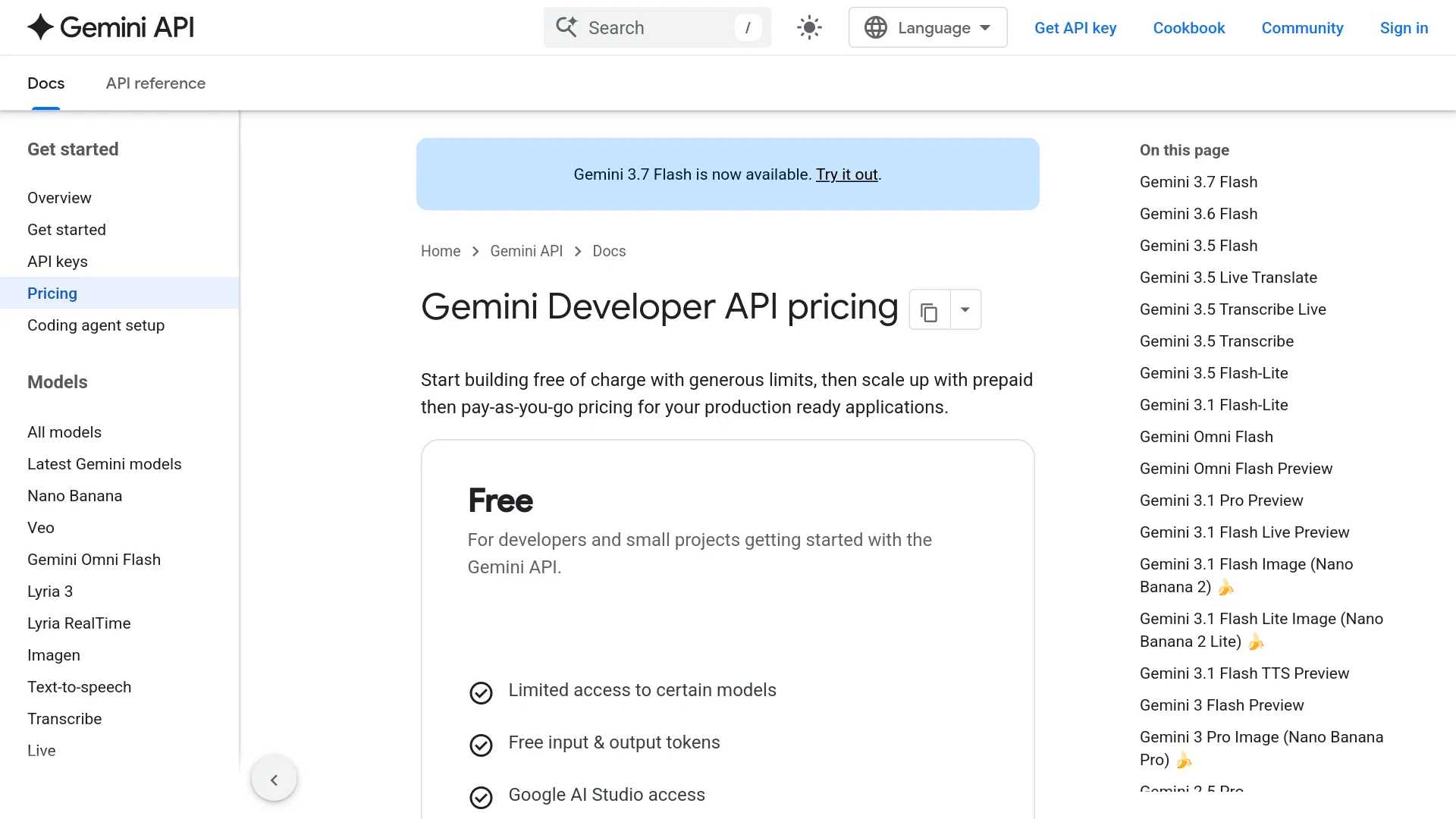
Screenshot captured from Google’s public pricing page; verify the current table before committing volume. See the official Gemini API pricing documentation.
Calculate accepted-transcript cost as API usage plus review time, reviewer rate, retries, storage, conversion, and downstream processing. Smart-mode corrections or a second annotation pass can make a higher-priced API cheaper overall if they reduce manual correction.
Gemini 3.5 Transcribe API review FAQ
Can Smart transcription preserve exact wording?
No. Smart mode edits disfluencies and self-corrections, so keep verbatim mode as the source when exact wording matters.
Does the Live API provide speaker labels or word timestamps?
No. Use the recorded route when diarization or word-level timestamps are required.
Can Gemini 3.5 Transcribe handle a long meeting?
The ordinary recorded limit is one hour, or 30 minutes with diarization or word timestamps; Live is limited to 10 minutes per continuous session.
Is it suitable for legal, medical, or compliance transcripts?
Use it only as an assistive layer with verbatim output, critical-field checks, and human review; do not use Smart output as the sole high-stakes record.
The decision: prototype it, but do not let it become the record by accident
Gemini 3.5 Transcribe is a strong candidate when the value is low-cost, multilingual, context-aware transcription rather than perfect literal capture. Start with the recorded route, compare Smart and verbatim outputs on your own audio, and add annotations only when the 30-minute boundary is acceptable.
Move to Live for captions or voice UI after the client can securely stream the required PCM format and separate interim text from finalized text. For sensitive records, preserve the raw route and make human review part of acceptance criteria, not an emergency repair after Smart mode has rewritten the source.