 AIREITER
A ChatGPT MCP server deployment is not finished when /mcp responds. ChatGPT must reach it, discover the right tools, authenticate users, and choose those tools correctly. For most teams, managed hosting is the sensible default; private infrastructure belongs behind Secure MCP Tunnel.
Choose the deployment boundary before writing code
The deployment boundary determines the transport, authentication work, operational burden, and whether the server can be published. ChatGPT is a remote MCP client: it does not directly launch a local stdio process as some desktop clients do (OpenAI Help Center).
| Deployment mode | ChatGPT connection | Best fit | Main cost |
|---|---|---|---|
| Managed public hosting | Stable HTTPS Streamable HTTP endpoint | Most team and customer-facing apps | Platform limits and vendor dependency |
| Self-managed public endpoint | Stable HTTPS endpoint on your container, VM, or cluster | Existing platform teams with compliance or network requirements | You own TLS, scaling, patching, rollback, and monitoring |
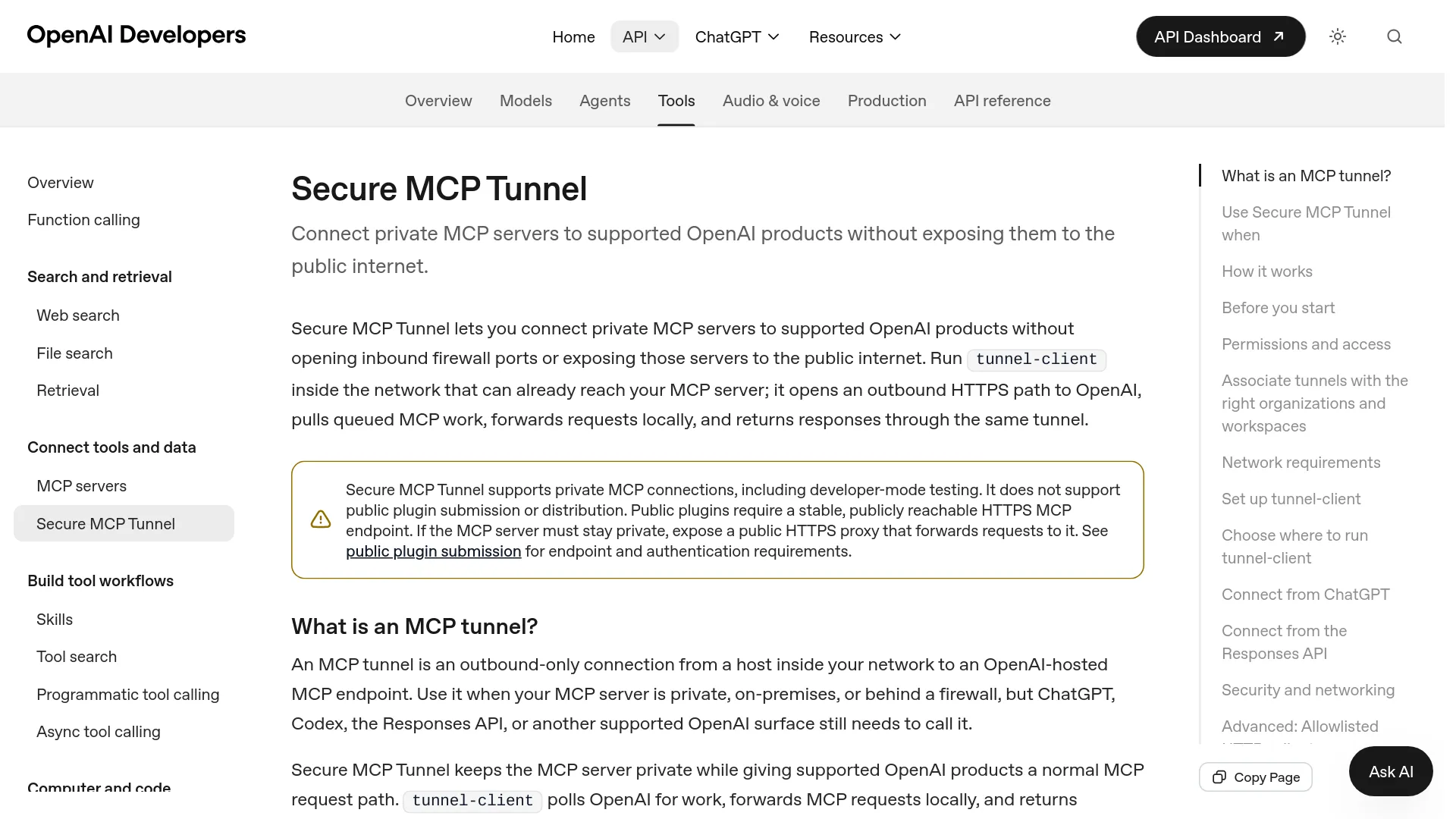
| Secure MCP Tunnel | OpenAI-hosted endpoint relays to a private stdio or HTTP server | On-premises systems, private networks, and development | A healthy tunnel-client becomes part of availability |
Use managed hosting by default when the MCP server is stateless, traffic is intermittent, and the team does not already operate a reliable public application platform. Vercel's route-handler pattern and Cloudflare's stateless Worker pattern both produce the stable HTTPS endpoint ChatGPT expects; verify each platform's request-duration, streaming, and state constraints before choosing it (Vercel, Cloudflare).
Self-manage the public endpoint when the server must sit beside existing databases, use established identity infrastructure, satisfy data-residency controls, or run workloads that do not fit a serverless duration model. This choice is justified only if the team already has secret management, deployment rollback, alerting, and an on-call owner.
Use Secure MCP Tunnel when public ingress is the wrong security boundary. OpenAI's tunnel client makes outbound HTTPS connections to api.openai.com:443 and forwards requests to a private HTTP or stdio server; no inbound internet listener is required. OpenAI's deployment documentation also states that Secure MCP Tunnel does not meet the public submission requirement for a stable, publicly reachable HTTPS endpoint (OpenAI tunnel documentation, OpenAI build guidance).
Move from local tools to a production ChatGPT MCP server
A reliable ChatGPT MCP server deployment uses separate gates for tool behavior, protocol behavior, production reachability, and model routing. Passing one gate does not imply that the next one will pass.
1. Define focused tools and stable contracts
Start with one tool per recognizable user action. OpenAI's build guidance uses separate list_projects, get_project, and update_project tools rather than one tool with unrelated modes (OpenAI developer documentation). Each tool needs an action-oriented name, a precise description, an explicit input schema, useful output, and accurate safety annotations.
Mark a tool readOnlyHint: true only when it cannot change state. Use destructiveHint: true for effects that are irreversible or difficult to reverse, and openWorldHint: true when a tool accesses open-ended external entities. OpenAI documents these annotations as model-facing metadata used for tool behavior and safety handling, while requiring authorization to be enforced by the server on each protected request (OpenAI developer documentation).
Return stable record identifiers in structuredContent when a later call may update the same record. Keep tokens, secrets, and unnecessary personal data out of content, structuredContent, and _meta; OpenAI explicitly states that _meta is hidden from the model but is not secure storage.
2. Expose Streamable HTTP locally
ChatGPT's normal remote connection uses Streamable HTTP, commonly at /mcp. The path is conventional rather than mandatory, but the complete deployed URL must be entered in ChatGPT (OpenAI connection guide).
Run the server locally and open MCP Inspector:
npx @modelcontextprotocol/inspector@latestConnect Inspector to a URL such as http://localhost:3000/mcp. Confirm initialization, list tools, then call every tool with a valid request, an invalid schema, a missing identifier, and an empty-result case. For protected tools, verify that missing or insufficient credentials fail closed.
3. Add production access control before exposure
A public health check does not justify a public tool surface. If the tools expose only intentionally public, read-only data, an unauthenticated endpoint may be acceptable. Private data, user-specific data, and actions require authentication and authorization on every request (OpenAI build guidance).
For OAuth-protected MCP, the server acts as a resource server. An unauthenticated request returns 401 and points the client to protected-resource metadata, normally at /.well-known/oauth-protected-resource. The authorization flow should use PKCE, narrowly scoped tokens, strict issuer and audience validation, and refresh-token support where persistent connections require it (OpenAI Help Center).
Do not pass the MCP access token to an upstream service merely because both services recognize bearer tokens. The token must be intended for the receiving resource; use service credentials or an appropriate token-exchange design for downstream calls (MCP deployment security guide).
4. Deploy an immutable candidate
Deploy the same build that passed Inspector to a preview or staging endpoint, then promote that artifact to production. The production endpoint must use HTTPS, preserve the full MCP path, reach its dependencies, and keep secrets in the hosting platform's secret store.
For a compact Vercel reference path, install mcp-handler, @modelcontextprotocol/server, and zod; mount the returned Web handler at app/api/mcp/route.ts; export it for GET and POST; and deploy with:
npx vercel deploy --prodThe ChatGPT connection URL then has the form https://your-project.vercel.app/api/mcp. Vercel documents a 300-second default function duration with Fluid compute and higher ceilings on eligible paid configurations, so move work that outlives one request into a resumable job rather than holding an idle stream open (Vercel deployment guide). Keep the route stateless unless the selected runtime provides a deliberate shared-state design.
Add four operational controls before connecting ChatGPT:
- Set request timeouts and rate limits for expensive tools.
- Log initialization failures and tool failures without logging tokens or sensitive results.
- Record a release identifier with each invocation so an incident maps to deployed code.
- Maintain a tested rollback path for tool-schema or authorization regressions.
Run MCP Inspector against the production URL, not only localhost. Recheck discovery, schemas, annotations, authentication, valid calls, and errors. A load balancer, proxy, CORS rule, or identity-provider redirect can fail even when the application worked locally.
Design access control in three layers
ChatGPT MCP access control has three independent enforcement layers; enabling OAuth addresses only the identity layer.
| Layer | Enforcement point | Required decision |
|---|---|---|
| Workspace access | ChatGPT admin controls | Who may create, publish, enable, or use the app? |
| User identity | OAuth authorization server and MCP resource server | Which account is calling, and is the token valid for this server? |
| Resource/action authorization | MCP tool handler and backend | May this user perform this action on this tenant, record, or environment? |
On ChatGPT Business, admins or owners control developer mode and publication. Enterprise and Edu workspaces add RBAC for developer access, app access, and actions (OpenAI Help Center). Those controls govern ChatGPT's use of the app; they do not prove that a caller may edit customer A's record in the backend.
The MCP handler must derive identity from validated credentials and apply tenant and object authorization for every call. Never accept a user ID, organization ID, or role from model-generated arguments as proof of identity. Treat all tool arguments as untrusted input.
Separate read scopes from write scopes. A practical policy might allow projects:read broadly, reserve projects:write for editors, and require a fresh server-side check before destructive operations. ChatGPT may ask for confirmation on consequential actions, but confirmation is a user-experience safeguard, not an authorization control.
Prompt injection is also an access-control concern. Tool output and retrieved documents may contain hostile instructions, so write tools should expose the narrowest action possible and validate allowed fields server-side. An all-purpose execute_action tool increases both routing ambiguity and blast radius.
Connect, test, and publish the app in ChatGPT
Connecting the endpoint creates a draft app and a metadata snapshot. Publishing makes a reviewed configuration available to the workspace; it is not the same operation as deploying server code.
- Enable developer mode under the applicable ChatGPT workspace policy.
- Open the app creation flow and enter the complete HTTPS MCP URL, including
/mcpwhen that is the mounted route. - Select the authentication mechanism and complete OAuth if required.
- Run Scan Tools, inspect every discovered name, schema, annotation, and action, then create the draft.
- Test the draft in a new chat before publishing it to the workspace.
For a private server, choose Tunnel as the connection and select an associated tunnel or enter its tunnel_id. The operator needs OpenAI Platform Tunnels Read + Use, while ChatGPT developer mode remains a separate workspace permission (OpenAI tunnel documentation).
Metadata changes need an explicit lifecycle. For a developer-mode connection, deploy or restart the server, open the connection, select Refresh, verify the changed metadata, and begin a new conversation. OpenAI's current Business guidance says published apps must be recreated and republished to change tools or metadata; Enterprise/Edu admins can refresh actions, review diffs, and enable new actions, which are disabled by default (OpenAI Help Center).
Backward-compatible evolution is still the safest server policy. Add optional fields and new tools; avoid silently changing an existing tool's meaning. Keep old schemas available until all approved snapshots and clients have moved.
Test the behavior ChatGPT users will actually see
Protocol tests prove that a server can answer. ChatGPT tests prove that the model selects the intended tool, supplies suitable arguments, respects boundaries, and avoids the tool when it is irrelevant.
Reddit user u/EmailNo8428 described the two-layer problem:
“You're really testing two things at once: your tool logic and how a specific client calls it.” (r/mcp)
Build a small, versioned evaluation set with these cases:
| Case | Expected result |
|---|---|
| Direct request | Select the named capability with valid arguments |
| Indirect request | Infer the correct tool from the user goal |
| Follow-up | Reuse the stable identifier returned earlier |
| Negative request | Do not call any MCP tool |
| Missing permission | Return a useful authorization error without data leakage |
| Write request | Select the narrow write tool and trigger applicable confirmation |
| Ambiguous request | Ask for required information instead of inventing arguments |
| Empty result | Return a valid empty state, not a transport or schema error |
Record the selected tool, arguments, returned result, error, and confirmation behavior. Rerun affected cases whenever a tool name, description, schema, annotation, authentication rule, or result shape changes; OpenAI prescribes the same refresh-and-retest cycle in its connection guidance.
A server that passes Inspector but routes poorly in ChatGPT usually needs sharper tool boundaries, descriptions, or schemas. A server that routes correctly but returns 401, times out, or loses state has an infrastructure or authorization problem. Keeping those diagnoses separate shortens the repair loop.
FAQ
Can ChatGPT connect directly to a localhost or stdio MCP server?
No. ChatGPT normally connects to a remote MCP endpoint. OpenAI Secure MCP Tunnel can relay to a private stdio or HTTP server without public ingress, while a temporary HTTPS tunnel can support development but not public plugin submission.
Does a ChatGPT MCP server need a public HTTPS endpoint?
A normal remote connection and public plugin submission require stable HTTPS. A private developer-mode server can use Secure MCP Tunnel, which keeps the server inside the customer-controlled environment.
Are search and fetch required?
No. OpenAI says connected servers no longer require them. Implement the standard search and fetch contracts when the app must participate in company knowledge or deep-research retrieval surfaces (OpenAI Help Center).
Why does ChatGPT still show old tools after deployment?
ChatGPT stores discovered metadata rather than treating every code deploy as an approved tool change. Refresh a developer-mode connection and start a new conversation; published workspace apps follow the plan-specific review and republishing process.