 AIREITER
Meigen AI is a workflow layer wrapped around models you can already use elsewhere: it bundles a prompt gallery, one-click multi-model generation, and a reference-to-prompt tool into one screen. It is not a model itself. So the best Meigen AI alternatives depend on which part you're actually replacing. Want a bigger prompt library? Look at Vogue AI or Media.io. Want to edit and export finished videos? Pippit or CapCut. Want the underlying models without a daily credit cap? Go straight to the native apps or an API.
Quick picks:
- Broadest all-in-one (image + video + more): AIReiter.AI
- Closest like-for-like gallery: Vogue AI
- Best for editing and export: Pippit (video), CapCut or Canva (social/graphics)
- Free-ish everyday use: CapCut or Canva
- The models without credit lock-in: native apps (ChatGPT, Midjourney, Gemini) or an API aggregator (OpenRouter, fal, Replicate, AIReiter)
Meigen AI alternatives by what you need
Match your reason for leaving to the right group below instead of grabbing the first name on a list.
If you want a bigger or better prompt gallery
You liked the browse-and-remix workflow and want more of it.

- AIReiter.AI — the broadest one-stop pick: an Explore feed plus image and video generation across a wide model list (Seedream 5, Nano Banana Pro, GPT Image, Midjourney for images; Kling 3.0, Sora 2, Veo 3.1, Seedance 1.5 Pro for video), with 150+ effects and AI music on top. It does what Meigen does and adds real video generation, so it's the closest thing to a superset. One subscription unlocks the paid models; there's a free plan for the basics.
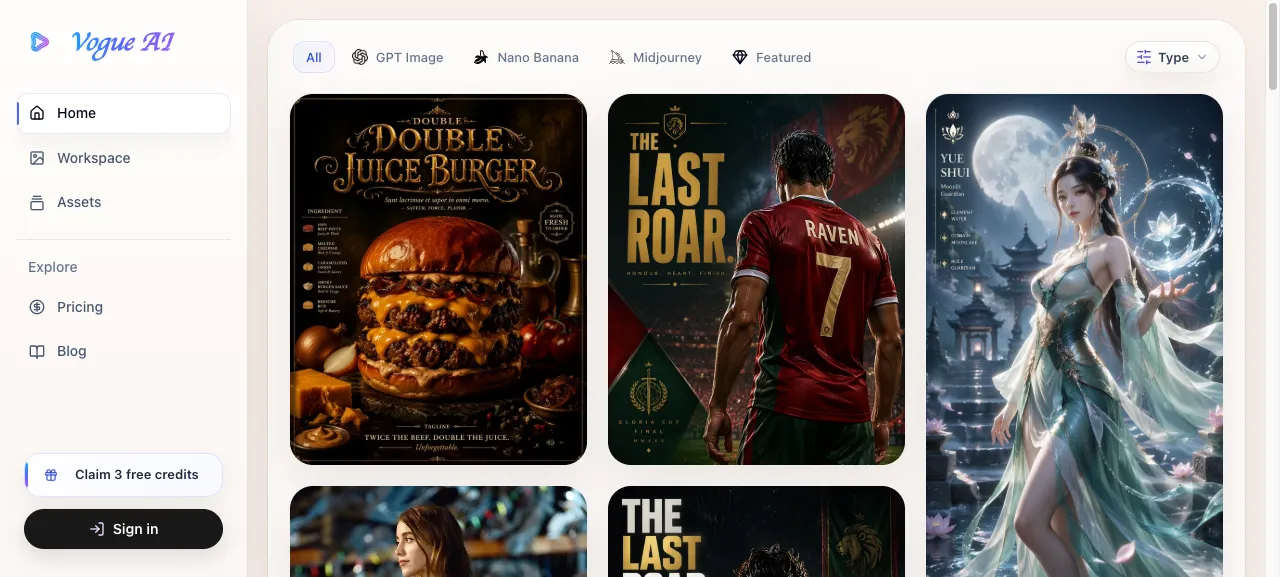
- Vogue AI — the closest like-for-like: a prompt gallery (2,000+ prompt sets) wired directly into generation, so you inspect the finished image and prompt structure before adapting it. Same job as Meigen, different library.
- Media.io — a curated prompt library with live previews plus a broad set of general editing tools around it, so you're not stuck at copy-paste.
- PromptHero — a large searchable prompt database across Midjourney, GPT Image, and others; best when you want to search by look rather than scroll a feed.
If you want real editing and export (Meigen's biggest gap)
You need a finished asset with captions, the right aspect ratio, and a clean export, not a raw generation.
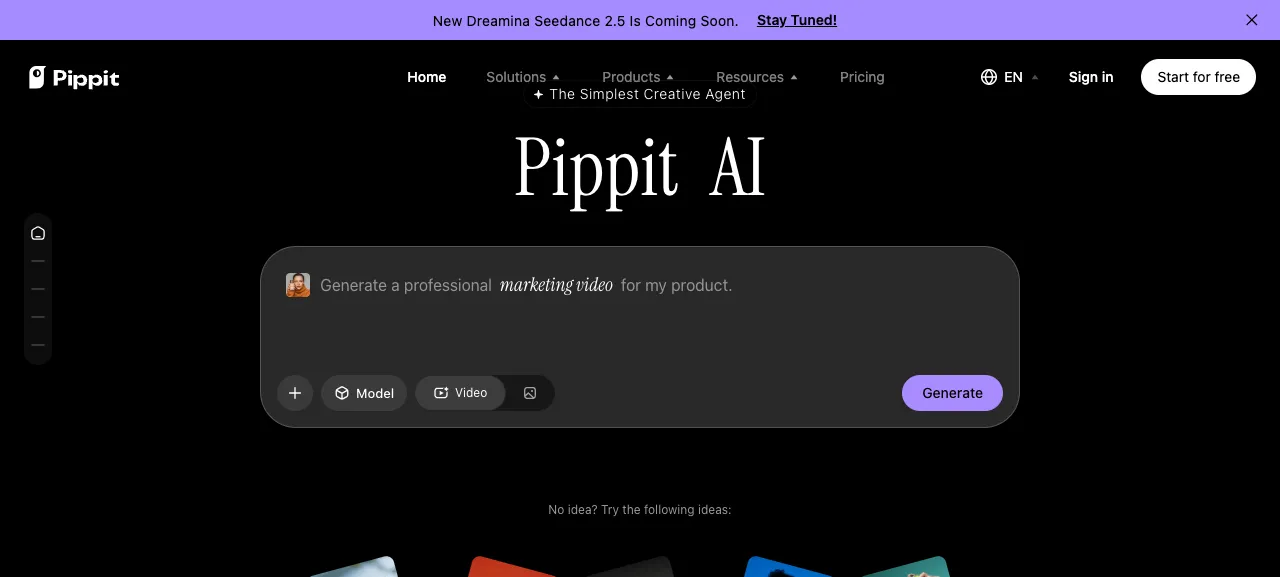
- Pippit — text-, image-, and video-to-video generation plus auto captions, multilingual voiceover, and one-click publishing to social. The pick when you want generation and the edit in one place. Weakness: it's a video-first suite, so it's overkill for still images.
- CapCut — timeline editing, subtitles, templates, and social-ratio exports, with AI generation layered on. Strongest for the actual edit and mobile workflow. Weakness: its free tier gates some AI features and can add a watermark.
- Canva Magic Studio — brand kits, templates, presentations, and collaborative graphics with generation built in. Best when the output is a post or a graphic. Weakness: generation is lighter-weight than a dedicated model app.
If you want the models without the credit lock-in
This is the group worth understanding before you settle. Meigen is a shell over models you can reach directly, and going direct removes the daily cap and the risk of a wrapper changing its credit math.
- Native apps — ChatGPT for GPT Image, Midjourney for its own model, and Google Gemini for Nano Banana. No middle layer, first-party output, standard monthly subscriptions.
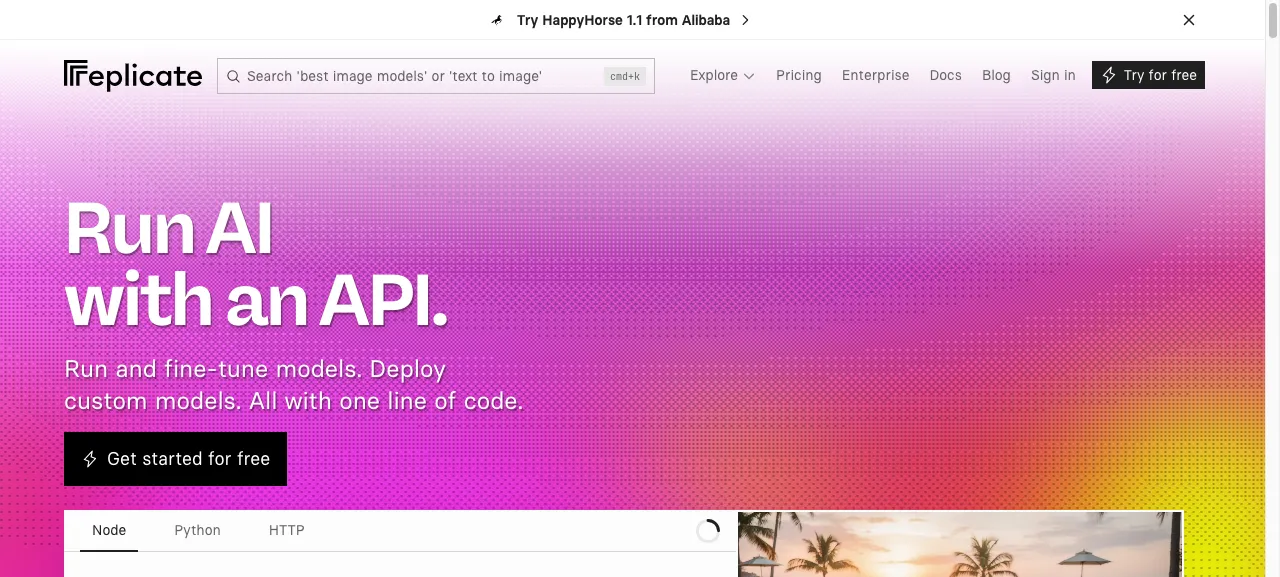
- API aggregators — one API key, many of the same image and video models, billed per use instead of a daily-credit allowance. Replicate and fal host a broad catalog of open and hosted image/video models; OpenRouter is text-model-heavy but routes across many providers; AIReiter covers image/video models such as Nano Banana, Seedream, and Seedance alongside Anthropic-compatible text models. This route fits anyone generating at volume or wiring generation into their own product.
Meigen AI alternatives compared
| Tool | Type | Models / engine | Free tier | Best Meigen swap when… |
|---|---|---|---|---|
| Meigen AI | Prompt gallery + gen | Nano Banana, GPT Image, Seedance, Veo, more | 20 credits/day (~4 images); paid from $9.99/1,000 credits | — (the baseline) |
| AIReiter.AI | All-in-one image + video | Seedream 5, Nano Banana Pro, GPT Image, Midjourney; Kling 3.0, Sora 2, Veo 3.1, Seedance 1.5 Pro | Free plan | You want one tool for both images and video |
| Vogue AI | Prompt gallery + gen | GPT Image, Nano Banana, Midjourney | Free tier | You want the same browse-and-generate flow, bigger library |
| Media.io | Gallery + editing | Multiple + built-in tools | Free, limited | You want a gallery plus light post-editing |
| PromptHero | Prompt search | Cross-model prompts | Free tier | You just want to search prompts by look |
| Pippit | Video creation suite | In-house + models | Free, limited | You need captions, export, and publishing for video |
| CapCut | Editor + AI | In-house AI | Free (some AI gated, watermark) | The edit and social export matter more than prompts |
| Canva Magic Studio | Design + AI | In-house | Free, limited | The output is a post, graphic, or presentation |
| Native apps | First-party model | GPT Image / Midjourney / Nano Banana | Varies by app | You want top quality with no wrapper |
| API aggregators | API access | Nano Banana, Seedream, Seedance, more | Pay-per-use | You generate at volume or build software |
Free tiers and prices shift often; confirm current limits on each site before committing a workflow.
What Meigen's credit system really costs you
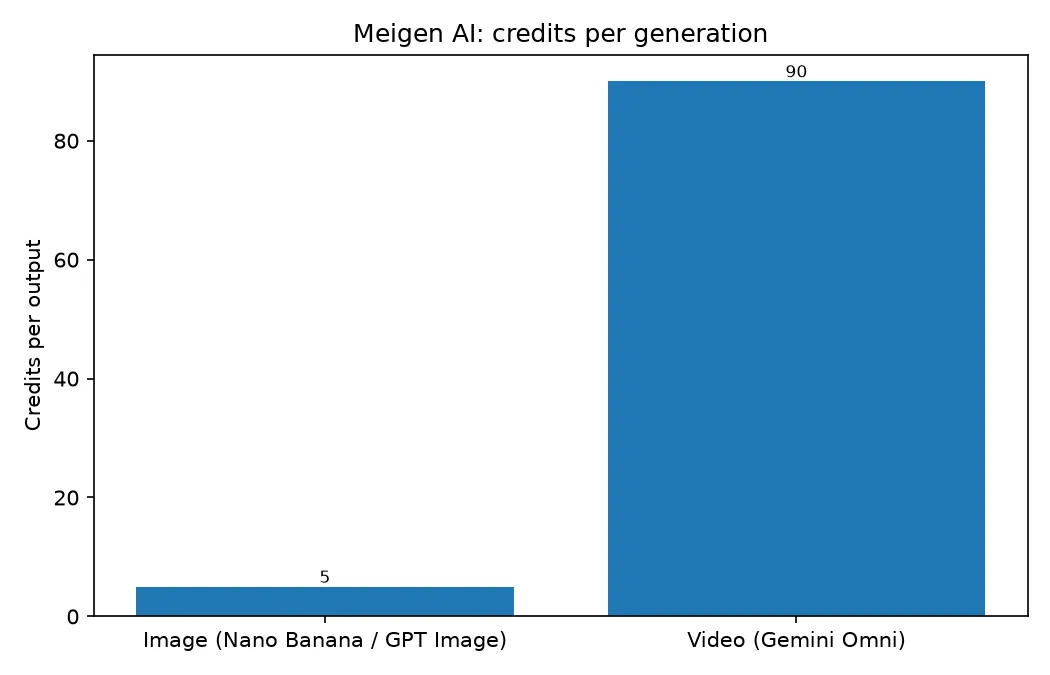
Credits look simple until your workflow depends on them. Two things bite. First, cost is lopsided: an image is about 5 credits, but a Gemini Omni video is about 90 — so a habit that felt cheap on images gets expensive fast on video. Second, the exchange rate isn't yours. If a gallery reprices credits or changes which models a credit buys, your whole workflow shifts overnight and there's nothing you can do about it.
Going direct — native app subscription or per-use API — trades the daily cap for transparent, usage-based cost you control. It matters most if you generate regularly or build generation into a product. If you're a casual user grabbing a few images a week, the free daily credits are fine and none of this should push you away.
How to choose
- Under ~4 images a day, just for inspiration → Meigen's free tier is enough; Vogue AI if you want a bigger library.
- Publishing to TikTok/Reels and you need captions and exports → Pippit for generation-to-publish, CapCut if the edit is the main job.
- Making posts, graphics, or slides for a team → Canva Magic Studio.
- Generating hundreds of assets a month or building a product → native apps for quality, an API aggregator to automate.
FAQ
Which Meigen alternative is best for video, not just images?
AIReiter.AI if you want generation and an Explore feed in one place, since it runs Kling 3.0, Sora 2, Veo 3.1, and Seedance 1.5 Pro. Pippit if you also need captions, voiceover, and publishing. If you only want the raw model, go to Google's Veo directly or call it through an API aggregator.
Can I reuse my Meigen prompts on another tool?
Yes. A prompt is written for a model (GPT Image, Nano Banana, Seedance), not for Meigen, so it transfers. Paste the same prompt into AIReiter.AI, Vogue AI, or the model's native app and you'll get comparable results — the wrapper doesn't own the prompt.
Which alternatives have a real free tier?
AIReiter.AI, Vogue AI, Media.io, PromptHero, CapCut, and Canva all offer free access, and Google Gemini gives free Nano Banana generations. Free allowances get cut or gated regularly, so confirm the current limit before you build a workflow on it.
When is it worth leaving the gallery model entirely?
When you generate at volume or automate. Gallery tools bill by credits with a daily cap; a native subscription or a per-use API removes both, and an aggregator lets you script generation into your own product.
Verdict
Meigen AI is good at one thing: turning proven prompts into images without the trial-and-error. If that's your whole job and four images a day is enough, stay. The reasons to leave are specific and mechanical, not "it's bad" — you hit the editing wall, the video credit cost, or the daily cap. Each of those points to a different tool above, so pick by the wall you're actually hitting, not by whichever name tops the list.
Related reading: Best AI image generators of 2026, compared · Best free AI video generators, tested