 AIREITER
Kling AI's free tier is real, but narrow: you get 66 credits every 24 hours, enough for roughly six short watermarked clips on a credit-efficient model, or two to three once you switch to Kling 3.0. There is no free API tier, credits don't roll over, and the queue regularly tells free users to come back later. This guide covers what the free plan includes in July 2026, how the credit math works out, the limits competitors gloss over, and the point at which free stops being worth it.
What the Kling AI Free Tier Includes
Kling AI, Kuaishou's video model that competes with Sora 2 and Veo 3.1, does have a genuine free tier, not a time-boxed trial. Kling's own site runs dedicated pages for both a free subscription and daily free credits, which confirms the single most confused point about the plan: the credits refresh daily, not monthly. (One widely-read guide calls them "66 free credits per month." That's wrong; the official page is titled "Daily Free Credits," and users like @MuteeAutomation confirm the 24-hour reset and the 66-credit allowance in a May 10, 2026 post.)
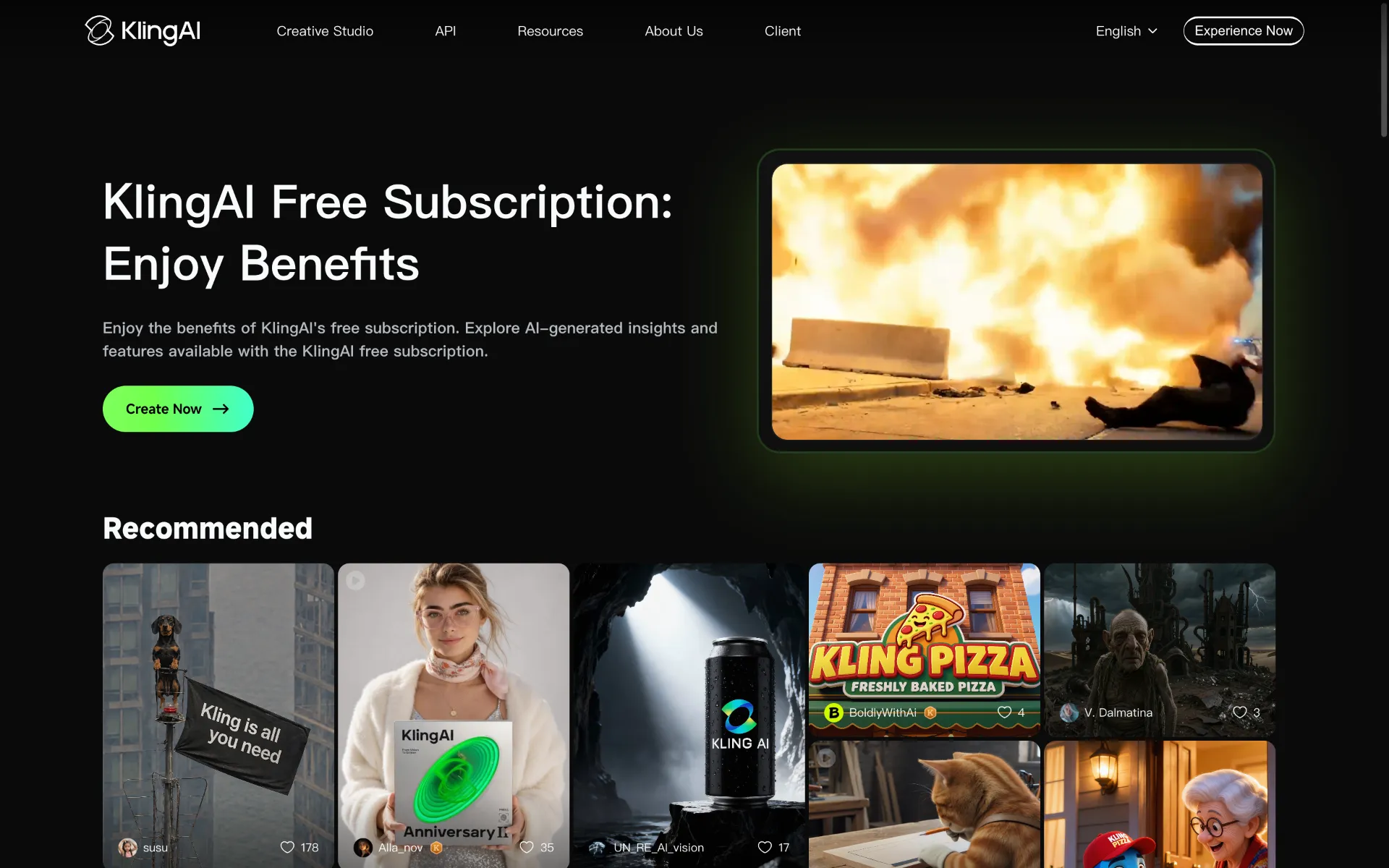
The details below show up consistently across Kling's site, competitor breakdowns, and X/Twitter posts as of mid-2026:
Feature | Free tier |
|---|---|
Daily credits | 66, reset every 24 hours (no rollover) |
Watermark | Yes, on every export |
Resolution | Up to 1080p per Kling's current site (4K needs a membership) |
Clip length | ~5 seconds standard (some modes allow 5–10s) |
Queue | Low priority, one task at a time |
Commercial use | Not allowed |
API access | None, web app only |
A few details worth flagging. The 66-credit allowance was reduced from an earlier 166, so older tutorials quoting 166 are stale. Kling's site currently lists 1080p export on the free tier with 4K reserved for memberships, though some users and older guides report a 720p cap depending on the model and mode you pick. In February 2026, several free-account users on r/KlingAI_Videos reported that Kling adjusted who receives free credits. The free tier still exists today, but the exact amount can vary by account age, region, and whether you've ever paid, so check the credit balance inside your own app rather than trusting any single screenshot.
How Many Videos Can You Make? (Credit Math)
The 66-credit number only means something once you know what a generation costs. Credit burn depends on model, mode, duration, and resolution, and sources don't fully agree on the exact figures. Kling doesn't publish per-generation costs on its public pages, so the user-reported range is the best available guide:
Generation type | Credits (reported) | Videos per day from 66 |
|---|---|---|
5s clip, standard mode | ~10–25 | ~3–6 |
10s clip | ~50 | ~1 |
Multi-elements, standard | ~60 | ~1 |
Kling 3.0, higher quality | ~25–35 per 5s | ~2–3 |
The practical takeaway: on a credit-efficient setup (Kling 2.6, standard mode, 5 seconds), 66 credits get you close to six clips a day. On Kling 3.0 with higher quality settings, the same 66 credits only cover two or three generations. That's why "about six videos a day" and "about two videos a day" are both true. They describe different models.
One Reddit user on a paid Essential plan noted that Kling 1.6 cost them roughly 300 credits per 5-second clip, which is far higher than the figures free-tier guides quote. That discrepancy is a reminder that credit costs shift with mode (Standard vs. Pro vs. Professional) and plan, so treat any single number as approximate. The stable facts are the 66-credit daily budget and the directionality: newer and higher-quality settings burn more.
The Limits That Block You in Practice
Most "is Kling free?" guides list the watermark and the 5-second cap and move on. The friction users hit is different, and it's where the free tier stops feeling free.
The queue is the real limit, not the credits. Free users sit in a low-priority queue, and during peak hours it's common to get a "queue for the free plan is busy right now" message even when you have credits left. On July 5, 2026, an X user posted at @Prolyfic_: "why give me daily credits if the entire plan is for me not to use them?... literally no matter what time I try, 'the queue for the free plan is busy right now' always comes back. Can I test it enough before I buy it?!" That matches a recurring complaint on r/KlingAI_Videos, where free users describe the experience as a "bait-and-switch," with credits they can't always spend.
Duration caps undermine the output. Even when a generation succeeds, the 5-second limit makes the result hard to use. As @itshelyz put it on April 15, 2026: "Kling ai is not free, though they give free daily credit but that will not amount to anything because of duration limits."
No commercial use, no watermark removal. Free output is explicitly personal-use only, as @MuteeAutomation and other users have documented. You can't ship it in a client video, a monetized YouTube channel, or paid ads without upgrading. Asking support to remove the watermark won't work. It's a hard paywall, not a policy exception.
These aren't edge cases. If your plan is "I'll use the free tier for my project," the queue and the 5-second cap are what will stop you, not the credit count.
How to Get More Free Credits (Legit Ways)
Search interest in "Kling AI free credits hack" is high, and most of what fills that gap is junk: patched workarounds, fake "unlimited credits" APKs, and temp-email multi-account tricks that Kling now blocks. The methods below are the ones that work in 2026 and don't risk your account.
1. The official referral program. Kling's invitation page gives you 500 credits for every friend who subscribes using your code, and new users who sign up with a referral code get around 50% more credits in their first month (a Standard subscription jumps from 660 to ~990, per user reports). If you're going to subscribe anyway, don't sign up without a code.
2. Kling O1's unlimited free images. Kling O1 offers unlimited free image generation, per user reports. The efficient move is to iterate on still images for free until you land on a composition you like, then animate only the winner. This workflow can cut your video credit burn by eliminating most of the waste from failed generations.
3. Daily check-ins and bonuses. Kling stacks small rewards: daily login bonuses, milestone bonuses for consistent use, and publishing bonuses when you share creations. Individually small, but they add up over a week.
4. Third-party playgrounds with their own free credits. Platforms like KREA (which advertises 100 daily credits with Kling O1 access) and a few aggregators offer Kling routes through their own credit systems, effectively a second free pool. Availability shifts often, so check current terms before relying on them.
What to avoid: "unlimited Kling 3.0" sites on unofficial domains, no-verification generators, and YouTube tutorials promising infinite credits. The methods that worked in early 2025 (temp-email multi-accounting, the Artflo trick) were patched by April 2026, per a competitor guide, and now return "system busy" errors.
When Free Isn't Enough: Upgrade or API?
Once you hit the daily ceiling regularly, the question is whether to buy a Kling subscription or go a different route. Kling's consumer plans are credit-based memberships:
Plan | Price | Monthly credits | Key unlock |
|---|---|---|---|
Free | $0 | 66/day (~1,980/mo) | Testing only |
Standard | ~$6.99/mo | 660 | Watermark-free, 1080p, priority queue |
Pro | ~$25.99/mo | 3,000 | Professional quality, faster generation |
Premier | ~$64.99/mo | 8,000 | Batch generation, priority support |
Pricing varies by region and promotion, so verify on Kling's billing page. The credit counts across rows aren't directly comparable: free credits reset daily and vanish if unused, while paid credits are monthly, unlock watermark-free 1080p, run in a priority queue, and open paid-only modes like Professional quality and batch generation. You're paying for throughput and export quality, not just a bigger credit pile. The math is blunt on volume alone: free gives roughly 1,980 credits a month, while Standard pays $6.99 for 660. If you're using fewer than 660 credits a month, free wins on raw count; if you're bumping the queue daily, Standard pays for itself in throughput.
The developer gap. The free tier and every consumer plan are web-app only. There is no free Kling API tier, and the smallest official API package runs $9.80 prepaid. If your goal is to generate video programmatically, batch-render through a script, or build Kling into a product, the consumer free tier can't help you. That's the one situation where a third-party pay-as-you-go API is the cleaner choice: AIReiter, for example, routes Kling 3.0 video at roughly $0.095/sec for 720p with no prepaid commitment, so a single 5-second 720p clip costs about $0.48 and you only pay for what you run. We broke down the full official-vs-third-party API cost comparison (including 4K and audio rates) in a separate Kling 3 API pricing guide.
Is the Kling Free Tier Worth It?
For testing whether Kling's motion quality fits your style, the free tier is useful. 66 daily credits is more than most competitors offer (Runway's free plan is 125 one-time, non-renewing credits). For anything client-facing, monetized, or volume-driven, it isn't. The watermark, the 5-second cap, and especially the queue make free output unsuitable for production, and the "no commercial use" clause closes the loophole.
A simple split:
Use free if you're experimenting with prompts, learning the model, or making personal clips where a watermark is fine.
Subscribe if you're a creator making videos weekly and want watermark-free 1080p with a working queue. Standard at ~$7/month is the sensible first step.
Use the API if you need programmatic access, batch generation, or product integration. The free tier has no path to this, and a pay-as-you-go Kling API avoids the $9.80 prepaid minimum. If you're also weighing Kling against other free video tools, our tested comparison of free AI video generators covers where Kling wins and loses.
FAQ
Does Kling AI have a free tier?
Yes. Kling offers a free web-app tier with 66 daily credits. It's a permanent free plan, not a time-limited trial, though the exact allowance can vary by account and region.
How many free credits does Kling AI give per day?
66 credits every 24 hours, down from an earlier 166. Credits reset daily and don't roll over. Unused ones disappear at reset.
Can I use Kling AI free videos commercially?
No. Free-tier output is for personal and experimental use only. Commercial rights and watermark-free exports require a paid plan.
Can I remove the watermark on the free tier for free?
No. The watermark is a hard limit on the free plan, not something support will remove on request. You need at least the Standard subscription (~$6.99/month).
Is there a free Kling AI API?
No. The free tier is web-app only; there's no free API tier, and the smallest official API package is $9.80 prepaid. Developers who want to test programmatically usually use a pay-as-you-go third-party route instead of a prepaid pack.
How do I get more free credits on Kling AI?
Use the official referral program (500 credits per subscribing friend, plus ~50% more for new users in their first month, per user reports), generate unlimited free images on Kling O1 to avoid wasting video credits, and stack daily check-in and milestone bonuses. Avoid "unlimited credits" hacks and APKs. Most are scams or patched.
Did Kling stop giving free credits in 2026?
Kling reduced the daily allowance from 166 to 66 and made several adjustments to who qualifies. In February 2026, some free-account users on Reddit reported losing free credits, while paid subscribers kept theirs. The free tier still exists as of July 2026, but eligibility can depend on account history and region. Check the balance shown inside your own app.
Is the Kling free tier worth it for beginners?
Yes, for learning and experimentation. It's one of the more generous free video tiers available. It's not worth it for client work, monetized content, or anything requiring reliable throughput. The queue and 5-second cap will block you.