 AIREITER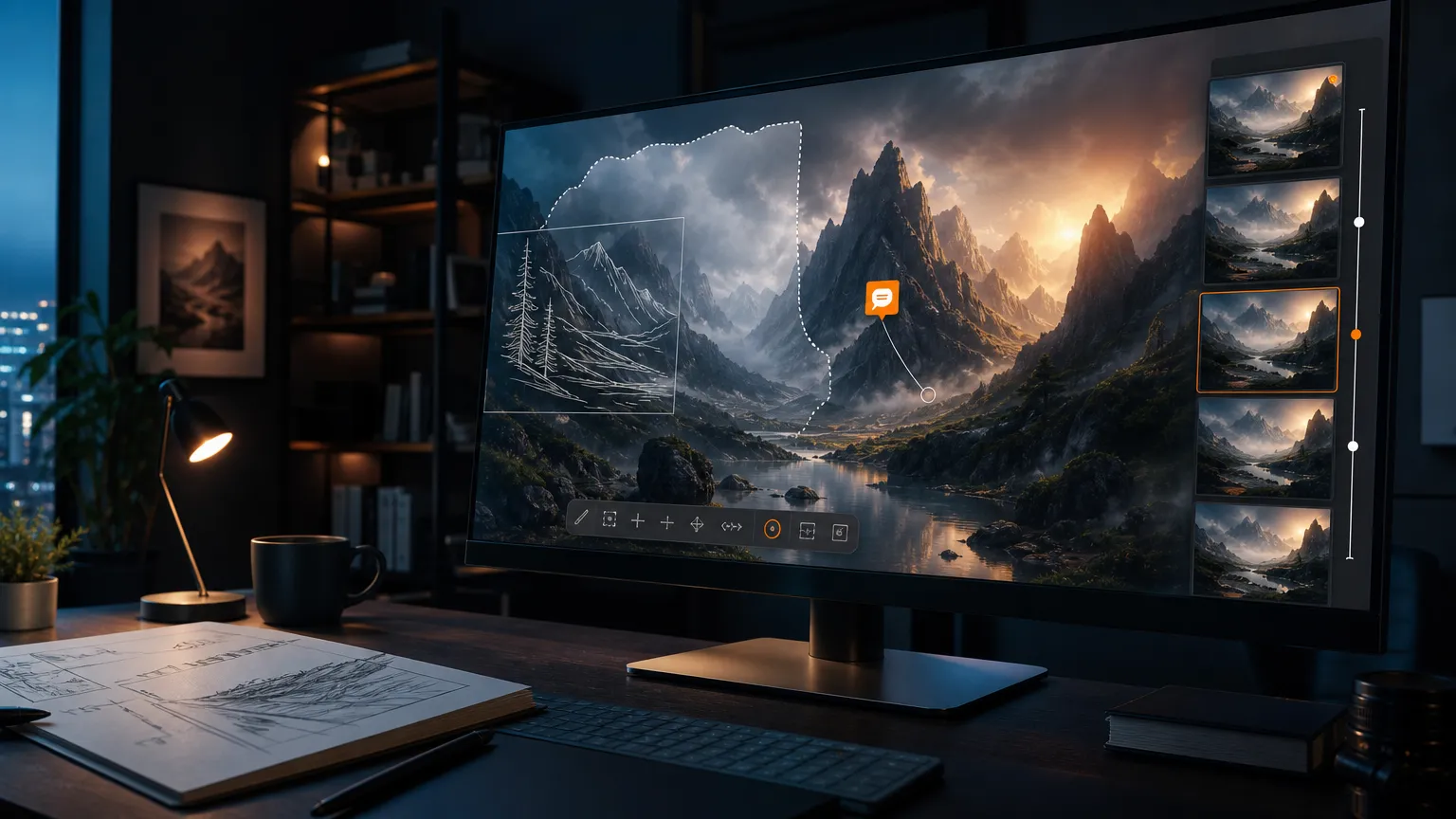
A product photo can look perfect until the third revision quietly changes its label, reflections, or lighting. ChatGPT Images 2.5 is designed to reduce that problem: OpenAI claims up to 50% lower latency than Images 2.0, more precise edits, and stronger multi-turn consistency. The early evidence supports a useful upgrade, but not a guarantee that untouched pixels stay untouched.
ChatGPT Images 2.5 review verdict: useful upgrade, not a pixel-lock editor
ChatGPT Images 2.5 is worth using when the job is reference-led ideation, social content, mockups, or guided creative iteration. It is a weaker choice for a product catalog or brand system where every unchanged detail must survive a revision.
The reason is simple: OpenAI’s official announcement makes comparative claims—better fidelity, precision, and consistency—rather than promising perfect preservation. A hands-on test published by Promptowy applied 11 sequential edits to a street scene and an olive-oil packshot; the author reported unrequested changes after every edit, while also noting that the interface did not expose a model ID.
“Niezamówione zmiany pojawiły się już przy pierwszej poprawce.” — Piotr Olszewski, Promptowy, translated: “Unrequested changes appeared with the first edit.”
That test cannot disprove the 2.5 launch claim because the exact backend was unknown. It does establish the practical rule for buyers: inspect the whole image after each revision.
What changed in the workflow
ChatGPT Images 2.5 is more than a faster image endpoint. OpenAI added controls that reduce the need to describe spatial intent entirely in prose.
| Feature | What it does | Best fit |
|---|---|---|
| Precision editing | Lets users identify an element or region and describe the change | Targeted revisions |
| Multi-turn consistency | Aims to preserve earlier decisions across edits | Iterative art direction |
| Sketch | Turns a rough drawing into a generated image; OpenAI says to type @Sketch | Layouts and silhouettes |
| Templates | Provides structured starting points such as Poster and Merch | Non-designers and repeatable formats |
| Prompt sharing | Optionally shares the prompt with the image | Remixing and collaboration |
OpenAI also claims better reference fidelity, natural lighting, richer textures, complex-layout handling, and transparent-background generation. Those are useful improvements, but the announcement does not publish an identity-preservation score, a maximum reliable edit count, or a benchmark for untouched-region accuracy.
Flare vs Sunburst: choose by latency or control
The API exposes two GPT-Image-2.5 variants. OpenAI positions Flare as the default balance of quality, speed, and cost; Sunburst is the slower option for higher-precision creative work.
| API model | Official positioning | Listed image input | Listed image output | Choose it when |
|---|---|---|---|---|
gpt-image-2.5-flare | Faster default for most applications | $8 / 1M tokens | $30 / 1M tokens | Latency and volume matter |
gpt-image-2.5-sunburst | More precise premium generation and editing | $8 / 1M tokens | $30 / 1M tokens | Review cycles cost more than waiting |
gpt-image-2 | Previous comparison point | $4 / 1M tokens | $15 / 1M tokens | You need a cheaper baseline |
The prices above come from OpenAI’s API pricing documentation, not from an estimate. On the listed image token rates, both 2.5 variants cost twice as much as GPT-Image-2. Text input for each 2.5 variant is listed at $5 per million tokens, versus $2.50 for GPT-Image-2. A real per-image bill still depends on output size and the request’s token usage.
For an interactive product or bulk social generation, start with Flare. For a client-facing asset where another failed revision is expensive, test Sunburst—but measure whether its additional control offsets longer generation time.
Where Images 2.5 fits—and where it still breaks
The strongest independent evidence is about workflow, not leaderboard performance. TechRadar’s Graham Barlow reported 24 hours of use and highlighted three practical additions: the edit toolbar, sketch-to-image, and guided templates. Its toolbar includes Markup, Comment, Remove BG, Erase, and Resize; the reported resize presets include 3:4, 16:9, and 4:3.
Axios tested a black cat reference, a tattoo expansion, and an Axios 2028 merchandise concept. The tattoo workflow is a good example of the product’s value: the user could circle an area, request a lighter treatment, and ask for a compromise between alternatives. The logo test also showed the limit of automation—the first concept was underwhelming and improved only after more specific art direction.
The less comfortable evidence comes from the 11-edit test. In the packshot series, changes to a label were accompanied by changes in salt, marble, bottle reflections, and wood grain. The author reported correct Polish characters, including Ę in “KSIĘGARNIA” and Ł in “OLIWA TŁOCZONA NA ZIMNO,” but still warned that unrelated details drifted.
So the workload split is clear:
- Creators: use Images 2.5 for concepts, transformations, thumbnails, and fast revisions.
- Marketing teams: use it for drafts and variants, then perform a full-frame review before approval.
- Product teams: test reference preservation on the exact packaging, lighting, and background used in production.
- API builders: expose Flare and Sunburst as different service levels, and log the source image plus every revision.
ChatGPT Images 2.5 FAQ
Is ChatGPT Images 2.5 officially released?
Yes. OpenAI published the announcement on September 8, 2026, and says Images 2.5 is rolling out across ChatGPT, ChatGPT Work, and Codex on desktop, mobile, and web. The API announcement names Flare and Sunburst.
Is Images 2.5 really 50% faster?
OpenAI claims up to 50% lower latency than Images 2.0. Early hands-on reports describe faster generation, but do not provide a controlled latency benchmark with repeated prompts and measured seconds.
Can ChatGPT Images 2.5 edit only one selected area?
It is designed to make more localized edits, but “localized” does not mean pixel-perfect. Early testing found changes outside the requested area, and the exact model used in that test was not identifiable.
What is the difference between Flare and Sunburst?
Flare is the speed-oriented default, while Sunburst is positioned for more precise, detailed creative work and takes longer to generate. OpenAI’s listed image-token prices are currently the same for both variants.
Does Images 2.5 support transparent backgrounds?
OpenAI’s announcement discusses transparent-background generation. Test the feature with your actual subject and export workflow; the cited sources do not provide a universal success rate.
Does it add provenance information?
OpenAI says Images 2.5 uses C2PA metadata and invisible SynthID watermarking. The Images 2.5 system card describes them as complementary provenance mechanisms, not a single foolproof detector.
The decision: use it as a creative workbench, not a final asset lock
Start with Flare for fast exploration, move a promising concept through careful visual edits, and switch to a stricter review process before anything becomes a catalog image, logo system, or paid campaign asset. Images 2.5 makes iteration easier, but that convenience still creates an inspection burden when consistency is commercially important.