 AIREITER
Can Claude send emails? Yes — and the answer only became "yes" on August 18, 2026, when Anthropic's official @claudeai account announced that Claude can now send emails in Gmail and manage files in Google Drive. The catch worth knowing before you connect anything: every send, reply, forward, and Drive write action asks for your approval first by default, and the rollout is for paid plans.
The Short Answer: Yes — Since August 18, 2026
Sending used to be off-limits. As recently as July 19, 2026, Hostinger's tutorial put it plainly: "Claude.ai chat interface can write drafts and search your inbox, but it can't send messages directly." Anyone who wanted actual sending bolted on a third-party MCP connector — the exact pitch of Composio's Gmail setup — or routed drafts through Zapier.
On August 18, 2026 at 20:06 GMT, that changed:
"Claude can now send emails in Gmail and manage files in Google Drive. Ask Claude to reply to a thread, and it drafts and sends the response. You control when it needs your approval. Connect Gmail or Google Drive from the connectors menu to try. Available on all paid plans." — @claudeai, official announcement
Anthropic's Google Workspace help article was updated the same day and now lists send, reply, and forward as supported Gmail actions, plus share, move, and trash for Drive files. Claims of having "had this for months" — like the replies under the announcement asking "confused about what shipped?" — trace to those MCP or Claude Code workarounds above; native in-app sending is what's new.
What Claude Can Actually Do in Gmail and Drive Now
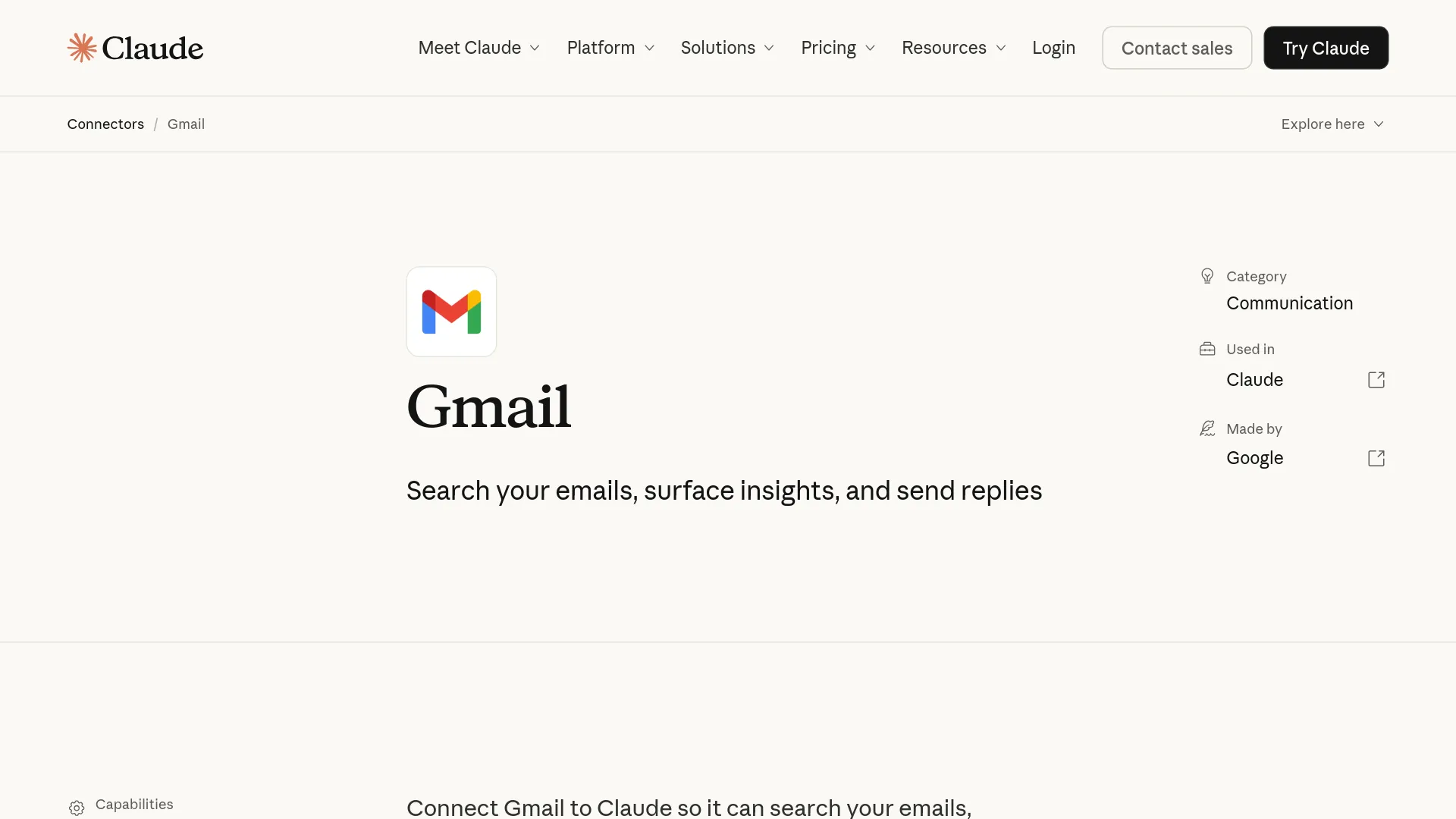
The Gmail connector page in Claude's directory lists the integration as "Read & write," made by Google, and usable across five surfaces: Claude web, the desktop app, the mobile app, Claude Code, and the Claude API. Here is the full action surface per the updated help center:
| Surface | Actions Claude can take | Approval default |
|---|---|---|
| Gmail | Search and read emails; draft with formatting; send, reply, forward; organize labels and threads; list saved drafts; read metadata | Every send/reply/forward asks first |
| Google Drive | Search and read Docs, Sheets, Slides, PDFs, Office files; share, move, trash; upload any file type with optional Google conversion; create folders; inspect permissions and recent changes; save Claude-generated files to Drive | Every share/move/trash asks first |
| Google Calendar | View calendars; create, update, delete events; find mutual availability; manage RSVPs; create recurring meetings | Write actions ask first |
Four boundaries survive the update:
- Attachments are metadata-only. Claude sees that a PDF exists, not what's inside it.
- Google Docs images, comments, and suggestions are invisible. Claude extracts main text content only.
- Drive access inside projects is limited to private projects.
- Saving Claude-created files to Drive requires code execution and file creation to be enabled in your settings.
How to Connect Gmail or Google Drive to Claude
- Open a chat and click the + icon below the message box, then hover over Connectors.
- Select Gmail or Google Drive and authenticate with your Google account.
- Toggle the connector on for the conversation — the help center documents this in-chat on/off toggle as a separate step from connecting.
- Ask for something that needs access ("What client questions am I still waiting on?") and approve each action as Claude requests it.
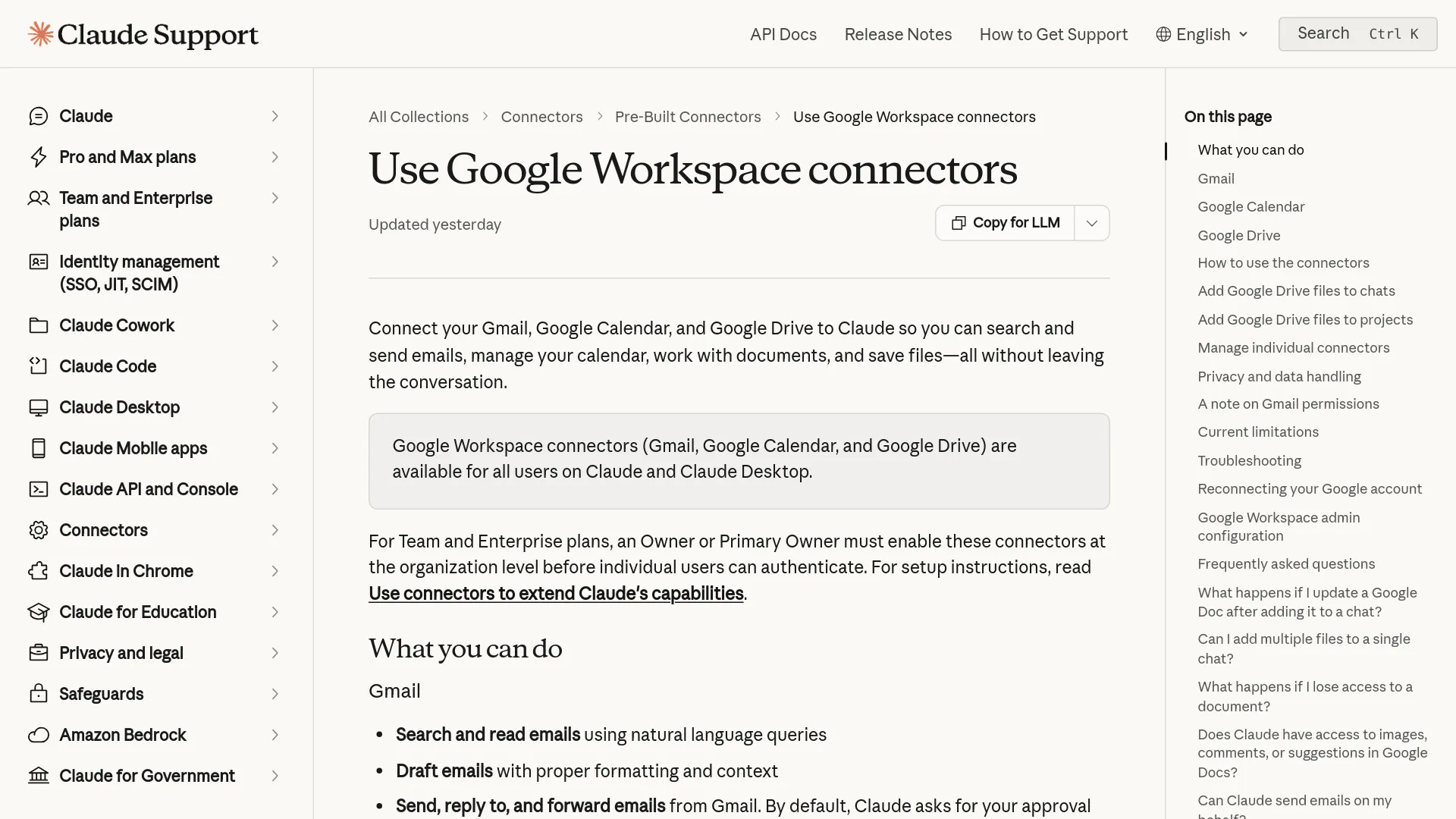
Two organizational gates apply. On Team and Enterprise plans, an Owner or Primary Owner must enable the connectors for the whole organization before anyone can authenticate. And if your Google Workspace admin blocks third-party apps, the help center's fix runs through the Google Admin console: Security → Access and data control → API controls → Manage third-party app access → Add app → OAuth App Name, search for Claude, mark it Trusted — then wait roughly 15 minutes for policy propagation before retrying.
Why "Connected" Doesn't Always Mean Working
A recurring complaint on Reddit predates the sending update and is still worth knowing: the settings page says Connected, Claude in-session says it can't see anything.
"I connected and then enabled in chat but claude is saying that it still can't see it." — u/yungweeej, r/ClaudeAI
In that same thread, u/Oxyg3ne_ reported the split failure: "calendar and Gmail are fine, but drive nop." The fixes users converged on, in order of effort:
- Reconnect from a different browser. u/lightflows-matt: "After logging in a fresh to my Claude account in Safari, I was able to authenticate with Google Drive, Calendar etc and all are working now."
- Clear the Google side. Remove Claude from your Google Account's third-party connections entirely (u/Sudden_Cap3187's fix), then reconnect from the Claude web app so a clean OAuth grant is created.
- Disconnect inside Claude and re-trigger. Customize → Connectors → the Google connector → Disconnect, confirm, then use any Workspace feature again to force re-authentication.
A second failure mode matters now that sending is live: trusting what the connector read. A business user in r/ClaudeAI had Claude read sales emails and update a Google Sheet, and reported wrong prices, wrong dates, and fabricated inventory data. Before letting Claude send anything based on connected data, make it quote the exact source rows back to you — Anthropic's connector documentation says responses include citations linking back to the source emails.
Approval Controls and What Anthropic Does With Your Data
Every outbound email action and every destructive Drive action gates behind an approval prompt unless you change that. The help center documents exactly one loosening knob, and it's organization-level: Team and Enterprise owners decide whether members can allow specified actions to execute without per-time approval. No equivalent override is documented for personal plans.
On data handling, the same help article states that connector data from Gmail, Drive, and Calendar is not used for model training, is encrypted in transit and at rest, and is stored alongside its chat on Anthropic servers — delete the chat and the retrieved data goes with it. One narrow exception it documents: consumer users who opt into chat training and manually copy connector-derived content into a session fall outside that protection.
The question Anthropic hasn't answered publicly: whether emails sent by Claude carry any marker. X user @kienbuilds asked it under the announcement — "So will emails sent by Claude be watermarked too?" — and no watermark appears in the announcement or the help center.
"Can't wait to get bombarded by THOUSANDS of AI emails." — @kienbuilds, same thread
Frequently Asked Questions
Does Claude mark AI-sent emails in any way?
Anthropic's announcement and connector documentation do not describe any AI watermark or marker on sent messages. If provenance matters to you, send yourself a test message and inspect the headers before rolling it out.
Can Claude read my email attachments?
No. Per the help center, the Gmail connector reads attachment metadata only — never attachment contents. And Claude cannot draft, send, or forward attachments through the connector.
Can Claude monitor my inbox in the background?
No. The help center describes retrieval happening only when you ask within an active session; no background monitoring is documented. Background triggers (auto-replies to new mail, lead follow-ups) still require an automation layer or custom API build.
Do I still need Composio, Zapier, or an MCP server to send email?
Not for basic sending, replying, and forwarding — that's native since August 18. Third-party setups still earn their keep for the edges: deleting email (not among the Gmail actions in the updated help center), running multiple Gmail accounts through one agent, background monitoring, and custom routing or approval chains. An automation layer — Zapier, Make, or a custom build — is the usual route for those cases.
Is it available on the free plan?
The announcement says "all paid plans." The help center lists the connectors for Claude and Claude Desktop users, with Team and Enterprise gated behind owner enablement — a free-plan tier is not promised anywhere official.
How do I revoke Claude's access to my Gmail or Drive?
Disconnect inside Claude (Customize → Connectors → Disconnect), then also remove Claude from your Google Account's third-party app connections to fully clear the OAuth grant.
When to Let Claude Send — and When to Keep It on Drafts
| Situation | Let Claude send | Keep it on drafts |
|---|---|---|
| Routine replies in your own voice (scheduling, confirmations, thread follow-ups) | ✅ Approve and send in-chat | |
| External emails where your name carries weight (clients, hiring, legal) | ✅ Review the draft in Gmail yourself | |
| Anything priced, dated, or inventory-based drawn from connected data | ✅ Force a source-quote check first | |
| Replying to a thread where tone is already tense | ✅ Human-only |
The unresolved trade-off: approval-by-default is what makes sending safe, and it's also what caps the time you save — every send still waits for you.
If you're wiring Claude into your own product's email pipeline rather than your own inbox, that's an API job, not a chat connector.
Related reading: Claude API pricing guide