 AIREITER
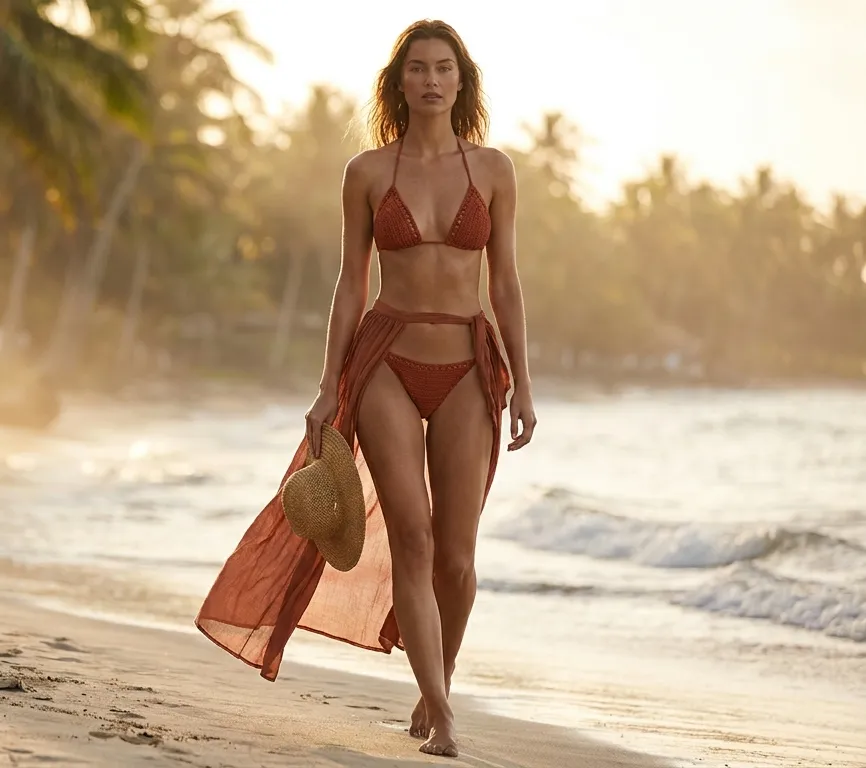
AI bikini generators have come a long way from the blurry, obviously-faked outputs of just a year or two ago. Today's best tools can produce swimwear images that look natural enough for social posts, product previews, or just creative experimentation—all without a photoshoot.
But "free" means very different things across these platforms. Some give you one generation and then lock everything behind a paywall. Others watermark your images. A few are genuinely generous. After testing the most popular options with the same upper-body portrait and cross-referencing community feedback from Reddit and elsewhere, here are the seven free AI bikini generators that actually deliver—and one newcomer worth watching.
What Separates Good Bikini Generators from Bad Ones
Before diving into the tools, it helps to know what to look for:
- Realism of fabric and body mapping. A good generator preserves skin tone, lighting, and body proportions. Bad ones create melted arms, distorted joints, or swimwear that looks painted on.
- Honesty of the free tier. Some tools advertise "free" but demand a credit card before the first generation. Others let you try without even signing up.
- Style variety. More bikini designs and cuts mean you can experiment without hopping between apps.
- Privacy. You're uploading a photo of yourself (or someone else). Tools that delete uploads quickly and don't store them indefinitely rank higher in our book.
- Watermark policy. A free result is only useful if you can actually save and share it.
7 Best Free AI Bikini Generators
1. AILabTools — Best for No-Login Quick Edits
AILabTools is the fastest path from upload to result if you just need a one-off edit. You can generate one bikini image without creating an account, and there's no watermark on the free output.
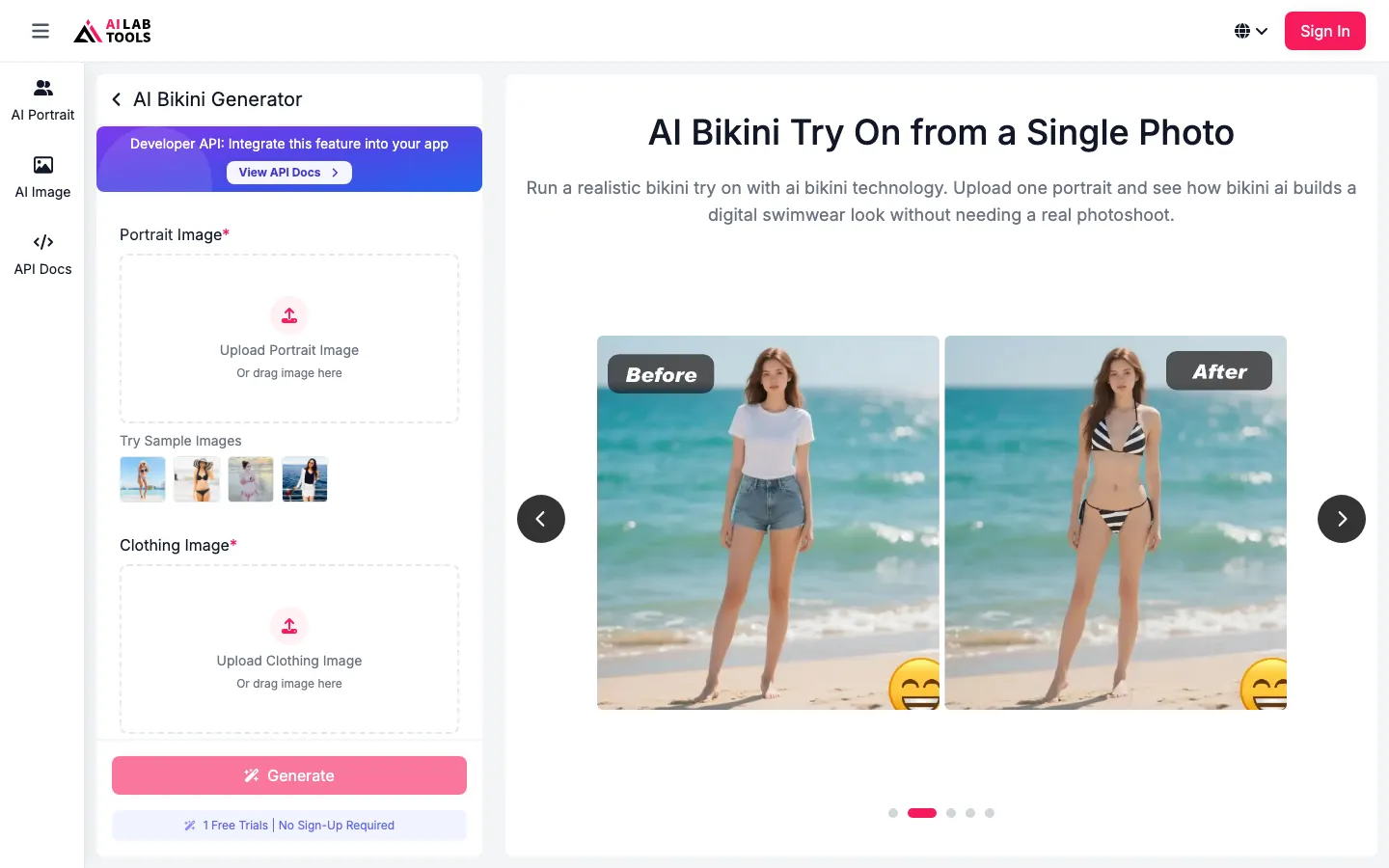
The tool handles standing, seated, and three-quarter poses well, matching body shape and lighting to the original photo. The main limitation is style selection—it offers roughly 10–15 bikini designs compared to BeautyPlus's 30+. After several generations, you'll hit an upgrade prompt.
AILabTools claims to delete uploaded photos within 24 hours, and the free resolution maxes out at about 768 px on the longest side. For a quick, occasional edit, it's hard to beat the zero-friction experience.
Best for: Fast, no-signup bikini edits when you need one good result.
2. BeautyPlus — Best Style Variety
BeautyPlus offers the broadest menu of swimwear designs we found in a free tool—over 30 bikini and swimsuit styles spanning different cuts, colors, and patterns. It works in the browser as well as on iOS and Android apps, and accepts PNG, JPEG, and JPG uploads.
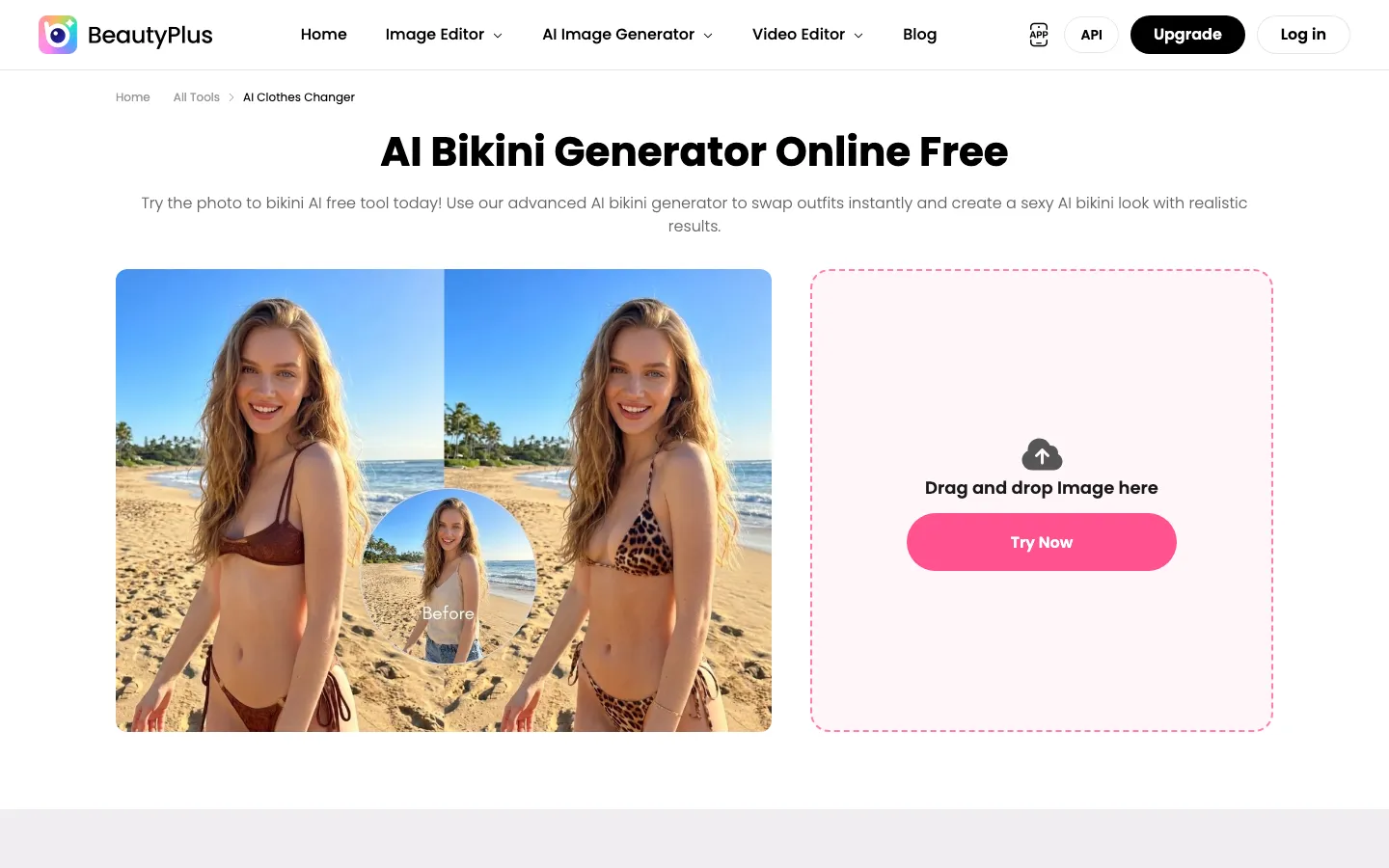
Processing is fast—about 2–3 seconds per generation in our tests. There's no watermark on standard-resolution output, though high-resolution exports require a paid upgrade. The free daily cap isn't publicly stated, which is a minor frustration.
The mobile app experience comes with aggressive premium upsells, so the browser version is preferable if you want to avoid the pitch.
Best for: Fashion creators who want the widest range of bikini styles to choose from.
3. Pokecut — Best Virtual Try-On Experience
Pokecut stands out for its garment-mapping approach. Instead of just selecting a preset style, you can upload a reference bikini image alongside your person photo, and the tool maps that specific garment—pattern, color, cut—onto the subject. A "Create Similar" feature also speeds up the process by suggesting related styles.
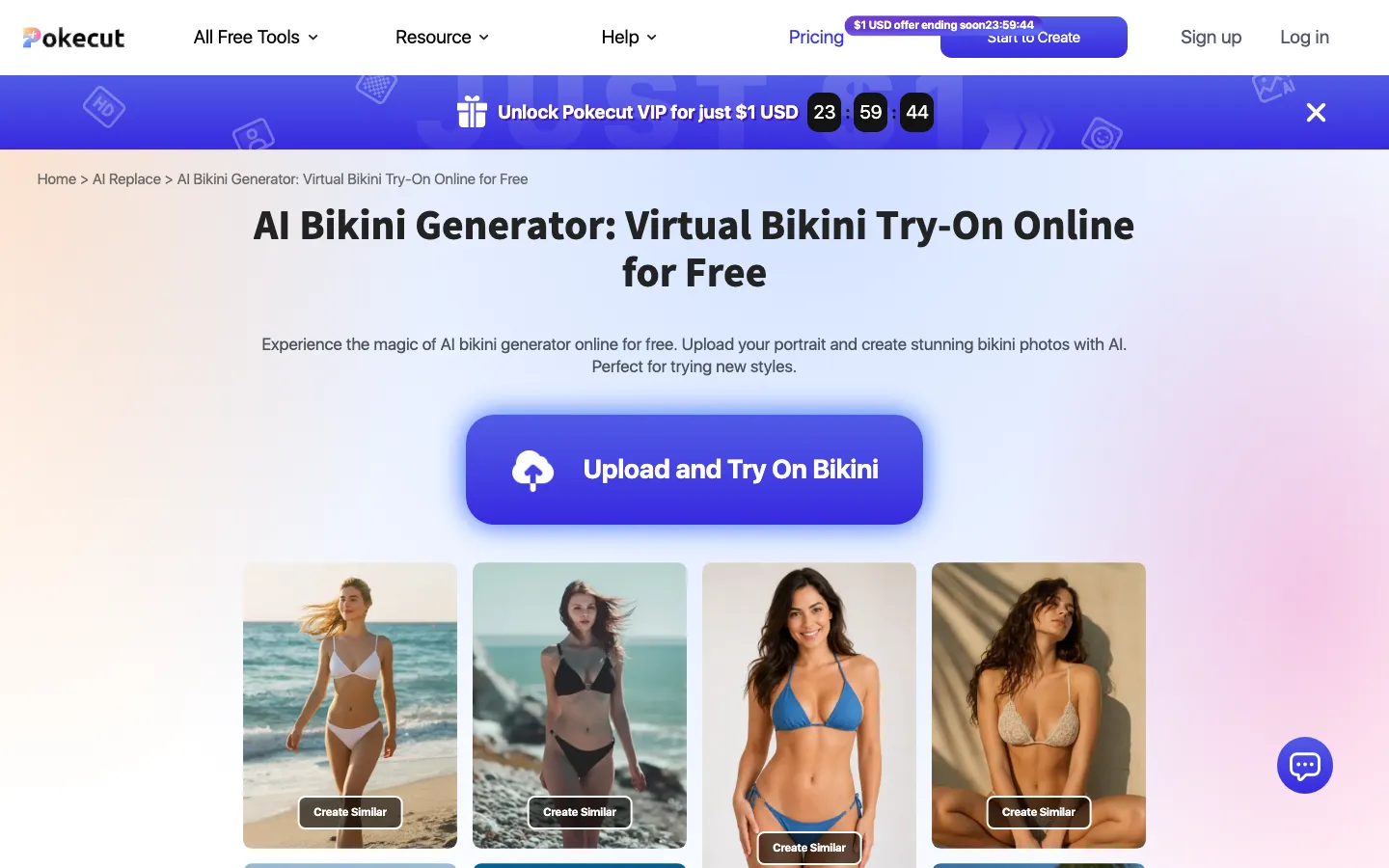
The free tier offers standard resolution with no watermark, and an account is optional. We didn't encounter a hard cap during testing.
The main weakness: complex poses (side angles, crossed arms, seated positions) can cause joint distortion if the source image isn't clean. A standing, front-facing photo produces the best results.
Best for: Previewing a specific swimwear product before buying, or matching an exact garment.
4. Mango AI — Best for Video Output
If you want movement rather than a still image, Mango AI is the standout. It generates short bikini clips—about 4 seconds in our test—adapting swimwear fit across different body types with a subtle animation effect.
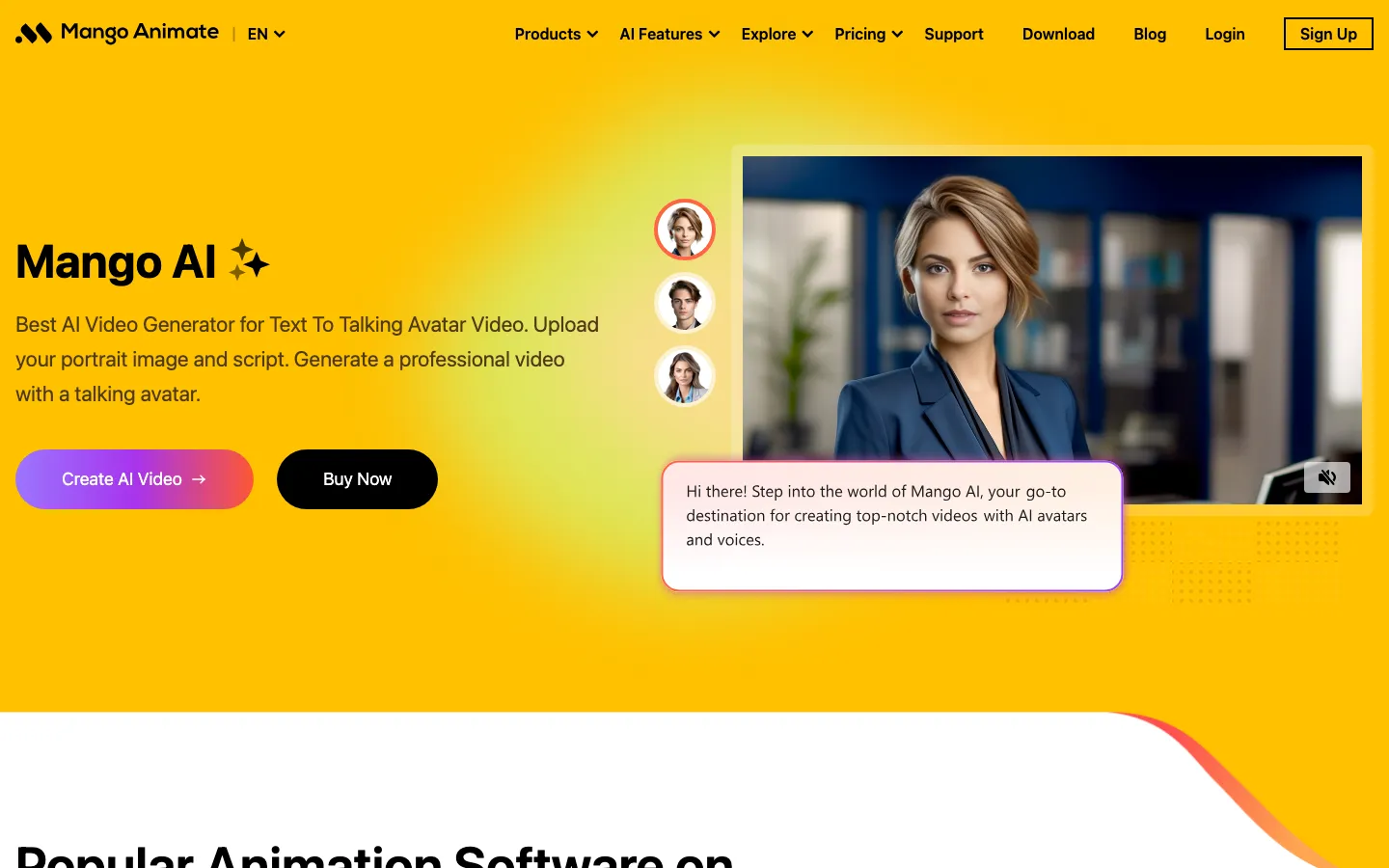
The free tier allows roughly 2–3 video generations and requires a signup. Output is watermarked and capped at 720p. Generation takes 30–60 seconds per clip, and the tool accepts JPG, PNG, and WebP inputs. A clear, single-person, upper-body source image produces the best results.
Mango no longer has the video niche to itself, though. A wave of photo-to-bikini-video services has appeared—EaseMate AI gives logged-in users 30 free credits plus daily check-in bonuses, MyEdit offers daily free credits with no watermark, and VideoFaceSwap requires no registration at all. Mango still delivers the best clip quality in our testing, but compare free-credit terms across these newer services before committing to one.
Best for: Social-video creators who need short, animated swimwear clips.
5. WeShop AI — Best for Ecommerce Product Photos
WeShop AI is built for swimwear brands and resellers rather than casual users. Its free tier offers 200 signup points with 10 points per generation—roughly 20 edits total—and no watermark. Output resolution is listed at 1024 px or higher.
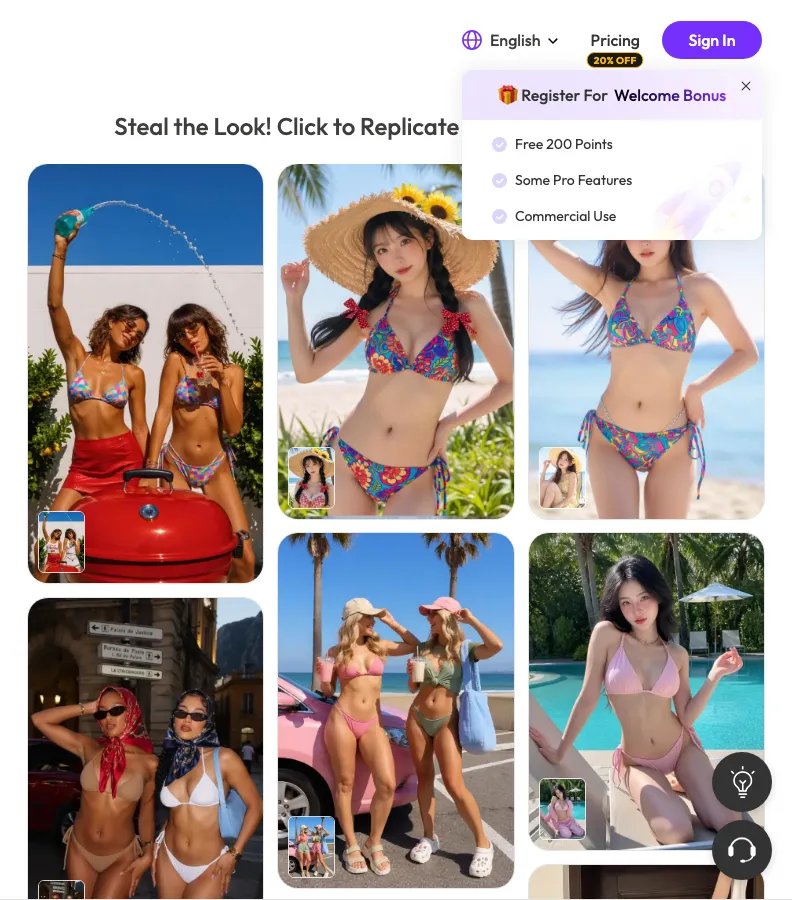
The tool excels at catalog-oriented output, with background removal and replacement, lighting and composition editing, and detailed prompt support. You can turn a single product shot into styled model images with different scenes, backgrounds, and colorways.
The downside is that the workflow is more complex than what a casual user needs, and credits deplete quickly on heavier projects. WeShop also offers a dedicated "Photo to Bikini Converter" page that emphasizes a no-login workflow for simpler outfit transformations.
Best for: Swimwear brands and resellers producing catalog or ad imagery.
6. Picwand — Reddit's Surprise Pick
Picwand isn't the most polished tool on this list, but Reddit users consistently praise it for output quality. Community feedback highlights fewer skin and fabric seam artifacts, and more natural body proportions compared to flashier competitors.
The free tier exists, but the exact cap and resolution aren't documented. Login is optional, and watermark behavior varies. The comparison table estimates roughly 768 px with video support.
Since our review, Picwand has leaned further into this niche with a dedicated AI Bikini video generator alongside its image tool, and the service now holds a 4.6/5 rating across more than 800 Trustpilot reviews—unusual visibility for a tool this bare-bones.
The trade-off is a sparse UI with fewer tutorials and community resources. If you value results over interface polish, Picwand is worth a try—especially since one Redditor described it as "the only one that didn't make my arms look melted."
Best for: Users who prioritize output quality and natural proportions over a slick interface.
7. SeaArt AI — Best for Creative Control
SeaArt AI is the tool for people who want to drive every detail with prompts. Using text descriptions, you can specify pose, setting, lighting, style, and model appearance, then refine iteratively. Community-shared prompt examples help you get started faster.
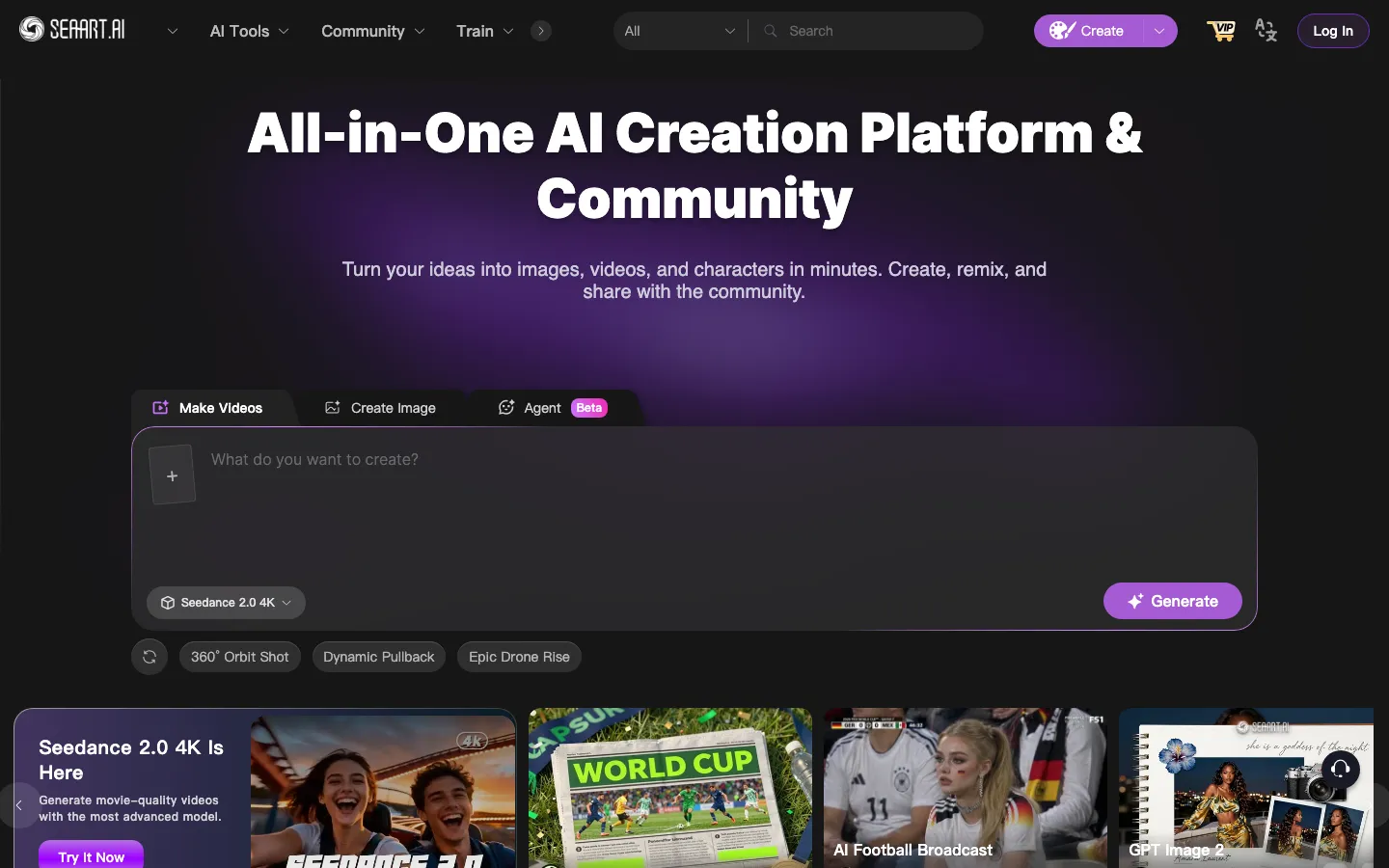
The free tier provides daily credits that reset every 24 hours—roughly 10–15 standard-resolution generations per day. Login is required, and some advanced models are paid-only. Free output resolution is listed at 1024 px.
The learning curve is steeper than the other tools on this list. Generic prompts ("woman in bikini on beach") underperform compared to detailed descriptions that specify fabric, cut, print, and scene. But once you learn to prompt well, SeaArt offers the most creative flexibility of any free option.
Best for: Experienced prompt users who want granular control over every aspect of the image.
Also Worth Watching: Kaze AI
Since our last update, Kaze AI has gained significant traction, claiming over 1 million users. It positions itself as a free, no-signup bikini generator that accepts both photo uploads and text-only prompts. You can describe fabric, cut, print, color, and scene, and Kaze produces a photorealistic swimwear image in seconds.
Kaze claims strong privacy protections—encrypting uploads, processing them in isolation, and deleting them immediately after generation. It supports a range of styles including string bikinis, triangle tops, high-waist suits, bandeau sets, sports swimwear, and one-pieces.
The catch remains the same: Kaze still doesn't publish concrete details on generation caps, output resolution, or watermark policies, and the "free" claim is prominent but unqualified. As of this update, Kaze now shows up routinely in 2026 tool comparisons alongside bigger names like OpenArt and ChatGPT—a sign it has outgrown newcomer status. If it clarifies its limits, it could easily crack the top seven—worth bookmarking and revisiting.
Free Tier Comparison Table
| Tool | Free Generations | Watermark | Max Free Resolution | Account Required |
|---|---|---|---|---|
| AILabTools | ~1 (no signup) | No | ~768 px | No |
| BeautyPlus | Daily cap (undisclosed) | No (std res) | ~768 px | Optional |
| Pokecut | No hard cap observed | No | ~768 px | Optional |
| Mango AI | ~2–3 video clips | Yes | 720p | Yes |
| WeShop AI | ~20 edits (200 pts) | No | 1024 px+ | Yes |
| Picwand | Cap undocumented | Varies | ~768 px | Optional |
| SeaArt AI | ~10–15/day | No (std res) | 1024 px | Yes |
| Kaze AI | Undisclosed | Unknown | Unknown | No |
Comparison checked in 2026. Free-tier limits change frequently—verify current policies before relying on any tool.
Content Filter Reality Check
Not every AI platform will cooperate with swimwear requests. General-purpose chatbots are especially restrictive:
- Grok and Gemini increasingly block bikini-related prompts entirely.
- ChatGPT and Claude are impractical for swimwear generation due to their restrictive suggestive-content policies.
- General image platforms are the middle ground. Services like OpenArt and PhotoGPT now run dedicated bikini generator pages with their own moderation—"free to start" credits rather than fully free, but far more permissive than the chatbots.
- Dedicated bikini generators are designed for this specific use case, which is why they tend to allow swimwear content while maintaining their own safety guardrails.
How to Get Better Results
Regardless of which tool you choose, following these tips will noticeably improve your output:
- Use a high-quality source image. Internal processing typically works at 512–768 px, but feeding it a well-lit source photo of 1,000–2,000 px on the longest side gives the AI more detail to work with.
- Choose the right pose. Standing, front-facing, with arms at your sides or on your hips, produces the most reliable results. Avoid crossed arms, seated poses, or cluttered backgrounds.
- Test across multiple tools. No single generator is best for every photo. Upload the same image to 2–3 tools and compare side by side.
- Check the output resolution. If you plan to share or print, make sure the free tier's resolution is sufficient before relying on it.
FAQ
Are AI bikini generators safe to use?
Most reputable tools process your upload and delete it within hours or days. Look for platforms with stated retention policies (AILabTools deletes within 24 hours; Kaze AI claims immediate deletion). Always use only photos you own or have explicit permission to modify—never generate swimwear images of someone else without their consent.
Can I use free-tier bikini images commercially?
Free tiers commonly restrict commercial use. WeShop AI and SeaArt AI offer commercial licensing on paid plans. If you need images for ads, product listings, or paid campaigns, check each tool's licensing terms before publishing.
What's the difference between a bikini generator and a clothes changer?
A bikini generator is specifically optimized for swimwear—understanding fabric types, cuts, and beach/pool lighting. A general clothes changer may handle swimwear, but the results are often less convincing because the model wasn't trained with swimwear as a priority.
Can I convert a face photo into a bikini image?
Yes, most tools on this list accept a standard portrait or upper-body photo and apply swimwear to the subject. The best results come from clear, front-facing images with good lighting. Side angles or photos with hands or objects obscuring the torso tend to produce artifacts.
Are there mobile apps for AI bikini generation?
BeautyPlus offers dedicated iOS and Android apps with swimwear features. Mango AI supports mobile browsers for video generation. Most other tools work in mobile browsers, though some features are optimized for desktop.
Is there a completely free, unlimited AI bikini generator?
No tool on this list offers truly unlimited free generations. AILabTools and Pokecut come closest for casual use—AILabTools with its no-signup free generation, and Pokecut with no observed hard cap on its free tier. But all tools eventually push toward a paid upgrade. Be wary of any tool claiming "completely free unlimited" without caveats.