
In the fast-evolving world of AI image generation, innovative models continue to set new standards—and Seedream 4.5 stands out as a flagship AI image model redefining what creators and businesses can achieve with generative visual technology. This comprehensive Seedream 4.5 review and usage guide breaks down everything you need to know about this powerful AI image generation tool: its core features, unrivaled image quality, step-by-step usage workflow, and how to optimize it for peak performance and ease of use. Whether you’re a seasoned creator, a marketer building visual content, or a beginner exploring AI art, this guide will turn you into a Seedream 4.5 expert, helping you generate high-quality, professional AI images in minutes.
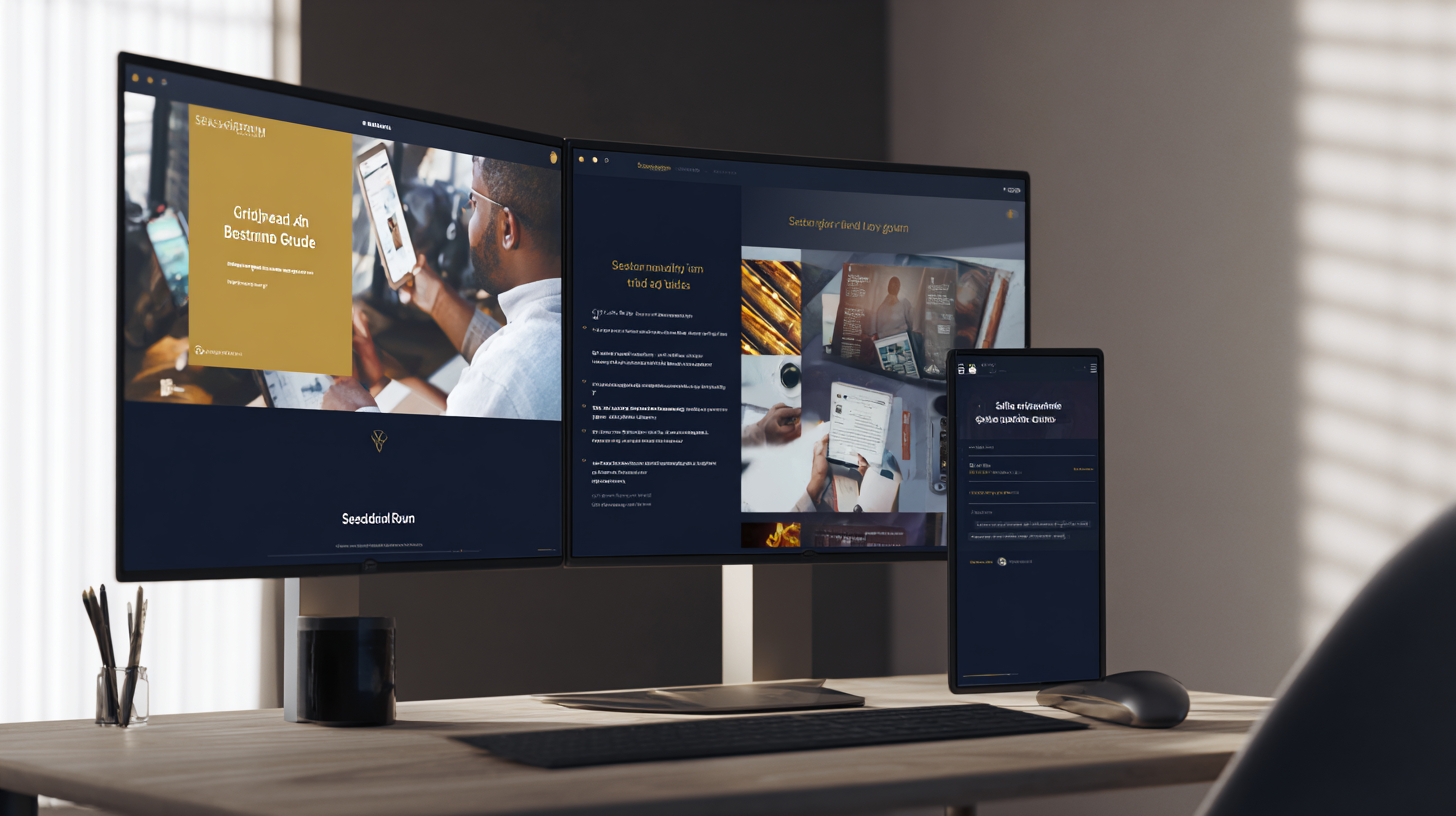
As one of the most refined AI image models to date, Seedream 4.5 builds on the success of its predecessors with enhanced AI architecture, improved prompt adherence, and next-level visual fidelity—all while remaining intuitive for users of all skill levels. This review covers every critical aspect of Seedream 4.5, from its standout features and performance to real-world use cases, and the guide walks you through every step of using the model—so you can start creating stunning AI images with confidence.
What Is Seedream 4.5? The Next-Gen AI Image Model
At its core, Seedream 4.5 is a state-of-the-art AI image generation model, designed to transform text prompts, reference images, and creative ideas into hyper-realistic, stylistically diverse, and high-resolution images. Leveraging advanced diffusion technology and a massive training dataset, this model delivers AI image generation results that rival professional design work—with none of the traditional time or cost barriers. Unlike older AI image models that struggle with prompt misinterpretation, blurry details, or inconsistent styling, Seedream 4.5 was engineered for precision: it understands nuanced creative intent, renders crisp, lifelike textures, and maintains visual coherence across every generation.
Seedream 4.5 is built for versatility—it caters to every creative need, from photorealistic product shots and brand visuals to artistic illustrations, abstract art, and social media content. It supports a wide range of resolutions, from HD for everyday use to 4K for professional print and digital campaigns, and it adapts seamlessly to any visual style with just a few prompt tweaks. For users of all skill levels, Seedream 4.5 becomes the go-to AI image generation tool for every project, with zero friction between idea and final image.
Seedream 4.5 Review: Core Features & Standout Strengths
This Seedream 4.5 review wouldn’t be complete without a deep dive into its core features—the capabilities that make this AI image model a game-changer for creators and businesses alike. Every feature is engineered for speed, quality, and flexibility, making Seedream 4.5 stand out from other AI image generation models on the market:
1. Unmatched Image Quality & Visual Fidelity
The most striking feature of Seedream 4.5 is its exceptional image quality—this AI image model generates sharp, detailed visuals with lifelike textures, realistic lighting, and vibrant color grading, even at 4K resolution. It excels at rendering complex details, from the fine grain of wood and the sheen of metal to the softness of fabric and the depth of natural landscapes, and it eliminates common AI image artifacts like blurry edges, distorted proportions, or garbled text.
2. Precise Prompt Adherence & Creative Intent Understanding
Seedream 4.5’s advanced AI architecture gives it an unparalleled ability to understand and execute nuanced text prompts—far beyond basic keyword parsing. It interprets creative intent, mood, style, and composition, ensuring the generated image aligns exactly with what you envision. Whether you’re writing a simple prompt for a minimalist graphic or a detailed prompt for a cinematic landscape, Seedream 4.5 delivers results that match your vision every time.
3. Diverse Stylistic Flexibility
One of the biggest strengths of Seedream 4.5 is its stylistic versatility—this AI image model can generate images in virtually any visual style, with precise control over tone, aesthetic, and artistic influence. From photorealism and hyperrealism to anime, watercolor, oil painting, retro vintage, cyberpunk, and minimalist design, Seedream 4.5 adapts seamlessly to your creative needs. It also lets you blend styles and add custom artistic flourishes, making it easy to create one-of-a-kind AI images that stand out.
4. Fast AI Image Generation Speed
Seedream 4.5 is optimized for speed without compromising on image quality, making it one of the fastest AI image generation models on the market. Short prompts generate high-quality HD images in seconds, and even detailed 4K image generation takes only a few minutes—far faster than traditional AI image models and perfect for rapid creative iteration. This is a game-changer for marketers and content teams that need to scale visual content production quickly.
5. Reference Image Integration & Customization
Seedream 4.5 excels at working with reference images, letting you upload a photo, sketch, or graphic and use it as a foundation for AI image generation. You can tweak the style, lighting, and composition of the reference image, or use it to guide the model’s character design, product shape, or scene layout—ensuring the generated image aligns with your existing brand assets or creative vision. This feature is perfect for product photography, brand visual design, and character creation, as it maintains consistency with your existing content.
6. User-Friendly Intuitive Interface
Despite its advanced capabilities, Seedream 4.5 is built for users of all skill levels, with a simple, intuitive interface that eliminates the steep learning curve of other AI image generation tools. No professional design or AI expertise is needed—just input your prompt, tweak a few basic settings, and generate your image. Whether you’re a first-time AI art creator or a seasoned pro, you’ll be generating stunning images with Seedream 4.5 in minutes.
Seedream 4.5 Usage Guide: Step-by-Step
Now that you know the standout features from our Seedream 4.5 review, it’s time to put this AI image model to use—and this step-by-step usage guide will walk you through every part of the process. The Seedream 4.5 workflow is designed to be as seamless as possible, with no technical hurdles, and all the tools you need to generate high-quality AI images. Follow these simple steps to create your first AI image with Seedream 4.5:
Step 1: Access Seedream 4.5
Navigate to your preferred platform that hosts Seedream 4.5—no additional downloads or integrations are needed for most platforms. The interface is pre-configured for optimal performance, so you can start creating immediately.
Step 2: Choose Your Input Type (Prompt or Reference Image)
Decide whether you want to generate an AI image from a text prompt or a reference image (or both)—Seedream 4.5 supports both, with the option to combine a text prompt with a reference image for maximum creative control. If using a reference image, upload it directly to the interface—all common image formats are supported, and built-in tools can touch up any imperfections for a better foundation.
Step 3: Craft Your Prompt (or Use Pre-Built Templates)
If generating from a text prompt, craft your creative vision—add details about style, lighting, composition, mood, and resolution for the best results. For example: “4K photorealistic coffee mug on a wooden table, soft morning natural light, bokeh window background, warm color palette, minimalist style”. Many platforms offer pre-built Seedream 4.5 prompt templates for every use case—social media, product photography, art, and brand visuals—so you can start generating without writing a prompt from scratch.

Step 4: Adjust Your Generation Settings
Tweak Seedream 4.5’s generation settings to match your needs: select your resolution (HD, 2K, 4K), aspect ratio (1:1 for social media, 16:9 for banners, 9:16 for Reels), and style intensity. You can also adjust the model’s creativity level—from conservative (closer to your prompt) to experimental (more creative variations)—for different results. All settings are clearly labeled, so even beginners can make informed choices.
Step 5: Generate Your AI Image
Click the “Generate” button, and let Seedream 4.5 do the rest. Your image will generate in seconds (HD) or a few minutes (4K), with a live progress bar so you can track the process. You can generate multiple variations of the same prompt with one click, giving you a range of AI images to choose from.
Step 6: Refine & Export Your Image
Once your AI image is generated, use built-in editing tools to refine it—sharpen details, adjust colors, crop the frame, or add text overlays. When you’re happy with the final result, export it in your preferred format (PNG, JPG, WebP) with a single click. Most platforms let you export high-resolution versions for print and web-optimized versions for social media, so your image is ready for immediate use.
Real-World Use Cases: Who Benefits from Seedream 4.5?
Seedream 4.5 is a versatile AI image generation model that serves the needs of every type of creator and business, making it accessible for real-world use. From solo creators to large enterprise teams, Seedream 4.5 is the perfect tool for generating high-quality visual content quickly and affordably. Below are the key use cases where this AI image model shines the most:
Social Media Creators & Influencers
Generate eye-catching AI images for Instagram, TikTok, Pinterest, and YouTube—from stylish lifestyle graphics and eye-catching post backgrounds to custom illustrations and trend-aligned content. Seedream 4.5’s fast generation speed lets you keep up with social media trends, and platform optimization tools ensure your images are the perfect size and format for every platform.
Marketers & Brand Teams
Create professional brand visuals, ad creatives, product mockups, and marketing graphics at scale. Seedream 4.5’s precise prompt adherence and brand consistency features let you generate on-brand visuals every time, and batch generation tools let you create dozens of ad variations for A/B testing in minutes. This eliminates the need for expensive freelance designers and speeds up your marketing workflow.
Small Business Owners
Craft high-quality product photos, website graphics, and local marketing visuals without the cost of a professional photoshoot or design team. Seedream 4.5 can generate photorealistic product shots with custom backgrounds and lighting, and its easy-to-use interface means you don’t need any design skills to create stunning visuals for your business.
Artists & Illustrators
Explore creative new ideas, generate concept art, and create original AI art for sale or personal projects. Seedream 4.5’s stylistic flexibility lets you experiment with different artistic styles and techniques, and high-resolution export ensures your art looks perfect for print, digital display, or online marketplaces like Etsy.
E-Commerce Sellers
Generate professional product images for your online store—from white-background product shots to lifestyle visuals that showcase your products in use. Seedream 4.5’s reference image integration lets you use your existing product photos as a foundation, and image refinement tools ensure your product images are sharp, detailed, and ready to drive sales.
Enterprise Teams
Scale visual content production across departments with consistent quality and brand alignment. Seedream 4.5 offers team collaboration tools, shared workspaces, and version control, so your entire team can create and edit AI images together—no matter where they’re located. This is perfect for large brands, agencies, and e-commerce retailers that need to produce high volumes of visual content.
Seedream 4.5 Review: Final Verdict
After an in-depth review of its features, performance, and real-world use cases, it’s clear that Seedream 4.5 is one of the best AI image generation models on the market—its unmatched image quality, precise prompt adherence, stylistic flexibility, and fast generation speed make it a must-have tool for any creator or business that needs high-quality visual content. It balances technical power with user-friendliness, eliminating the barriers to entry for AI image generation and making professional design accessible to everyone.
If you’re ready to take your AI image generation to the next level, Seedream 4.5 is the ultimate tool. Access it through your preferred platform today, and start creating stunning, professional AI images for every project—whether you’re a solo creator, a small business, or a large enterprise. With Seedream 4.5, the only limit to your creativity is your imagination.