
The holiday season is one of the most visually inspiring times of the year. From glowing Christmas lights and snowy landscapes to cozy interiors and festive decorations, Christmas imagery plays a major role in storytelling, marketing, and digital creativity.
With modern AI image generation tools, creators can now produce high-quality holiday visuals in seconds. One tool that has gained attention for its ability to generate detailed festive scenes is Nano Banana Pro. This AI image model allows creators to produce Christmas-themed artwork using simple prompts while maintaining impressive visual detail.
In this guide, we explore how to generate Christmas images with Nano Banana Pro, how to craft effective prompts, and how creators can use AI tools to produce stunning holiday visuals.
Why Create Christmas Images with Nano Banana Pro
Seasonal visuals are extremely important for online content. Brands, creators, and designers rely on holiday imagery for social media posts, marketing campaigns, greeting cards, and digital art.
Nano Banana Pro Christmas image generation offers several advantages for creators:
- Fast generation of festive scenes
- Detailed lighting and atmospheric effects
- Flexible art styles for holiday themes
- Easy prompt-based image creation
These capabilities allow creators to produce a wide range of holiday visuals without traditional design tools.
For creators experimenting with AI tools, platforms such as aireiter provide access to modern AI image models that support seasonal image generation and creative workflows.
Understanding the Visual Elements of Christmas Images
Before writing prompts for Nano Banana Pro Christmas image generation, it helps to understand the key visual elements that define holiday imagery.
Festive Decorations
Christmas images often include decorative elements such as:
- Christmas trees
- ornaments
- ribbons and lights
- wreaths and garlands
These elements immediately communicate the holiday theme.
Warm Lighting
Lighting plays a major role in holiday visuals. Christmas scenes often feature warm and cozy lighting from candles, fireplaces, or decorative lights.
This lighting creates a welcoming and emotional atmosphere that defines festive imagery.
Snow and Winter Atmosphere
Many Christmas images include winter landscapes. Snow-covered streets, pine forests, and frosty windows add a magical seasonal feel.
Combining winter scenery with warm lighting creates a strong visual contrast that works well in AI-generated art.
How Nano Banana Pro Generates Christmas Images
Nano Banana Pro uses prompt-based image generation to create visuals. This means the quality of the final image depends heavily on the description provided by the user.
The general workflow is simple.
Step 1: Write a Detailed Prompt
Start by describing the subject, environment, and lighting. For example, you may describe a snowy village with glowing Christmas lights.
Step 2: Choose an Art Style
Specify the style of the image. This could include cinematic photography, illustration, watercolor painting, or realistic rendering.
Step 3: Add Atmosphere Details
Include environmental elements such as snowfall, warm lighting, or decorative textures.
Step 4: Generate and Refine
After generating an image, creators can refine prompts to improve details or adjust composition.
Platforms such as aireiter allow creators to explore different prompt variations and generate multiple holiday images efficiently.
Writing Effective Nano Banana Pro Christmas Prompts
Strong prompts are essential for generating high-quality images.
Focus on Scene Composition
Instead of writing short prompts, describe the entire scene. Include the location, objects, lighting, and mood.
Example structure:
Subject + Environment + Lighting + Style
This approach helps the AI generate a coherent image.
Include Seasonal Details
Holiday prompts should include specific festive elements such as decorations, lights, or snow.
For example, adding glowing lights or falling snow helps create stronger Christmas visuals.
Specify Artistic Style
Different styles can dramatically change the result. Consider including artistic direction in prompts.
Examples include:
- cinematic holiday photography
- vintage Christmas illustration
- watercolor winter artwork
- modern festive digital art
These details guide the AI toward a consistent visual style.
Christmas Prompt Examples for Nano Banana Pro
Here are several prompt examples for generating holiday imagery.
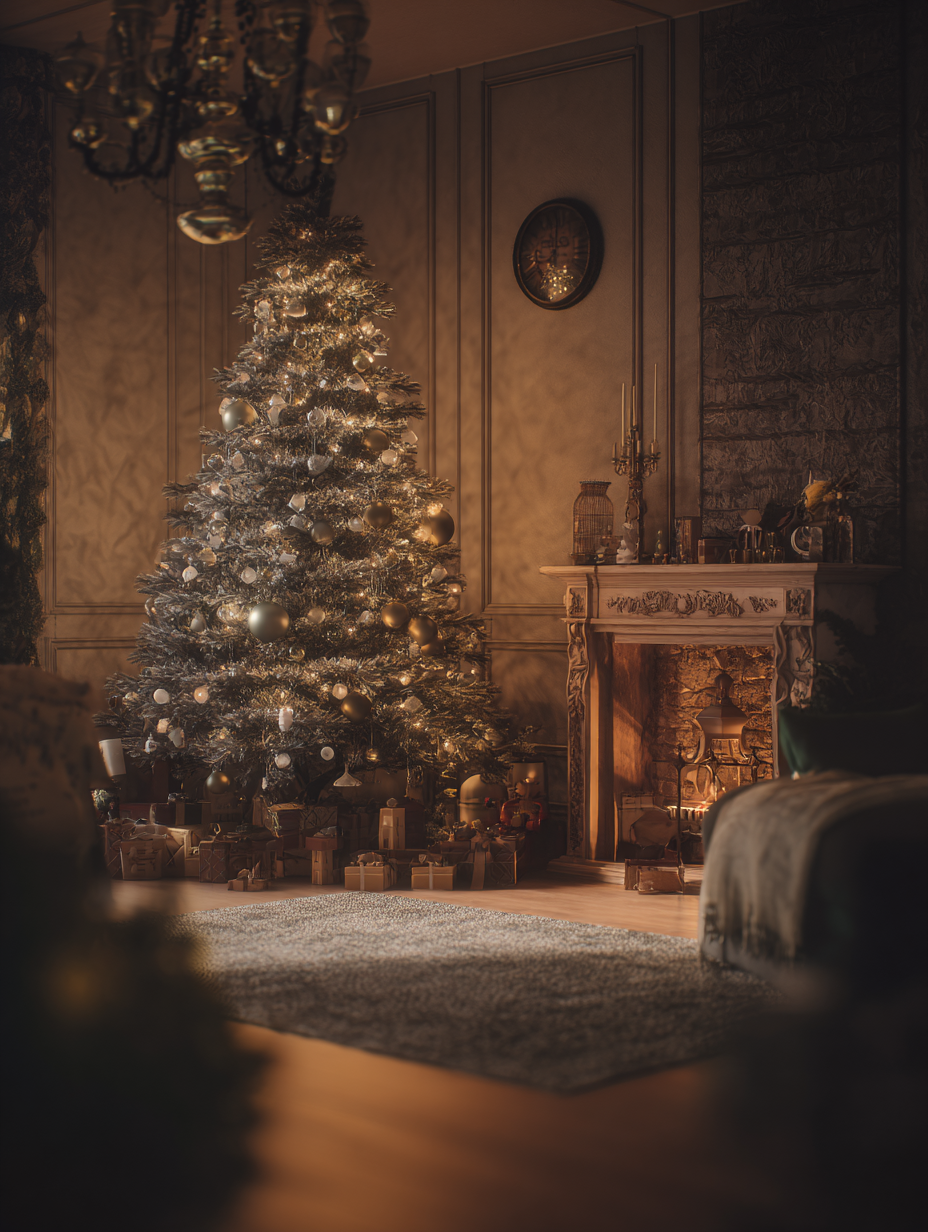
Cozy Christmas Living Room
A cozy Christmas living room with a decorated tree, warm fireplace glow, soft golden lights, festive decorations, cinematic photography, highly detailed.
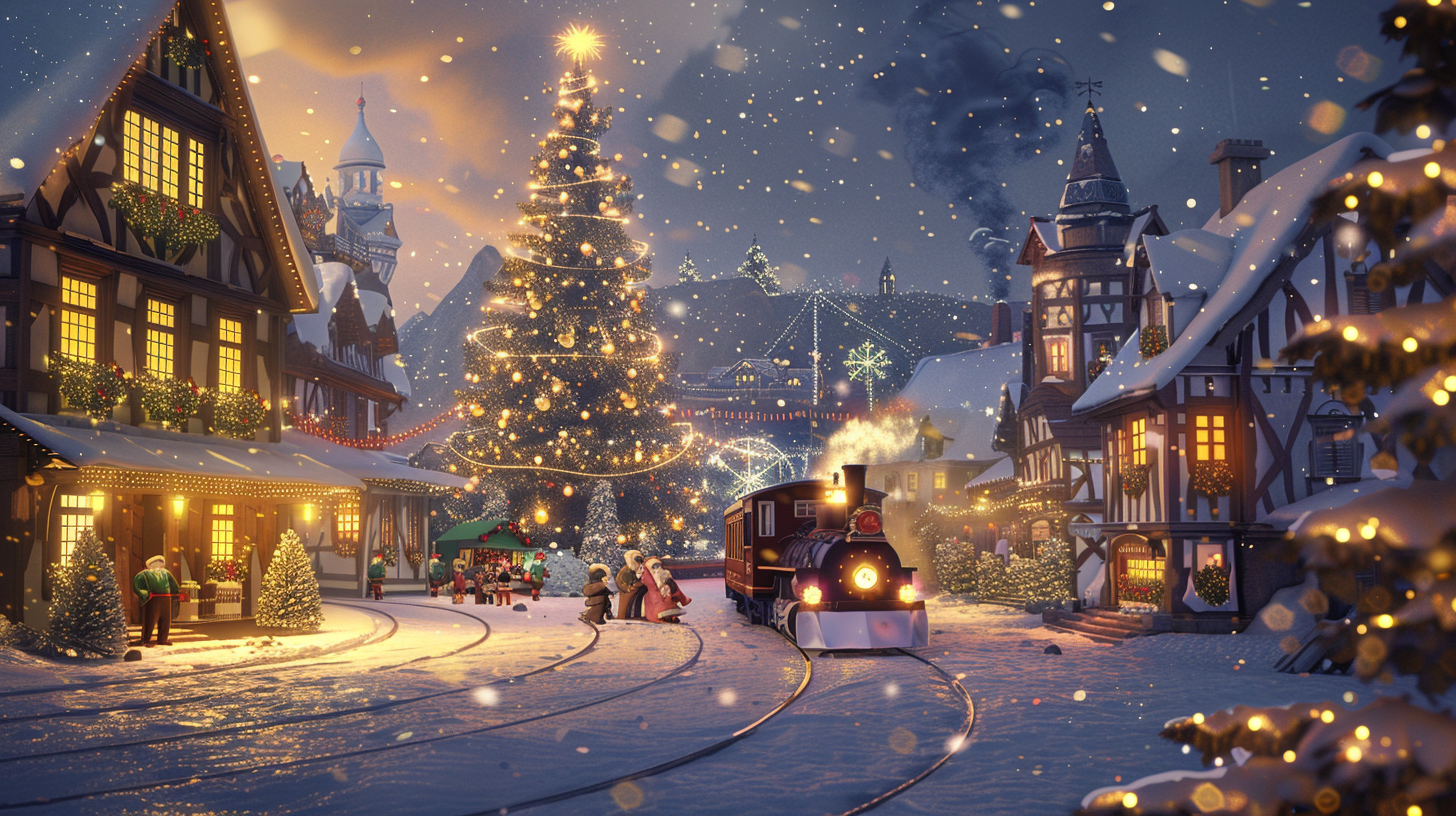
Snowy Christmas Village
A magical snowy Christmas village at night, glowing street lamps, snow-covered rooftops, warm holiday lights, festive atmosphere, realistic winter scene.
Santa Portrait
A detailed portrait of Santa Claus with a warm smile, soft glowing lights in the background, cinematic lighting, holiday atmosphere.
Christmas Market Scene
A festive Christmas market with wooden stalls, glowing decorations, snow falling softly, warm winter lighting, lively holiday mood.
Winter Cabin
A wooden cabin in a snowy forest with warm light glowing from the windows, snow-covered trees, cozy holiday environment.
These prompts demonstrate how Nano Banana Pro Christmas prompts can produce visually rich holiday scenes.
Advanced Tips for Better Christmas Images
Once creators understand the basics of prompt writing, they can refine their workflow to generate even better results.
Add Lighting Descriptions
Lighting dramatically improves the atmosphere of holiday images.
Try describing light sources such as:
- glowing fairy lights
- candlelight
- fireplace reflections
- warm indoor lighting
Use Camera Perspective
Adding camera perspective can enhance realism.
Examples include:
- wide angle winter landscape
- close-up holiday portrait
- cinematic shot of Christmas market
These elements make AI-generated images feel more immersive.
Experiment with Different Styles
Creators can explore many visual styles, including:
- photorealistic winter scenes
- fantasy holiday illustrations
- stylized Christmas artwork
Exploring different styles helps produce more diverse creative results.
Creative Use Cases for Christmas AI Images
Holiday AI image generation can be used in many creative fields.
Social Media Content
Creators often need festive visuals for seasonal posts. AI tools allow them to quickly produce unique Christmas images.
Digital Greeting Cards
Personalized holiday cards can be generated using festive prompts and customized styles.
Marketing Campaigns
Brands frequently run holiday promotions. AI-generated Christmas visuals can support advertising campaigns.
Creative Art Projects
Artists can use Nano Banana Pro prompts to explore winter landscapes, festive characters, and holiday storytelling.
Platforms such as aireiter enable creators to experiment with different AI models while developing seasonal visual content.
The Future of AI Holiday Image Generation
AI image generation technology continues to evolve rapidly. Tools like Nano Banana Pro demonstrate how prompt-driven image creation can help creators produce seasonal artwork efficiently.
As AI models become more advanced, we may see new capabilities such as:
- persistent character generation in holiday scenes
- interactive AI design tools
- real-time creative editing
- enhanced storytelling workflows
These innovations will make AI-assisted creativity even more powerful.
Conclusion
Christmas imagery has always played an important role in visual storytelling. With the help of AI tools like Nano Banana Pro, creators can now generate festive visuals faster and with greater flexibility.
By learning how to write effective Nano Banana Pro Christmas prompts and experimenting with different styles, creators can produce unique holiday images for storytelling, marketing, and artistic projects.
As AI image generation continues to improve, platforms such as aireiter are helping creators access powerful tools that simplify the creative process and unlock new possibilities for seasonal digital art.