 AIREITER
You want Codex to just run: edit files, execute commands, keep moving without stopping to approve every step. So you flip on "Full Access" and it *still* asks. Here is the cause and the fully hands-off fix, tested on Codex CLI v0.145.0, before the full detail.
Why it happens: "Auto mode" is not one switch. Codex has two independent controls — a sandbox (what it may touch) and an approval policy (when it stops to ask) — and network access is a third, separate gate. Loosening one does not loosen the others, and a Codex update can silently reset your session back to the default policy.
Fully hands-off in the CLI: --yolo is the only flag that drops every gate at once. For a safer version that keeps the sandbox, set both axes explicitly. Do it at the start of the session, and re-check after any update.
# Truly hands-off — no sandbox, no prompts (throwaway environment only):
codex --yolo
# Safer — edits freely inside your project, still asks to leave it:
codex --sandbox workspace-write --ask-for-approval on-request
Fully hands-off in the app: open the approval menu, pick Full access, and reselect it after each update — upgrades reset the mode.
That is the quick answer. The rest of this guide is the full map: every mode, what it maps to under the hood, and which one to pick.
The three modes, side by side
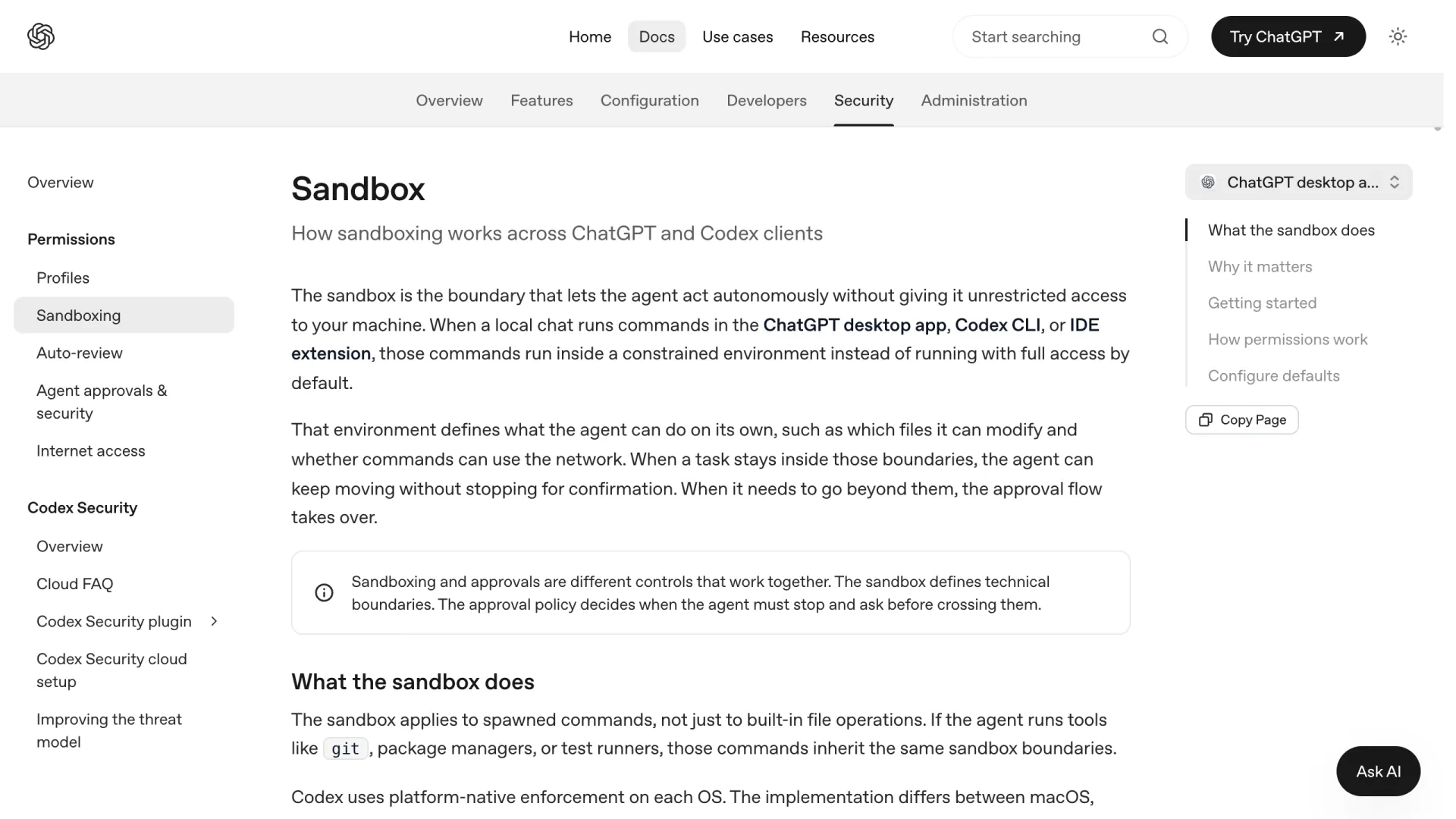
The sandbox decides what the agent may touch (files, network); the approval policy decides when it stops to ask. Auto mode just pairs the two, and the desktop app and the CLI label the same pairings differently.
| App label | What it does | CLI equivalent |
|---|---|---|
| Ask for approval | Edits files in the workspace, runs routine local commands, asks before internet or anything outside the workspace | sandbox_mode = "workspace-write" + approval_policy = "on-request" |
| Approve for me (current app default) | Same boundaries, but eligible approval prompts go to an AI reviewer instead of you (this is Auto-review) | above + approvals_reviewer = "auto_review" |
| Full access | No sandbox, no approval prompts, unrestricted files and network | sandbox_mode = "danger-full-access" + approval_policy = "never" |
If you live in the CLI, you set these directly with --sandbox and --ask-for-approval, or switch presets mid-session with the /permissions picker. If you are still deciding between clients at all, that is a separate question; we compared Codex and Claude Code here. This piece is about the settings themselves.
Why "Full Access" still asks you to approve
Three reasons, and they stack.
Sandbox and approval are different axes. workspace-write + on-request lets Codex edit freely inside your project but stop at its edge: a network call, a file outside the repo, a sudo. Loosen the sandbox but leave approvals on request, and you still get prompts at every boundary.
Network is its own gate. Full Access can still gate the internet separately from the filesystem. As @mxcl noted (July 16, 2026), Codex "cannot use the Internet without full access, ending task until the user enables full access." File-write and network are not the same permission.
Updates reset your mode. Several users hit this in late July 2026: upgrading Codex silently kicks active sessions back to the default policy. @s_rafcon (July 22): threads "switch their Full access flag to the default flag and [are] stuck asking for approval on every single edit." Set the mode at the *start* of a session, and re-check after each update.
The CLI: --full-auto is gone. Here's the replacement
codex --full-auto used to be the shortcut for "work in my project without asking" (approval_policy = "on-request" + sandbox_mode = "workspace-write"). The interactive command no longer accepts it. Tested on v0.145.0:
$ codex --full-auto
error: unexpected argument '--full-auto' found
Set the two axes explicitly instead — this is exactly what the old flag did:
# The modern replacement for --full-auto
codex --sandbox workspace-write --ask-for-approval on-request
# Or, non-interactive, no prompts but keep the sandbox:
codex -a never -s workspace-write exec "your task"
codex exec --full-auto still takes the flag for scripts; only the interactive command errors. From codex --help: --ask-for-approval takes untrusted / on-request / never, and --sandbox takes read-only / workspace-write / danger-full-access. Every app "mode" is a pairing of those two.
--yolo: when full bypass is the right call
--yolo is the short alias for --dangerously-bypass-approvals-and-sandbox. It is the real "hands off" switch: danger-full-access plus never, no filesystem boundary and no approval gate. It survived the --full-auto removal precisely because the name makes the risk self-evident: codex --yolo parses fine on v0.145.0, where codex --full-auto errors out.
Plenty of experienced users run it by default, and for the right task they are right: use it when the environment itself is the guardrail. Treat the machine as disposable:
- Run in a throwaway VM or dev container, not your daily driver.
- Strip production credentials from the environment first.
- Keep the task narrow, then check
git diffbefore continuing.
Because --yolo drops every gate, a stray rm -rf, git push, or DROP TABLE runs unprompted — the price of speed. (Pointing Codex at a self-hosted or Anthropic-compatible endpoint through a custom model provider changes nothing here; the sandbox does not care which model is behind the API.)
"Approve for me" / Auto-review: letting an AI approve for you
The newest mode, and the current app default, is Auto-review. Eligible escalations go to a separate reviewer agent — a small Codex running GPT-5.4 Thinking (low) — that approves or denies with a rationale. OpenAI calls it "a reviewer swap, not a permission grant": it does not widen your writable directories or open the network, only changes *who says yes*.
The numbers, from OpenAI's own April 30, 2026 evaluation: Auto-review pauses for a human roughly 200x less often than manual approval, and approves about 99.1% of the escalations it reviews (99.93% across all actions). In their illustrative snapshot of 10,000 actions, 9,280 ran inside the sandbox untouched, 720 hit the reviewer, and only 7 were denied.
It has guardrails against runaway denials: the turn interrupts after 3 consecutive denials, or after 10 denials within a rolling window of the last 50 reviews. When it stops you, run /approve to open the Auto-review Denials picker and green-light one action for a retry.
The catch: those safety checks can stall long runs. Users on multi-hour /goal tasks reported in late July 2026 that the periodic "keep waiting?" prompt broke workflows that used to run for days unattended. OpenAI also says plainly it "should not be treated as a guarantee of security" — red-team recall is high but imperfect (90.3% overreach, 99.3% prompt injection, 96.1% misaligned-model). A good default, not a substitute for a sandbox on high-stakes work.
To turn it on in config rather than the UI:
approvals_reviewer = "auto_review"

[auto_review]
policy = """
Describe what the reviewer should allow or block here.
"""
Which mode should you actually use?
- Everyday local coding:
workspace-write+on-request("Ask for approval"). You keep the veto on anything leaving the repo, which is where the real damage lives. - Long, unattended runs: "Approve for me" (Auto-review). Know that it still pauses on the actions it flags, so it is not zero-touch.
- One-off dirty work in a throwaway box:
--yolo. Fastest, most dangerous, only safe when the environment can't be hurt. - Reading or reviewing a codebase:
read-only. No writes, no surprises.
The honest summary: there is no setting that is both fully autonomous and fully safe. Every step toward hands-off trades your own judgment for a classifier's. That trade is worth it for routine work and a bad idea on production infrastructure. Pick per task, not once and forever.
FAQ
Is there an auto mode for Codex?
Yes, but it is a set of presets rather than a single toggle. In the app, "Ask for approval," "Approve for me," and "Full access" are the auto modes; in the CLI you assemble the same behavior from --sandbox and --ask-for-approval, or use /permissions.
How do I make Codex auto-approve all commands?
Set approval_policy = "never". Paired with workspace-write it stops prompting inside the sandbox; paired with danger-full-access (i.e. --yolo) it stops prompting entirely. The latter removes all guardrails, so only run it in an isolated environment.
What is Codex auto-review mode?
Auto-review (approvals_reviewer = "auto_review", shown as "Approve for me") routes approval decisions to an AI reviewer agent instead of you. It approves ~99% of what it reviews and pauses for a human about 200x less often, but it is not a security guarantee.
Does --full-auto still work?
Not in the interactive CLI. Tested on v0.145.0, codex --full-auto returns "unexpected argument." codex exec --full-auto still accepts it as a deprecated alias for scripts. For interactive use, set --sandbox workspace-write --ask-for-approval on-request instead.
Is --yolo mode safe?
No. That is the point of the name. It disables the sandbox and all approvals simultaneously. It is reasonable only inside a disposable VM or container with production credentials removed and the task scoped narrowly.